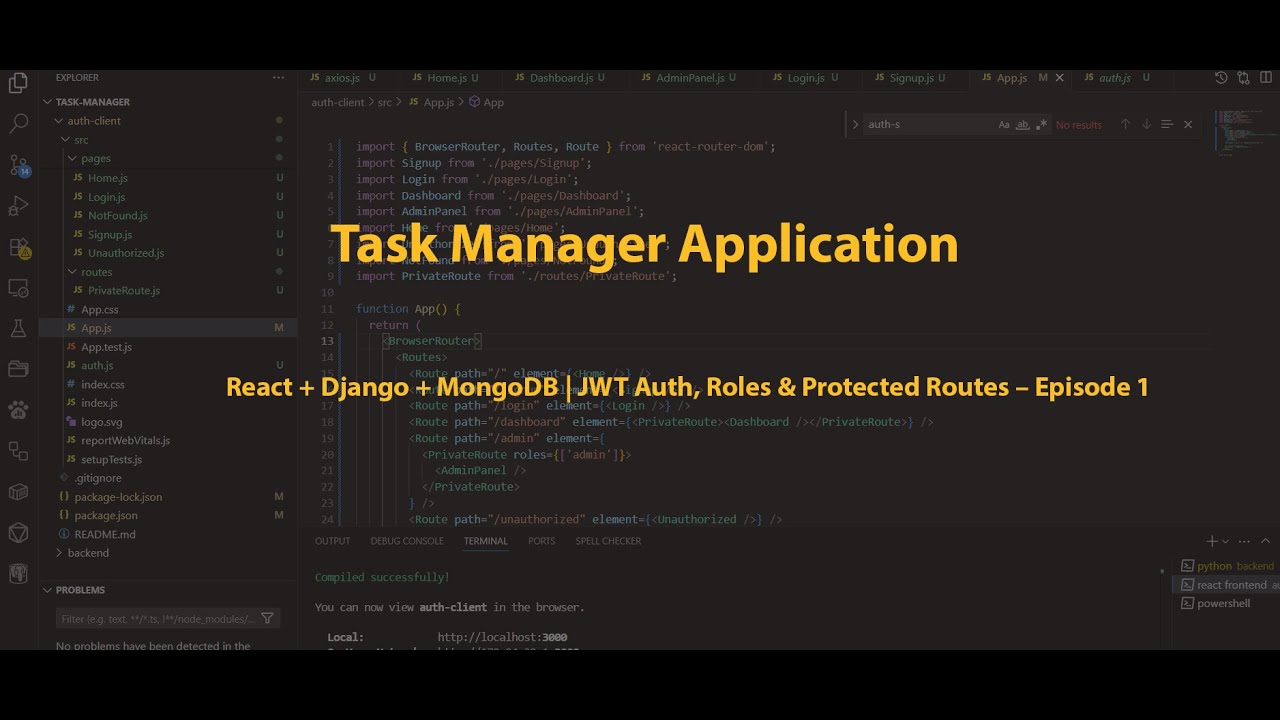
Build a Task Manager with React + Django + MongoDB | JWT Auth, Roles & Protected Routes – Episode 1
Автор: Why Wrestling
Загружено: 2025-06-18
Просмотров: 81
📌 📽️ Title: Build a Full-Stack Task Manager Application
Episode 1: Build a Full-Stack Auth System with React + Django + MongoDB | JWT Auth,
Roles & Protected Routes (Frontend + Backend)
📋 Description
In this tutorial, you'll learn how to build a complete authentication system using React
(frontend), Django (backend with REST API), and MongoDB (database) —
featuring JWT authentication, signup/login, role-based access control,
and protected routes.
🔐 What you'll build:
User Signup/Login system
JWT token authentication
Role-based access control (admin, user, etc.)
Protected frontend routes in React
MongoDB integration with Django using Djongo
🛠️ Tech stack:
Frontend: React, React Router, Axios
Backend: Django REST Framework, djangorestframework-simplejwt, Djongo
Database: MongoDB Atlas
💡 Great for: Full-stack developers, job-seekers, project portfolio builders, biginners.
📦 GitHub source code: [Link when ready]
Don’t forget to 👍 Like, 🔔 Subscribe, and 💬 Comment
---
🧱 *Project Folder Structure (Backend)*
```
task-manager/
├── backend/
│ ├── auth_project/
│ │ ├── __init__.py
│ │ ├── settings.py
│ │ ├── urls.py
│ │ ├── asgi.py
│ │ └── wsgi.py
│ ├── users/
│ │ ├── migrations/
│ │ ├── __init__.py
│ │ ├── models.py
│ │ ├── serializers.py
│ │ ├── tokens.py
│ │ ├── views.py
│ │ ├── permissions.py
│ │ ├── urls.py
│ │ └── admin.py
│ ├── manage.py
│
📁 *Folder Structure (React Frontend)*
```
task-manager/
├── backend/
├── auth-client/ ← React frontend
│ ├── public/
│ ├── src/
│ │ ├── api/
│ │ │ └── axios.js ← Axios instance with JWT interceptor
│ │ ├── components/
│ │ │ └── Navbar.js ← Navigation with role checks
│ │ ├── pages/
│ │ │ ├── Login.js
│ │ │ ├── Signup.js
│ │ │ ├── Dashboard.js
│ │ │ ├── NotFound.js
│ │ │ ├── Unauthorized.js
│ │ │ └── AdminPanel.js
│ │ ├── routes/
│ │ │ └── PrivateRoute.js ← Route protection by role
│ │ ├── App.js
│ │ ├── index.js
│ │ └── auth.js ← Auth helper functions
│ └── package.json
🔹 *Step 1: Initialize Django Project*
from your command prompt
Commands
```
mkdir task-manager
cd auth-system
python -m venv venv
On Mac: source venv/bin/activate # On Windows: venv\Scripts\activate
inside your task-manager/backend/ directory
pip install django
django-admin startproject auth_project backend
cd backend
python manage.py startapp users
```
🔹 *Step 2: Connect to MongoDB*
Install Djongo
```
pip install djongo pymongo
```
🔹 Step 3: Install & Configure JWT
Install Packages from your command prompt inside your task-manager/backend/ directory
```
pip install djangorestframework djangorestframework-simplejwt
pip install django
pip install djangorestframework
pip install djangorestframework-simplejwt
pip install sqlparse
pip install django-cors-headers
```
---
🔹 Step 4: Create all the files and type the code in it for better understaning line by line.
`users/serializers.py`
`users/views.py`
`users/urls.py`
`auth_project/urls.py`
`users/permissions.py`
`users/tokens.py`
`users/models.py`
`users/admin.py`
update your auth_project files:
urls.py
settings.py
🔹 Step 5: Apply Migrations & Test
Commands
```
python manage.py makemigrations
python manage.py migrate
python manage.py createsuperuser
```
Test with Postman or cURL
1. Start Django server: `python manage.py runserver`
2. Register a new user: `POST /api/register/`
3. Login: `POST /api/login/` → Get JWT access token
4. Access protected profile: `GET /api/me/` with Authorization header:
4. Try admin-only endpoint with a non-admin user and see the permission denied message.
if you encounter error during installation downgrade django:
Download Python 3.10.6
pip uninstall django djangorestframework djangorestframework-simplejwt
pip install django==3.1.12
pip install djangorestframework==3.12.4
pip install djangorestframework-simplejwt==4.7.2
pip install sqlparse==0.2.4
pip install django-cors-headers==3.7.0
Please follow the guide in the video for both backend and frontend installation. Thank you
Доступные форматы для скачивания:
Скачать видео mp4
-
Информация по загрузке: