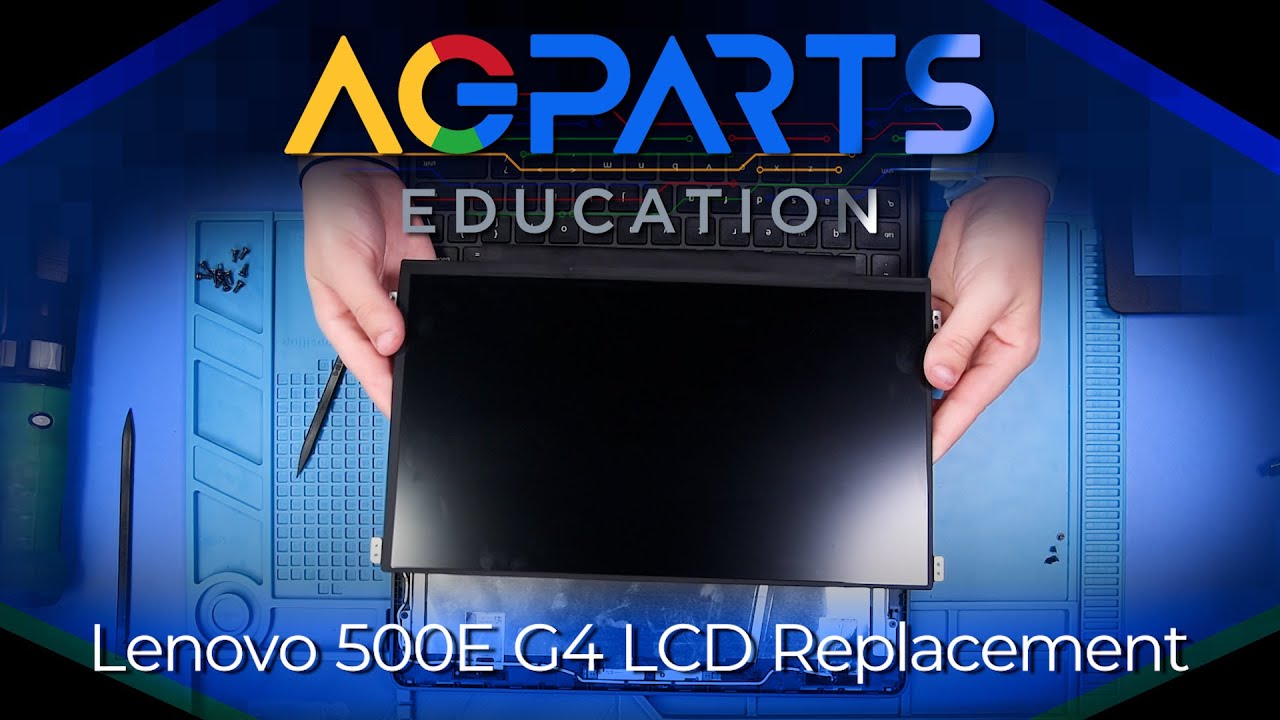
Lenovo 100e Gen 4 Chromebook LCD Screen Replacement
Автор: ChromebookParts.com
Загружено: 2024-06-26
Просмотров: 2036
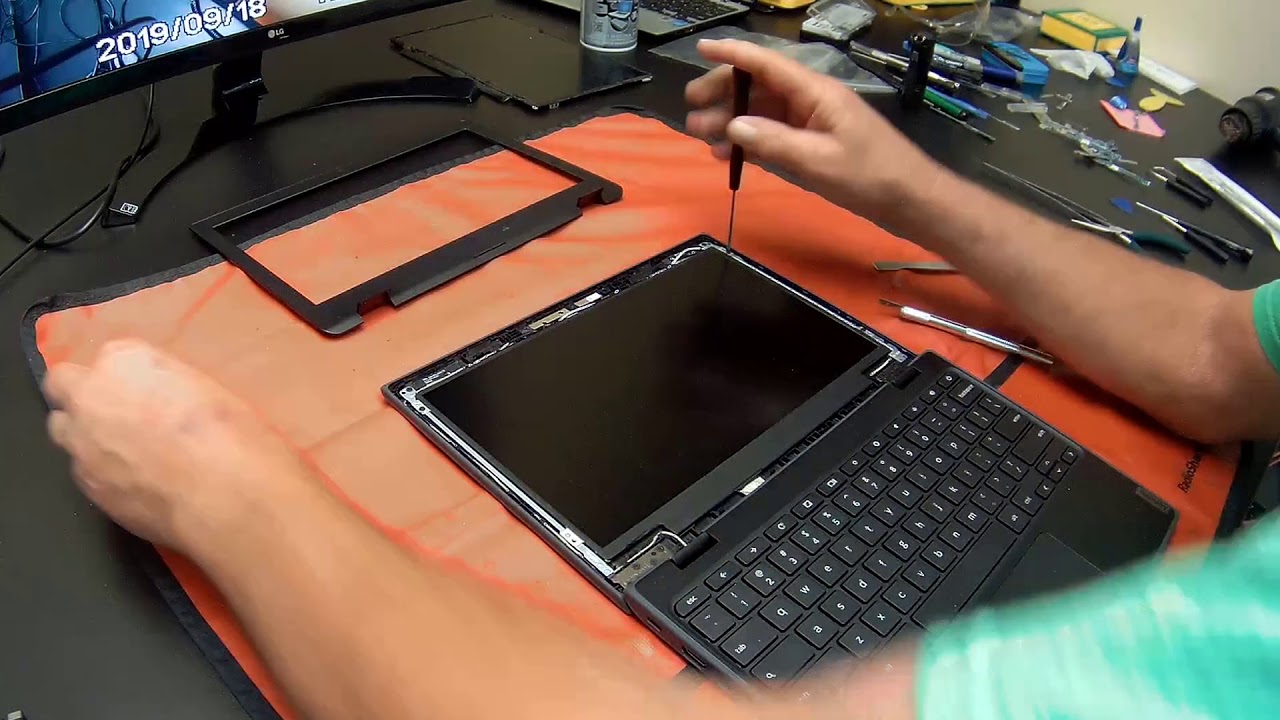
Learn how to easily replace the LCD Screen on your Lenovo 100e Gen 4 Chromebook with our step-by-step guide!
*PLEASE NOTE that for all repairs involving unplugging cables, we recommend first unplugging the battery for this device
We offer educational discounts on all replacement parts, repairs, buy backs, and full units to school districts. To learn more, visit our website at https://www.chromebookparts.com/ or give us a call at 1-844-840-4664.
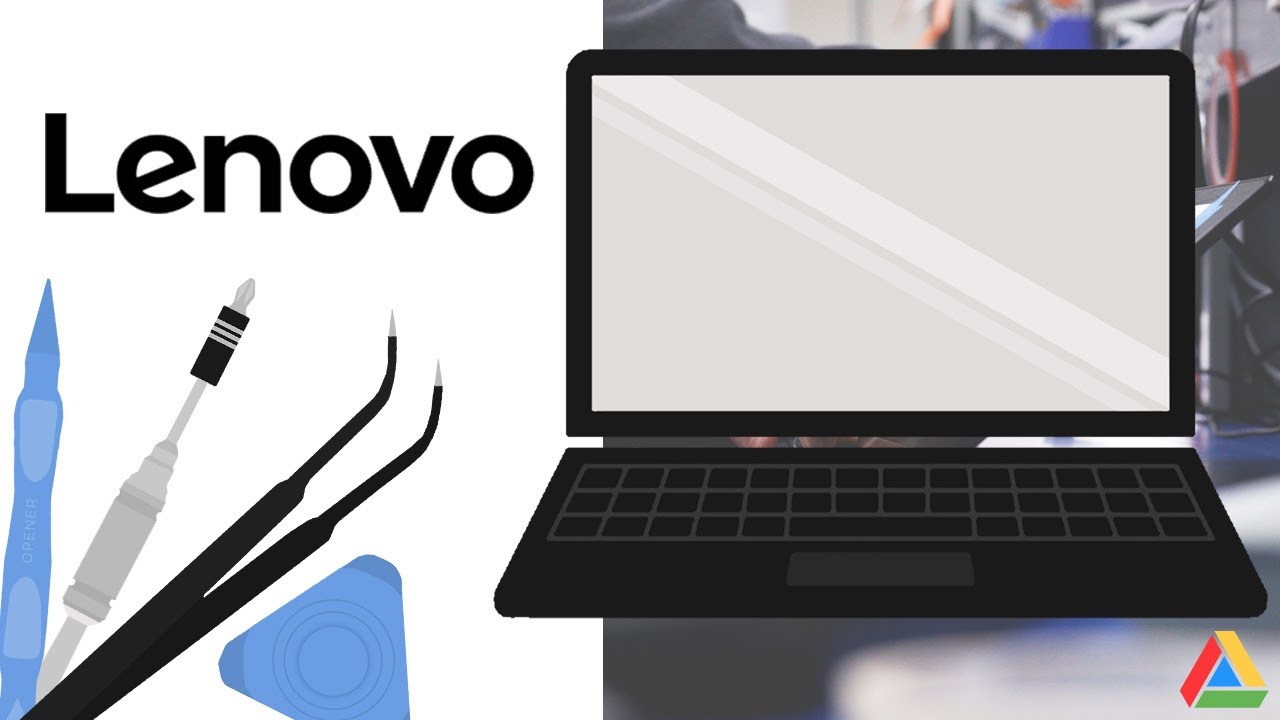
Tools Used in this Video:
Screwdriver
Plastic Spudger
Tweezers
Metal Spudger
Plastic Opener Pick
ChromebookParts toolkits available here!
https://www.chromebookparts.com/46-in...
Please keep screws organized for re-assembly.
00:00 Intro/Promo
00:30 Bottom Cover/Unplug Battery
01:28 Remove Bezel
02:11 Remove LCD Screen
03:00 Replace LCD Screen
03:36 Replace Bezel
04:20 Plug In Battery/Replace Bottom Cover
#chromebook #lenovo #edtech #lcdscreen
Доступные форматы для скачивания:
Скачать видео mp4
-
Информация по загрузке: