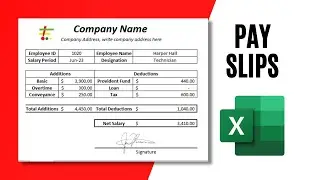
How to Create an Automatic Employee Salary Sheet with Attendance in Excel
Автор: WUH Creator
Загружено: 2025-09-28
Просмотров: 120
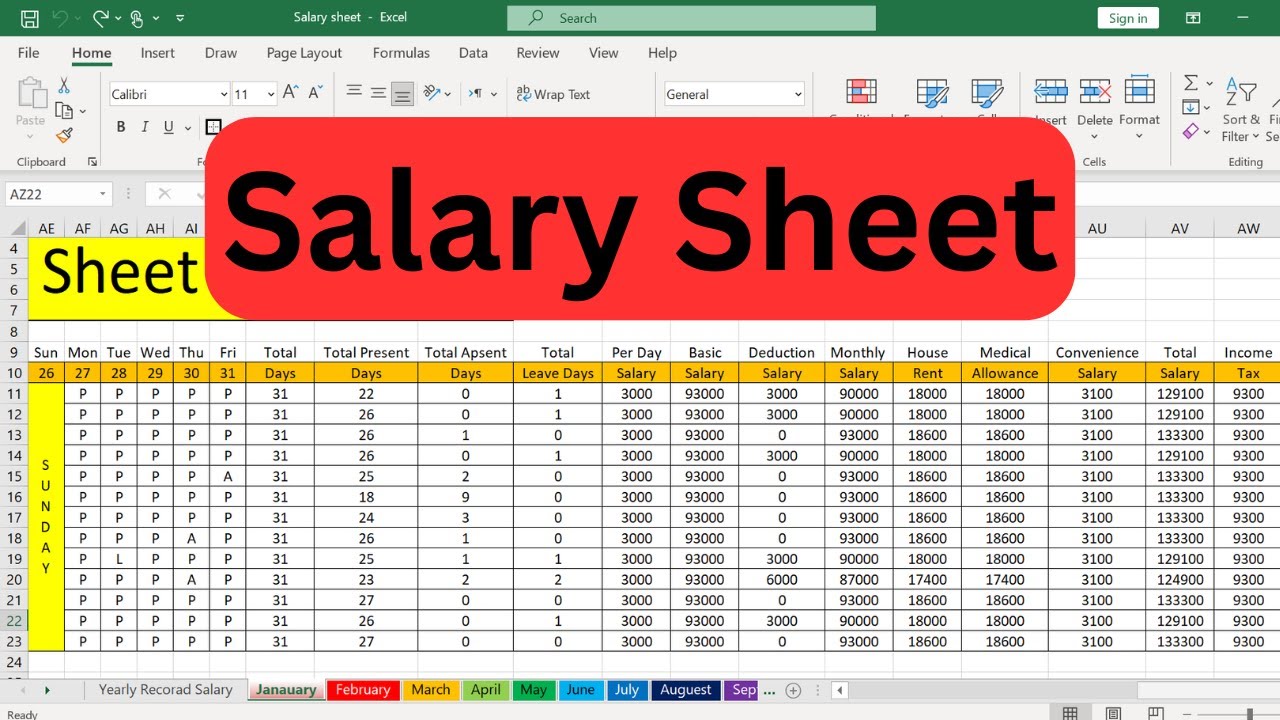
In this video, we will show you how to create an automatic employee salary sheet with attendance in Excel step by step. This professional payroll system helps you calculate monthly and yearly salary records with complete accuracy. You will learn how to design 12 monthly sheets along with one yearly record sheet, where any change made in attendance, absences, or leave days will automatically reflect across the entire system.
We will also demonstrate how to apply formulas in Excel for salary calculation, including present days, absent days, leave days, and net salary. This tutorial is perfect for HR professionals, accountants, business owners, and Excel learners who want to save time and reduce errors while managing payroll.
By the end of this video, you will have a fully functional Excel payroll system that automatically updates and calculates salaries, making salary management simple, professional, and efficient.
Доступные форматы для скачивания:
Скачать видео mp4
-
Информация по загрузке: