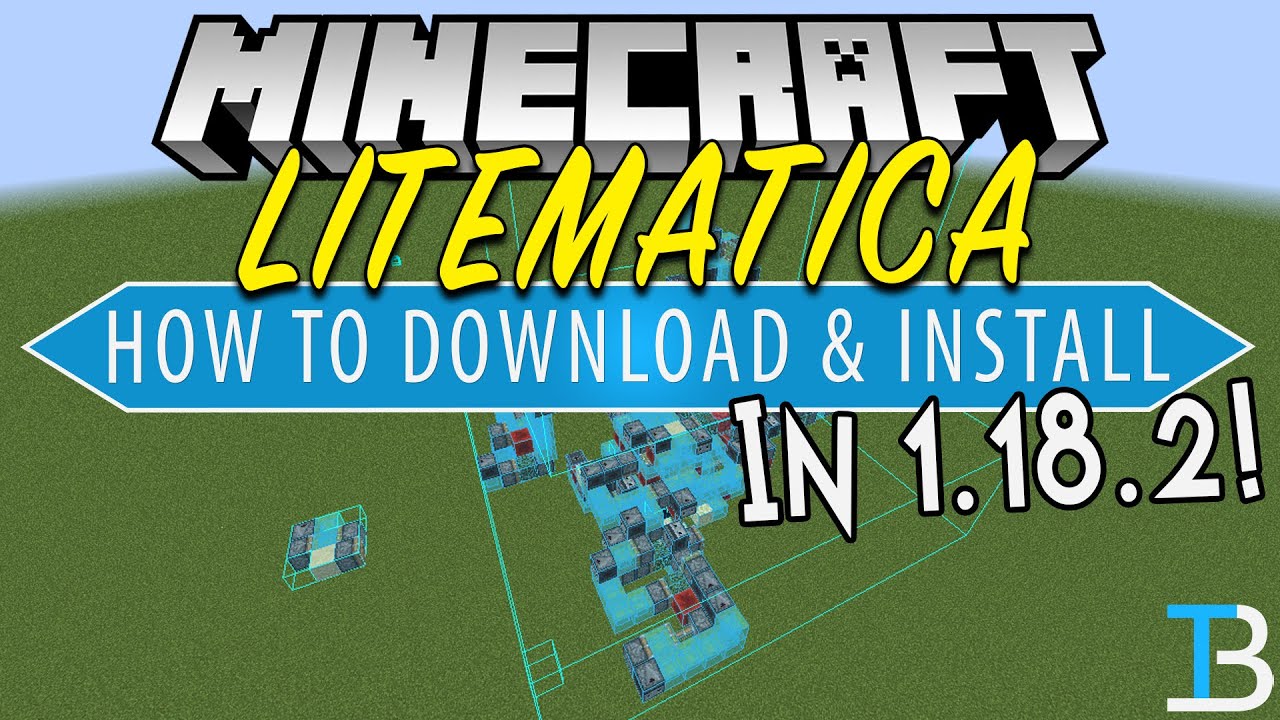
How To Download & Install Litematica in Minecraft 1.18.2
Автор: The Breakdown
Загружено: 2022-03-15
Просмотров: 89918
This video shows you how to download and install Litematica in Minecraft 1.18.2. This will allow you to user Minecraft schematics in 1.18.2. This mod was formerly known as Schematica. However, Schematica hasn’t updated to 1.18.2. The good news is though that Litematica 1.18.2 has all of the features of Schematica and more all while being in the latest version. So, let’s go ahead and download Litematica 1.18.2!
Get an incredible DDOS Protected Minecraft 1.18.2 server for you and your friends with Apex Minecraft Hosting!
Download Litematica: https://TheBreakdown.xyz/Litematica
Download MaLiLib: https://TheBreakdown.xyz/MaLiLib
Download Fabric: https://TheBreakdown.xyz/Fabric
Download Java: https://TheBreakdown.xyz/Java
Run the Jarfix: https://TheBreakdown.xyz/Jarfix
How To Use Litematic in Minecraft: • How To Use Schematics in Minecraft (Litema...
---------------------------------------------
★ Minecraft Server IP: Play.BreakdownCraft.com ► Store: http://Store.BreakdownCraft.com/
★ Join BreakdownCraft on Discord!: https://BreakdownCraft.com/Discord
---------------------------------------------
► Subscribe!: https://TheBreakdown.xyz/YTSub
---------------------------------------------
Get 1.18.2 Shaders!: • How To Download & Install Shaders for Mine...
Make a 1.18.2 Server!: • How To Make A Minecraft Server (1.18.2)
---------------------------------------------
*SOCIAL MEDIA*
Facebook: / breakdowncraft
Twitter: / breakdowncraft
Instagram: / breakdowncraft
---------------------------------------------
★ My Gear
Get your C920 Webcam: https://TheBreakdown.xyz/c920
Get your Blue Snowball: https://TheBreakdown.xyz/Snowball
About this video: In this video, we go over every single step of how to download and install Litematica 1.18.2. Litematica is a mod that allows you to use Minecraft schematics? What are schematics in Minecraft? Well, they are what allow you to easily copy and paste builds from one world to another. You an also use them to move, rotate, and change builds in the world they are in. On top of that, schematics are a great way to back-up Minecraft builds quickly and easily. So, without anymore delay, here is how to download and install Schematica in Minecraft 1.18.2!
First things first, we will need to download Litematica 1.18.2. You can find a link in the description above that will take you to our text tutorial for how to use Litematica 1.18.2. Once you are there, click the ‘Download Litematica’ button to be taken to the official Litematica download page. On this page, look at the right-hand sidebar, and scroll down to the ‘Minecraft 1.18’ section. Under this, you will see the 1.18.2 version of Litematica. Click the download button next to this and Litematica will download. You may need to keep or save the file depending on your browser.
The above download process needs to be repeat for the MaLiLib mod. This is required for 1.18.2 Litematica.
After you have Litematica and MaLiLib downloaded, we need to download and install Fabric 1.18.2. The good news is that we have a complete guide on how to download and install Fabric in the description above. That guide goes over everything you need to know in order to get Fabric 1.18.2 including how to fix any issues.
With Fabric installed, it is time to learn how to install Litematica 1.18.2. To do this, press the Windows Key on your keyboard and ‘R’ at the exact same time. This will open up your ‘Run’ application. In this app, type ‘%appdata%’, and hit enter. That will open your Roaming folder. You will have a .minecraft folder here that you need to open, and finally, there will be a ‘mods’ folder. If you don’t have a mods folder create one.
All you need to do to install Litematica 1.18.2 is drag-and-drop the Litematica and MaLiLib files you downloaded into this folder. It is that easy. Now, open the Minecraft Launcher and make sure that you are play Minecraft with the Fabric 1.18.2 installation. If not, you will need to as Schematica 1.18.2 won’t work without.
Once you are in-game, you can open up the Litematica menu, and really start to enjoy everything that Minecraft schematica has to offer. Nevertheless, you now know how to download Litematica 1.18.2. If you have any questions about how to get Minecraft Litematica 1.18.2, let us know in the comments. We will try our best to help you out. Otherwise, if we did help you with your 1.18.2 Litematica tutorial, please give the video a thumbs up and subscribe. It really helps us out, and it means a ton to me. Thanks in advance!
Note: Some of the above links are affiliate links. I may receive a commission at no additional cost to you if you go to these sites and make a purchase.
Доступные форматы для скачивания:
Скачать видео mp4
-
Информация по загрузке: