Fixing the Redirect Error in React: A Guide to Properly Using react-router-dom
Автор: vlogize
Загружено: 2025-10-06
Просмотров: 0
Learn how to fix the 'Invariant failed: You should not use Redirect outside a Router ' error in React by setting up `react-router-dom` correctly.
---
This video is based on the question https://stackoverflow.com/q/63979881/ asked by the user 'shankyyyyyyy' ( https://stackoverflow.com/u/14057711/ ) and on the answer https://stackoverflow.com/a/63980069/ provided by the user 'dglozano' ( https://stackoverflow.com/u/10648865/ ) at 'Stack Overflow' website. Thanks to these great users and Stackexchange community for their contributions.
Visit these links for original content and any more details, such as alternate solutions, latest updates/developments on topic, comments, revision history etc. For example, the original title of the Question was: React : Redirecting to a different page
Also, Content (except music) licensed under CC BY-SA https://meta.stackexchange.com/help/l...
The original Question post is licensed under the 'CC BY-SA 4.0' ( https://creativecommons.org/licenses/... ) license, and the original Answer post is licensed under the 'CC BY-SA 4.0' ( https://creativecommons.org/licenses/... ) license.
If anything seems off to you, please feel free to write me at vlogize [AT] gmail [DOT] com.
---
Fixing the Redirect Error in React: A Guide to Properly Using react-router-dom
If you're building a React application and wish to implement conditional page redirects, you might encounter an error that says: "Invariant failed: You should not use <Redirect> outside a <Router>." This is a common pitfall for many developers, especially those new to React Router, and understanding how to properly set up routing is crucial.
In this guide, we'll break down the causes of this error, explore the correct solution, and provide you with a step-by-step guide to properly implementing page redirection in your React app.
Understanding the Problem
When you attempt to use the <Redirect> component from the react-router-dom library without it being enclosed within a <Router>, the application throws an error. This happens because <Redirect> needs to know the routing context of your app, which is provided by the <Router> component.
Here’s a summary of your original setup which led to the error:
You were trying to use the <Redirect> component in the Login component based on the logged-in state.
The Login component (and thus the <Redirect>) was not wrapped in a routing context (<Router>), resulting in the error.
The Solution
1. Setting Up the Router
The first and foremost step to solve this issue is to wrap your entire application in a <Router> component. This can be done in the index.js file of your React application. Here’s how you should structure it:
[[See Video to Reveal this Text or Code Snippet]]
2. Modify the App Component
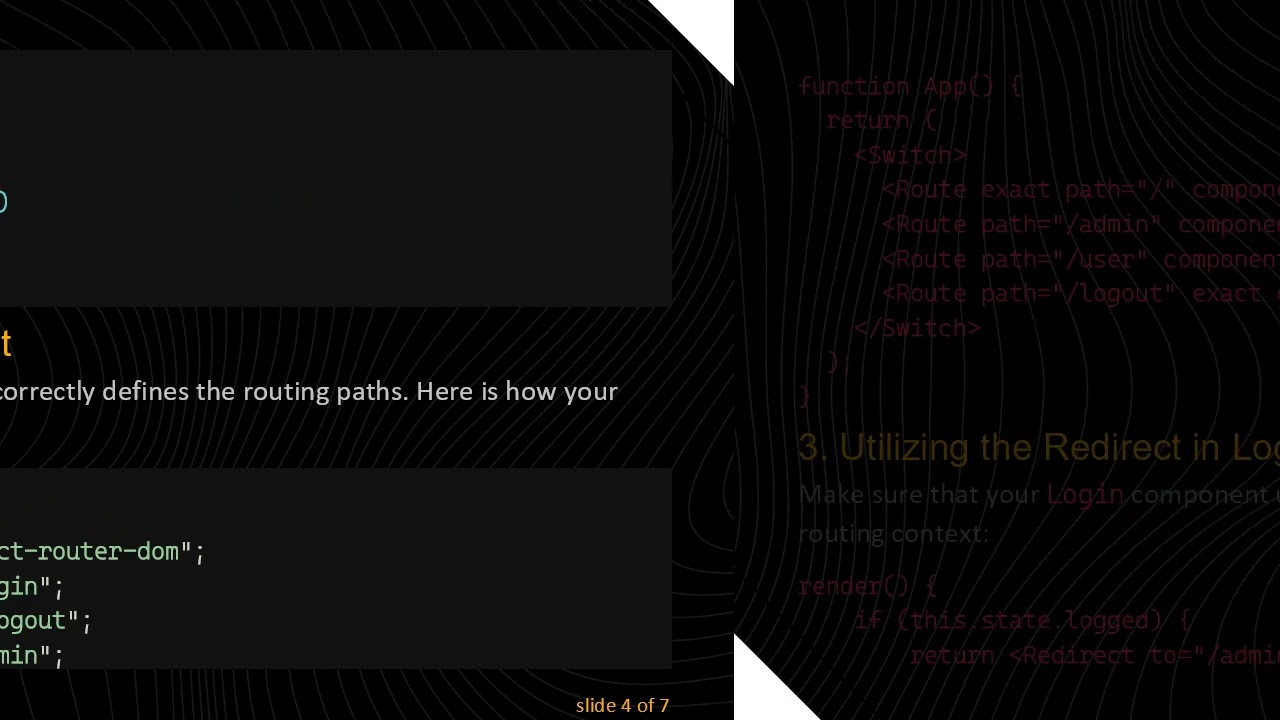
Next, ensure that your App component correctly defines the routing paths. Here is how your App.js looks:
[[See Video to Reveal this Text or Code Snippet]]
3. Utilizing the Redirect in Login Component
Make sure that your Login component uses the <Redirect> component correctly within the routing context:
[[See Video to Reveal this Text or Code Snippet]]
Conclusion
By nesting your entire application within a <Router>, you provide the required routing context for the <Redirect> and other routing components to work correctly. Remember, a correct routing structure not only eradicates errors but also enhances the maintainability and scalability of your application.
Now that you have set up the routing correctly, you can conditionally redirect users based on their authentication status without facing any issues. Happy coding!
Доступные форматы для скачивания:
Скачать видео mp4
-
Информация по загрузке: