Omarchy Arch Tiling Window Workflow (macOS comparison)
Автор: Simon Späti
Загружено: 2025-08-19
Просмотров: 2992
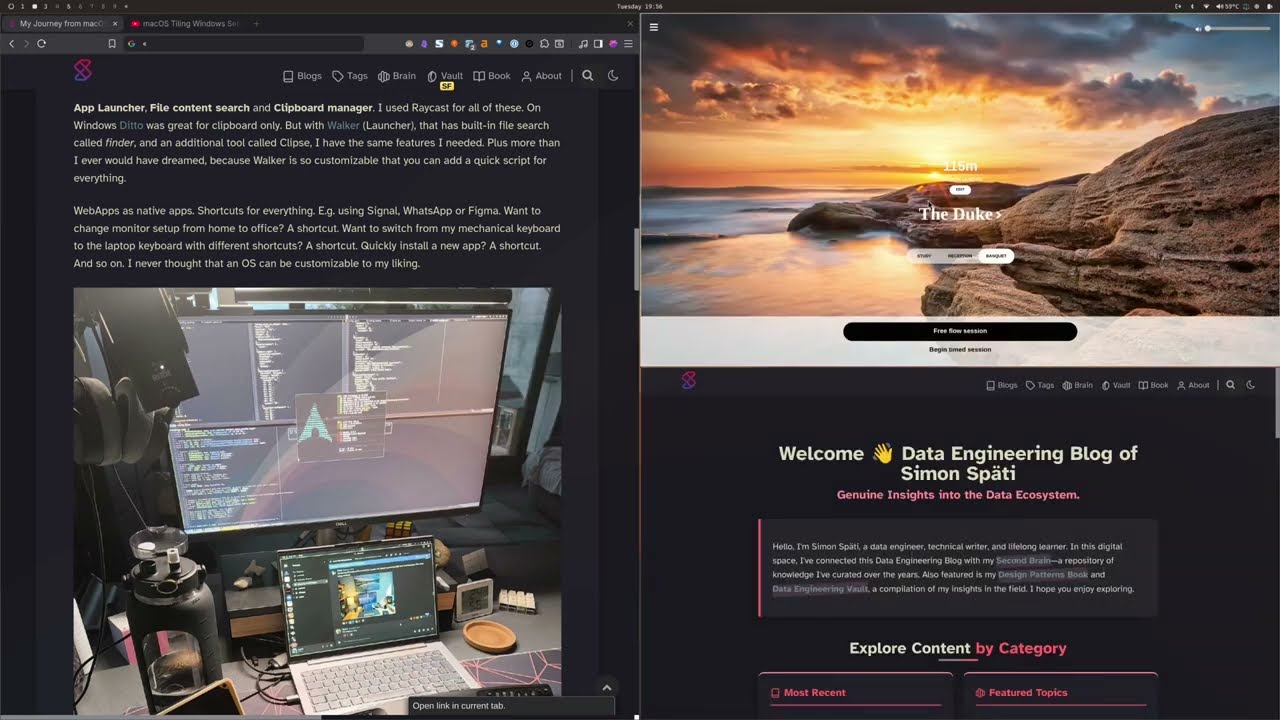
My new Arch Linux (Omarchy) productivity setup after switching from macOS - featuring Hyprland tiling, keyboard shortcuts, and developer workflows. This is the follow-up to my macOS setup, now running on Linux!
TOOLS COVERED:
Hyprland (fast window tiling)
Walker (Raycast replacement - launcher + file search)
Kanata (Karabiner Elements alternative)
Clipse (clipboard manager)
tmux + Neovim (terminal workflow)
Obsidian (note-taking on Linux)
XCompose (custom text shortcuts)
Omarchy (one-command Arch Linux setup)
KEY WORKFLOWS:
Same SUPER+1-5 shortcuts but faster execution
Seamless navigation between laptop and external monitors
Full-screen apps without bezels (unlike macOS)
Vim navigation system-wide with Caps+HJKL
Instant workspace switching with Hyprland
WHAT'S BETTER THAN macOS:
✅ Smoother navigation and transitions
✅ True fullscreen without wasted space
✅ Infinite customization possibilities
✅ No background bloat or permission requests
✅ Lightning-fast app switching
WHAT I MISS:
❌ Battery life (fans run more often)
❌ Snagit-level screenshot tools
❌ Some native apps (Grammarly, Teams)
THE RESULT: Same productivity, more joy, endless customization!
LINKS:
My full journey blog post: https://www.ssp.sh/blog/macbook-to-ar...
MacOS workflow: • macOS Tiling Windows Setup for Data Engine...
Omarchy setup: https://omarchy.org/
My Linux dotfiles: https://dotfiles.ssp.sh
My brain/vault: https://brain.ssp.sh
Obsidian workflow: • My Obsidian Note-Taking Workflow
More content: https://ssp.sh
Perfect for developers and writers ready to overcome annoyance of macOS and try something new, and novel. A truly customizable workflow!
#linux #archlinux #omarchy #hyprland #productivity #macos #tiling #dataengineering #developer
Доступные форматы для скачивания:
Скачать видео mp4
-
Информация по загрузке:




