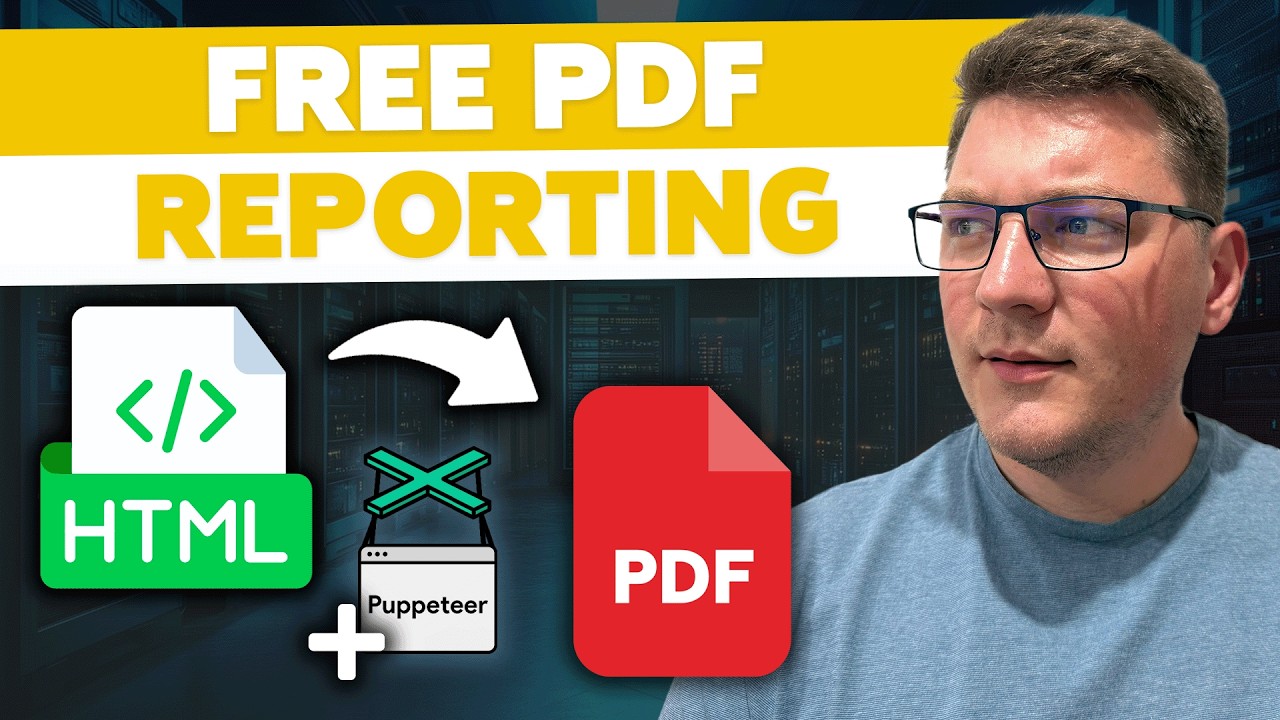
Flexible PDF Reporting in .NET Using IronPDF and Razor Views
Автор: Milan Jovanović
Загружено: 2024-03-08
Просмотров: 17480
Get the source code for this video for FREE → https://the-dotnet-weekly.ck.page/htm...
☄️ Master the Modular Monolith Architecture: https://bit.ly/3SXlzSt
📌 Accelerate your Clean Architecture skills: https://bit.ly/3PupkOJ
🚀 Support me on Patreon to access the source code: / milanjovanovic
Reporting is essential for business applications like e-commerce, shipping, fintech, etc. One of the most popular document formats for reporting purposes is PDF. The more common approach for generating PDF files is using an HTML template. My favorite library that supports this is IronPDF. IronPDF is a C# PDF library that allows for fast and efficient manipulation of PDF files. It also has many valuable features, like exporting to PDF/A format and digitally signing PDF documents.
But what's the idea behind using an HTML template? First of all, you have more control over formatting the document. You can use CSS to style the HTML markup, which will be applied when exporting to a PDF document. An interesting implementation approach is using ASP.NET Core MVC views and the Razor syntax. You can pass an object to the view at runtime to render dynamic HTML content. I've used this approach with MVC views on a few projects with excellent results.
In this video, I'll show you how to convert a Razor view to HTML. Then, we're going to render this HTML as PDF document and download it from our API.
Check out my courses: https://bit.ly/3PupkOJ
How To Easily Create PDF Documents in ASP.NET Core
https://www.milanjovanovic.tech/blog/...
Join my weekly .NET newsletter:
https://www.milanjovanovic.tech
Read my Blog here:
https://www.milanjovanovic.tech/blog
Chapters
0:00 Creating the Razor View
3:38 Generating an HTML report
5:28 HTML to PDF conversion using IronPDF
9:18 Stylizing the PDF report with TailwindCSS

Доступные форматы для скачивания:
Скачать видео mp4
-
Информация по загрузке: