How To Fix Message Notification Sound On iPhone
Автор: SwiftFixer
Загружено: 2025-02-21
Просмотров: 106
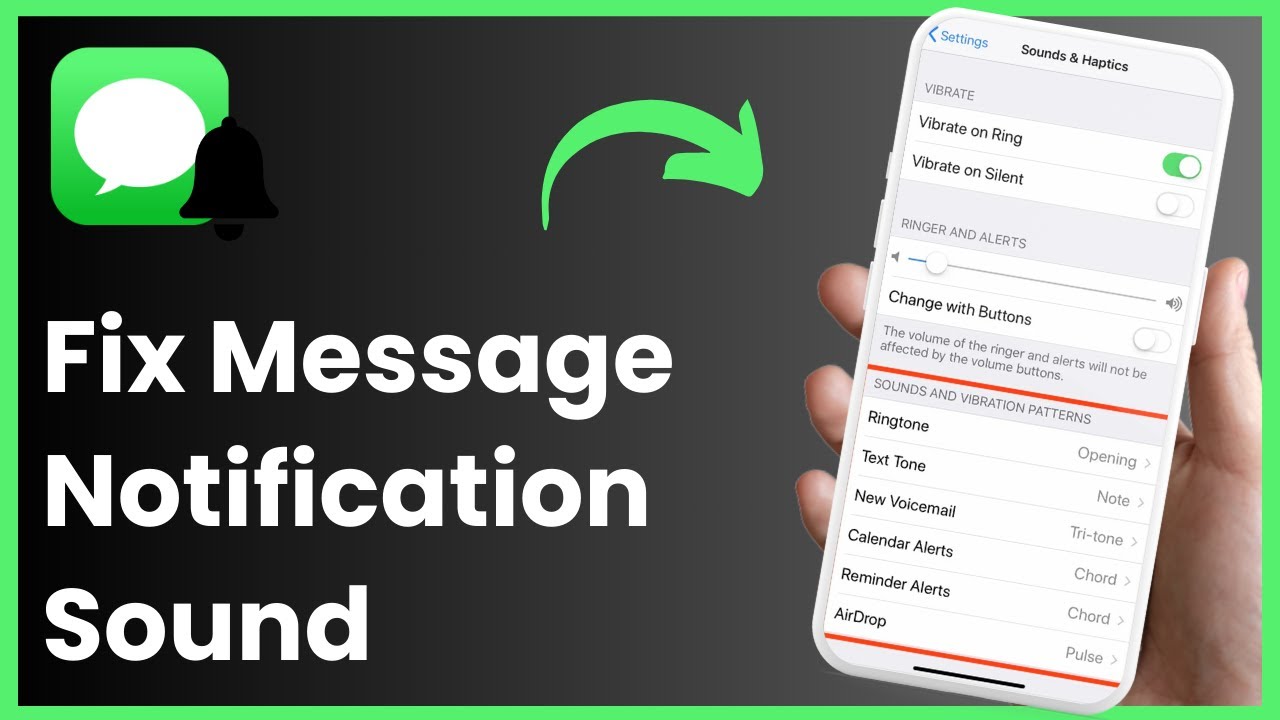
If your iPhone isn’t playing a sound when you receive text messages, it may be due to incorrect settings. In this video, you’ll learn how to fix message notification sounds and ensure you don’t miss important texts.
First, open the Settings app and navigate to "Notifications." Scroll down and select "Messages." Inside the Messages notification settings, look for the "Sounds" option. If it is set to "None," this is likely why you’re not hearing any alerts. Simply choose a different sound from the available options to restore your message notifications.
Additionally, ensure "Allow Notifications" is enabled and that your iPhone isn’t in silent mode. If the issue persists, check if "Do Not Disturb" or "Focus Mode" is activated, as these can silence notifications. Restarting your device or updating to the latest iOS version may also resolve any software-related issues.
By following these steps, you should be able to restore message notification sounds on your iPhone. If the problem continues, try resetting all settings under "General" "Transfer or Reset iPhone" "Reset" "Reset All Settings" (this won’t delete your data).
Timestamps:
0:00 Introduction
0:17 Opening Notification Settings
0:32 Adjusting Sound Settings
0:49 Additional Fixes
1:10 Conclusion
Hashtags:
#iPhone #iOS #Notifications #TechTips #Apple
Доступные форматы для скачивания:
Скачать видео mp4
-
Информация по загрузке:


![How To Fix Not Delivered Messages/Texts on iPhone! [2024]](https://image.4k-video.ru/id-video/vNlWeZdll-0)




