Generate AI Dark Mode Presets in WordPress | WP Dark Mode
Автор: WPPOOL
Загружено: 2026-01-19
Просмотров: 27
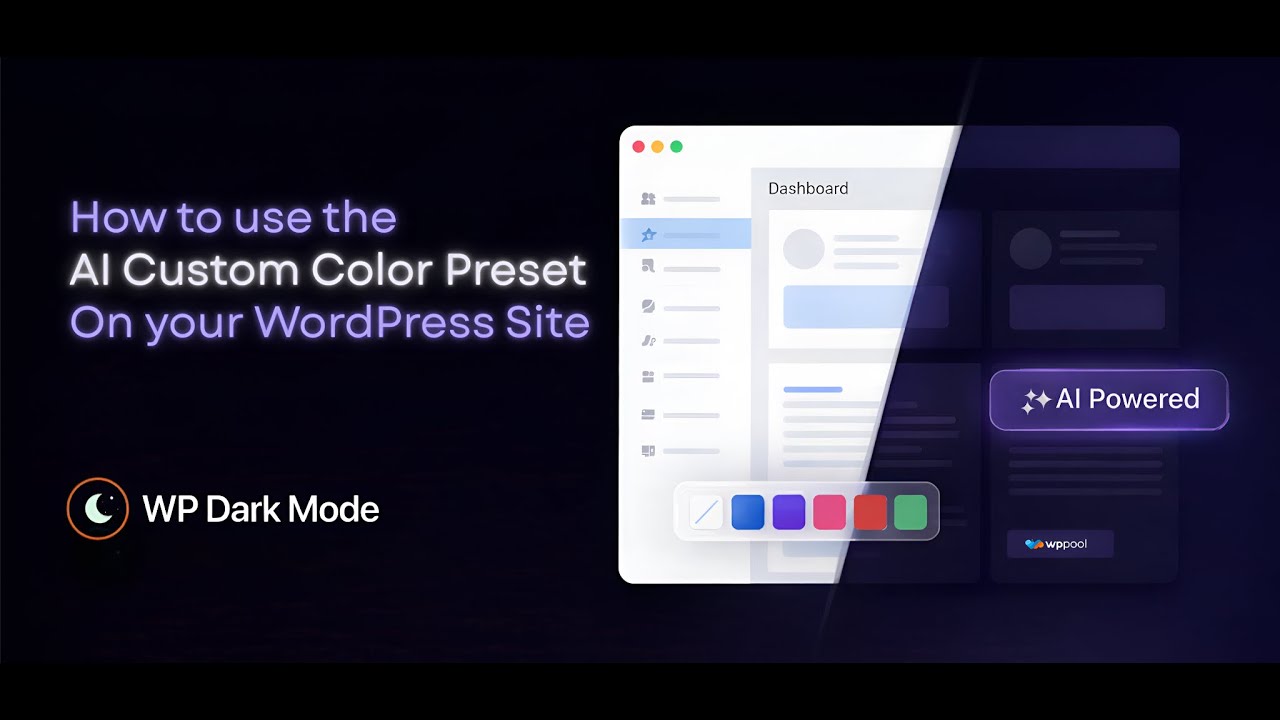
Learn how to generate AI-powered dark mode color presets in WordPress using WP Dark Mode. This tutorial shows how to create custom dark mode themes instantly, no design skills required.
In this step-by-step tutorial, you’ll learn how to use the AI Custom Color Preset feature in WP Dark Mode to generate professional dark mode themes for your WordPress website.
Instead of manually tweaking colors, simply write a text prompt describing the style you want - modern, high contrast, soft UI, or minimal and the AI instantly creates a custom dark mode color preset that you can fine-tune and apply in real time.
WP Dark Mode makes it easy to add and customize dark mode for WordPress without writing CSS or using any code. Whether you’re building a blog, business site, or WooCommerce store, this AI-powered feature helps you match your brand identity in seconds.
What You’ll Learn in This Video:
✅ How to access AI Custom Color Presets in WP Dark Mode
✅ Generating dark mode color themes using AI prompts
✅ Editing and naming your custom presets
✅ Fine-tuning body, text, link and button colors
✅ Enabling dark mode for UI elements like scrollbars
✅ Previewing and applying dark mode on your live website
Why Use AI Custom Presets?
If you want a polished dark mode design without spending hours on manual customization, this feature is built for you. It’s ideal for site owners, developers and WooCommerce stores looking for fast, no-code design control.
👉 Try WP Dark Mode: https://wordpress.org/plugins/wp-dark...
👉 Get WP Dark Mode Pro: https://wppool.dev/wp-dark-mode-pricing/
Watch Next:
▶️ Turn On Dark Mode in WordPress Website (Under 1 Minute)
• Turn On Dark Mode in WordPress Website Und...
▶️ How to Use WP Dark Mode with Gutenberg
• How to Use WP Dark Mode with Gutenberg
Stay connected with WPPOOL:
Facebook Page: / wppool.dev
Community: / 826561904732714
Доступные форматы для скачивания:
Скачать видео mp4
-
Информация по загрузке:
















![ChatGPT и Gemini устарели. Вот реально рабочий инструмент [Opal]](https://imager.clipsaver.ru/0RvCVXVMftE/max.jpg)