F30: Fusion 360: Creating Technical Drawings of a Cylindrical Part
Автор: MrSeacrist
Загружено: 2021-11-30
Просмотров: 319
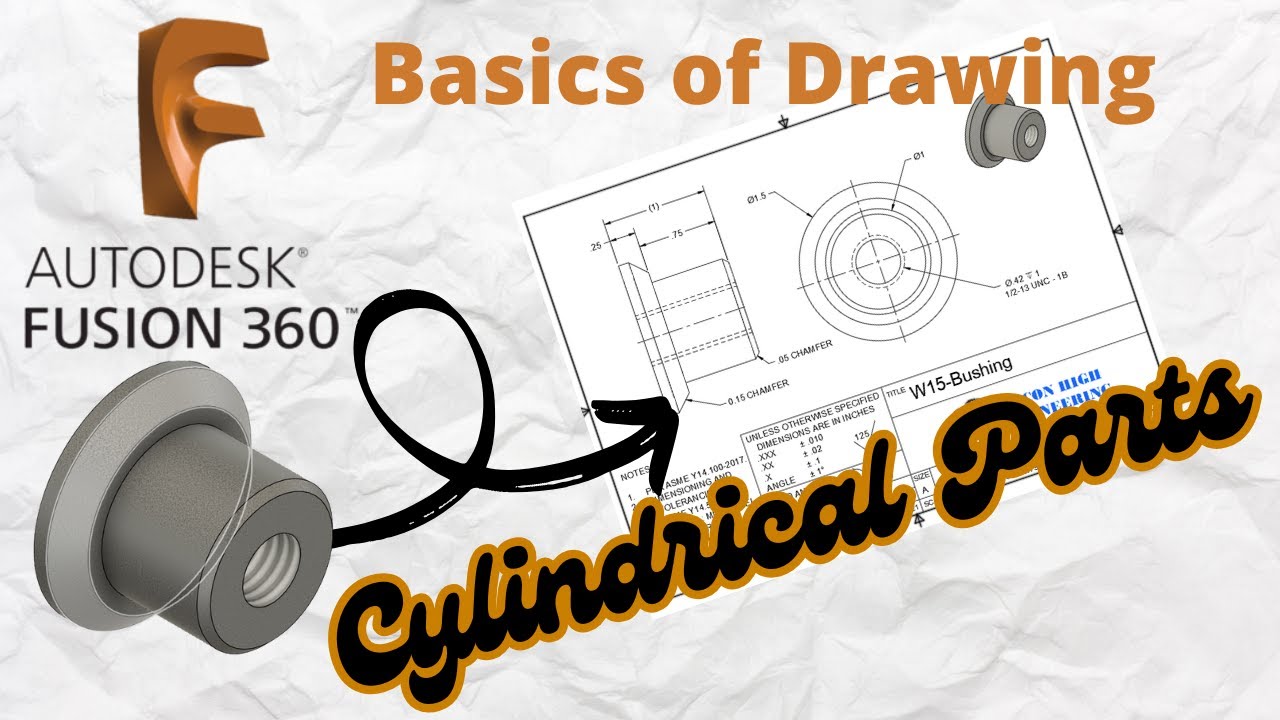
Welcome to Part 30 of my 34-part Fusion 360 series! In this video, we dive into how to create clear, professional technical drawings of cylindrical parts using Autodesk Fusion 360.
✅ You’ll learn:
Best practices for orthographic views (front, right, section)
Adding dimensions and centerlines specific to cylindrical geometry
How to annotate diameters, and tolerances
Exporting your drawing for manufacturing or documentation
Whether you're a student, machinist, or CAD/CAM teacher, this video gives you the tools to accurately communicate your cylindrical part designs for shop use or collaboration.
📐 Software: Autodesk Fusion 360
👨🏫 Taught by: A high school CAD/CAM/Machining teacher with 20+ years' experience
🛠️ Skill Level: Beginner to Intermediate
🔔 Subscribe for the full series on mastering Fusion 360:
[Insert Playlist Link Here]
Have questions or want to see a specific part covered? Drop a comment below!
#Fusion360 #TechnicalDrawing #CAD #CylindricalParts #Machining #EngineeringDrawings #FusionTutorial
Доступные форматы для скачивания:
Скачать видео mp4
-
Информация по загрузке: