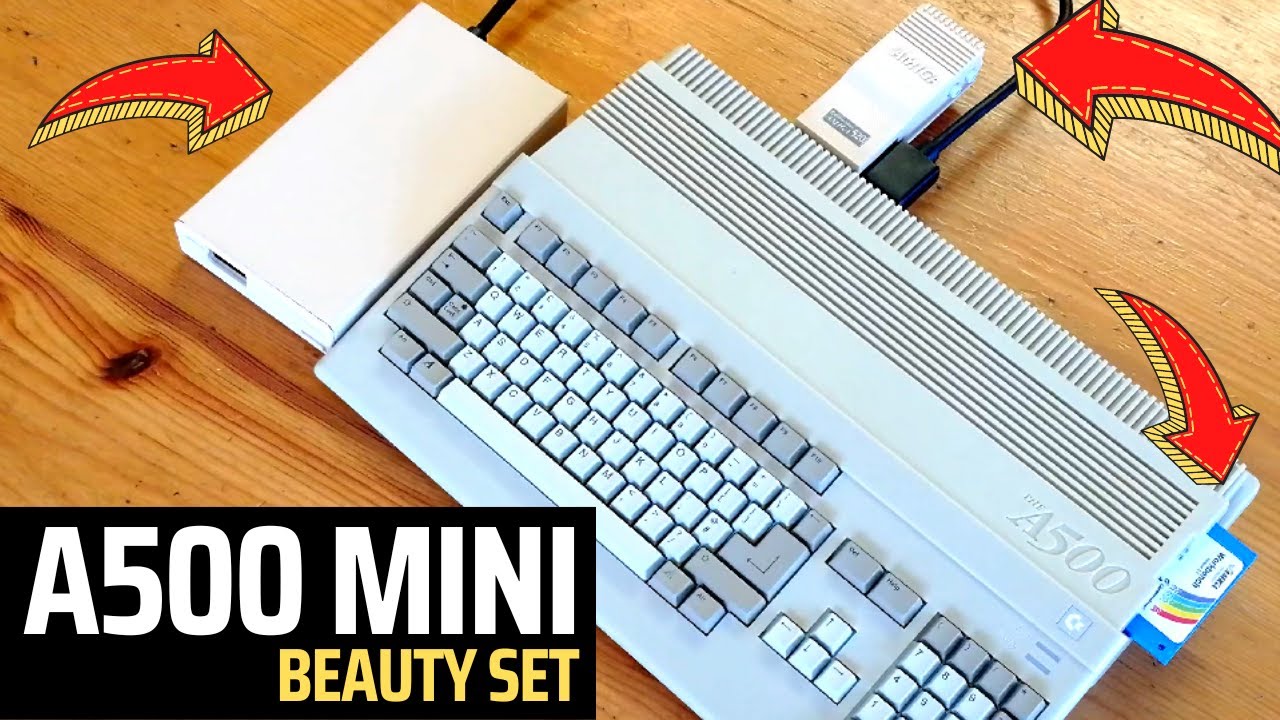
A500 Mini with Workbench and Amiberry Unlocked to use ADF and HDF
Автор: RTS: Retro Tech Shed
Загружено: 2022-04-13
Просмотров: 22830
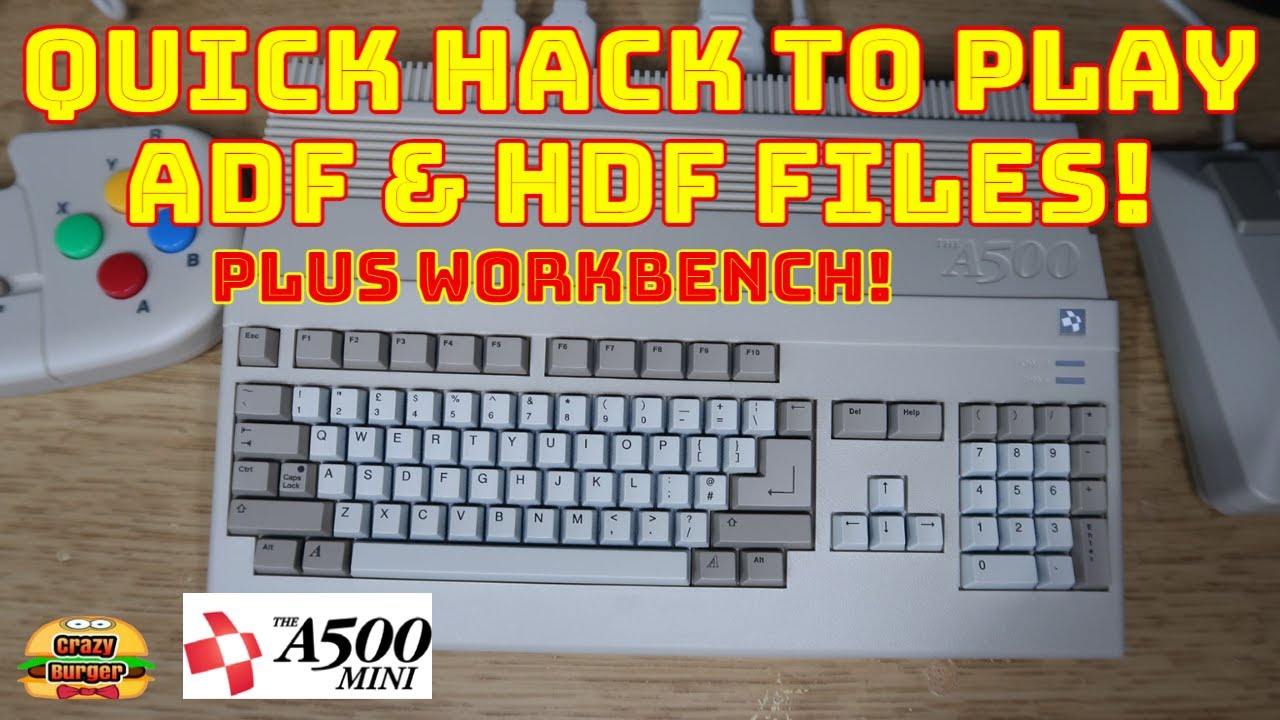
This is a demonstration of a Retro Games A500 Mini booting Workbench 1.3 from an ADF (floppy disk image) and Amiberry Unlocked.
Disclaimer: This video is provided for entertainment and technical interest purposes ONLY. If you decide to try the process yourself, it is ENTIRELY AT YOUR OWN RISK.
Update: 18/04/22 - In the video I said that the GUI Hotkey didn't work, but actually it does. I had missed a config setting in the .uae file, but I have now included it in the steps below - and provided an updated BOOT.ZIP file here: https://mega.nz/file/46p2gQhK#ie9G_IW...
Note: A good working knowledge of Amiberry is highly recommended!
How to unlock your A500 Mini
The video is a walkthrough of all the key steps required to unlock the Amiberry emulator on an A500 Mini, allowing ADF and HDF images to be used.
Kit used:
Retro Games A500 Mini
Workbench 1.3 ADF (floppy disk image file)
Raspberry PI running Raspberry PI OS (Linux)
Amiberry running on the Raspberry PI (used to manipulate LHA files)
USB Keyboard connected to A500 Mini
32GB USB Disk
You will need to download these files:
https://retrogames.biz/support/thea50...
https://retrogames.biz/support/thea50...
You will also need:
A USB Disk (32GB, but could be less, depends how many games you want to store)
Note: Physical write protection will avoid the need the permission the files. Something similar to this should work: https://www.amazon.co.uk/Netac-Physic...
Another PC, ideally Linux based (e.g. a Raspberry PI running Linux)
Here are the key steps:
1. Download the WHDLoad and Bonus games using the links above
2. Prep the USB Disk using the instructions provided on the Retro Games website
3. On another PC, ideally Linux based (or another Amiga Emulator) Extract the Citadel LHA
4. delete Disk.1 from the Citadel directory/folder (extracted copy)
5. Re-pack the LHA (which should only contain the Citadel directory/folder and Citadel.info file)
Note: All this is doing is preventing the A500 Mini from booting into anything useful, just to the kickstart rom
6. Put the USB Disk into the A500 Mini
7. Start the LHA on the A500 Mini
Note: This will create a .uae file
8. Using another machine, ideally Linux based, edit the .uae file, which was created by the Amiberry emulator on the A500 Mini, to include the following lines at the top of the file:
amiberry.open_gui=F12
amiberry.save_state_on_exit=true
amiberry.ignore_gui=false
use_gui=yes
9. Put the USB Disk back into your other PC, ideally Linux based
10. Set the permissions for the .uae file to read only (RO)
Note: This is VERY IMPORTANT, or the A500 Mini will strip out / overwrite the .uae config)
11. Put the USB stick back in the A500 Mini and start the LHA
12. If you've followed all the steps, you should get the Amiberry config screen / GUI
13. Configure Amiberry as required to boot ADF or HDF images
Note: If you prefer, you can download a ready prepared boot.zip (this is slightly different from the procedure outlined above and has all the software removed - it's just a dummy WHDLoad file which has nothing useful inside, but will get you to the kickstart rom splash screen), which you will need to extract to your USB disk: https://mega.nz/file/46p2gQhK#ie9G_IW... . The permissions are lost when the files are zipped, so you will still need to complete steps 9 onwards!
Remember, if you do this to unlock/hack your A500 Mini, it is ENTIRELY AT YOUR OWN RISK.
Have Fun!
Upcoming videos: I'll be making a follow up video to demonstrate Workbench 3.2 running from the USB Disk, without the need to unlock Amiberry. This video will also include the .uae settings to configure monitor mode and screen resolution, joystick autofire, CPU type, kickstart ROM etc. If you'd like to see that video (and others like it), please subscribe and click on the bell to be notified when new content is available.

Доступные форматы для скачивания:
Скачать видео mp4
-
Информация по загрузке:








![Amiga - THEA500 Mini Workbench in FullHD - HDF, ADF, CDs laden & dauerhaft speichern - [Folge 29]](https://imager.clipsaver.ru/wsz3fLsupQc/max.jpg)