CNC Street Number Sign from Aluminum Composite Panel (Full Workflow)
Автор: Open Source CNC
Загружено: 2025-07-25
Просмотров: 2984
Download the free file: https://ko-fi.com/s/2f6a967bcc
Download the macro used in the video: https://ko-fi.com/s/58b108303e
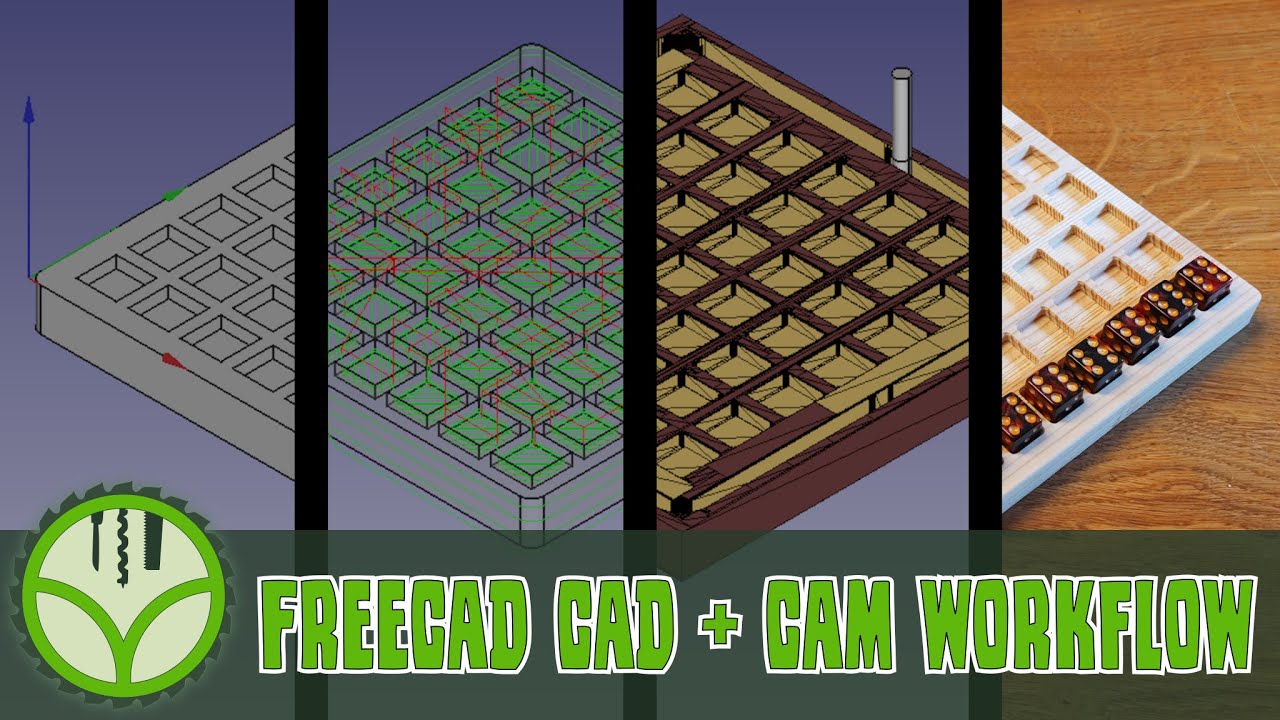
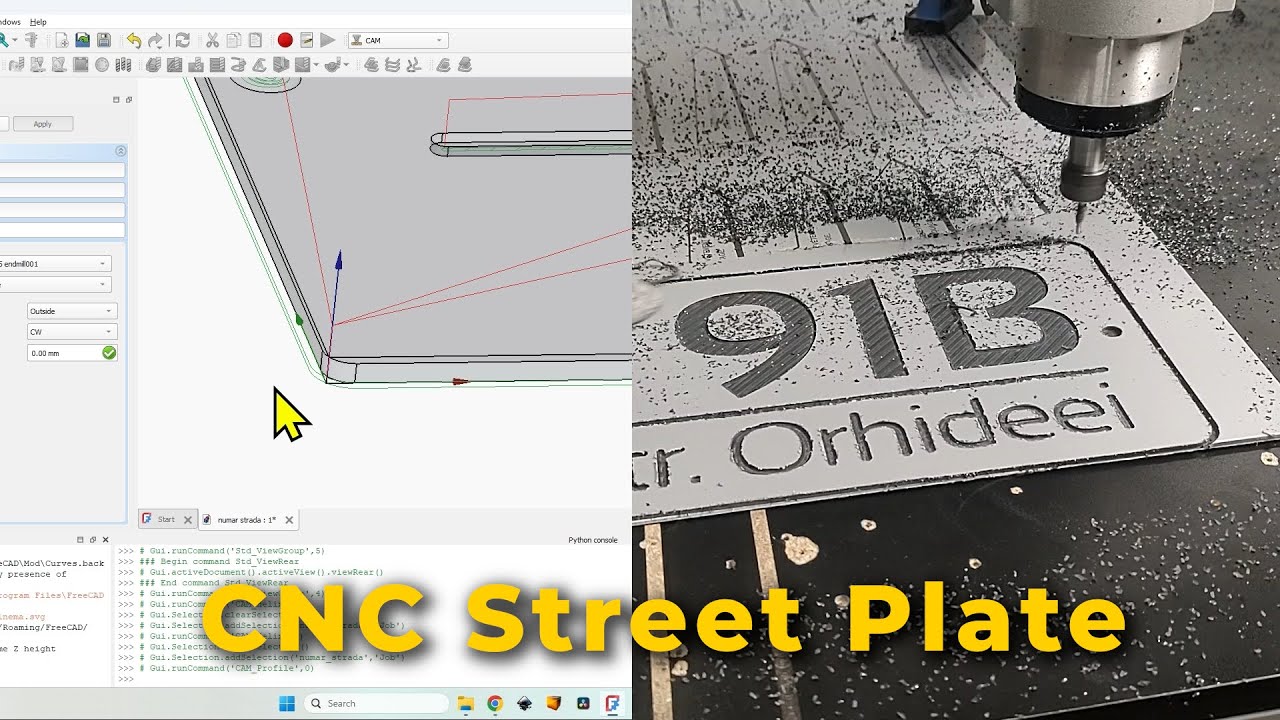
In this CNC project, I’ll show you how to model and machine a modern house number plate step by step using aluminum composite panel (ACP), such as Dibond ar Alucubond. From design in FreeCAD to generating toolpaths and machining, you'll see the complete process to make a clean, professional-looking house number sign.
You’ll see the entire process in FreeCAD – from 2D sketching and 3D modeling to CAM toolpath creation, G-code export, and real CNC machining in Aluminum Composite Panel.
CNC Workflow Covered in This Tutorial:
FreeCAD 2D design and constraints for a sign plate
Turning sketches into 3D models with material thickness
Adding and pocketing text for CNC machining
Creating slots, holes, and mounting features
CAM setup: feeds, speeds, post processor, origin
Pocket, helix, and profile operations for G-code toolpaths
Exporting to CNC and real milling footage
Solving toolpath issues when modifying text in FreeCAD
This video is part of:
Beginner CNC Projects – Easy DIY CNC Tutorials & G-Code Workflows: • Beginner CNC Projects – Easy DIY CNC Tutor...
CNC CAD to G-Code Workflow – Real Projects & CAM Tutorials (FreeCAD): • CNC CAD to G-Code Workflow – Real Projects...
Whether you're new to CNC or looking to try aluminum composite sign making, this video walks through it step-by-step.
00:00 FreeCAD CNC Project Files – How to Download for Free
00:09 FreeCAD 2D Design – Sketching and Dimensioning the Street Sign Plate
03:22 Converting 2D Sketch into 3D Model with Correct Material Thickness
03:49 Creating the Center Slot – Sketch, Dimensions, Positioning & Pocket
06:23 Adding Text to a 3D Model in FreeCAD for CNC Sign Making
08:18 Positioning Text on the 3D Model – Auto-Face Alignment with Thickness Changes
10:41 Adjusting Text Size, Repositioning, and Pocketing for CNC Milling
11:58 Repeating Workflow for the Second Text Element
12:18 Aligning Texts Properly on the CNC Street Sign
13:13 Making Easy Design Changes in FreeCAD
14:31 Designing and Pocketing Mounting Holes for Wall Fitting
17:05 Setting Up the CNC Job – Origin, Tools, Feeds & Speeds, Post Processor
21:45 Pocket Operation for Texts & Slot Using FreeCAD Macro (Face Selection)
23:16 Generating Toolpaths for Milling Text Pockets & Slot (Parameter Analysis)
24:54 Creating Helix Operation for CNC Toolpaths to Drill Holes
26:57 Toolpath Generation for Profile Operation – Cutting the Plate Outline
28:14 Exporting G-Code from FreeCAD & Real CNC Milling of Aluminum Composite Panel
30:42 Fixing Toolpath Problems When Modifying Text in FreeCAD
Subscribing to my Patreon page means you also have access to this video without interruptions.
You can also buy a one time support here:
https://ko-fi.com/opensourcecnc
My Patreon page:
/ opensourcecnc
You can book a one on one session with me, to sort things out if you need help with certain projects or situations:
https://ko-fi.com/opensourcecnc/commi...
#CNC #FreeCAD #CNCsign #DIYCNC #GCode
Доступные форматы для скачивания:
Скачать видео mp4
-
Информация по загрузке: