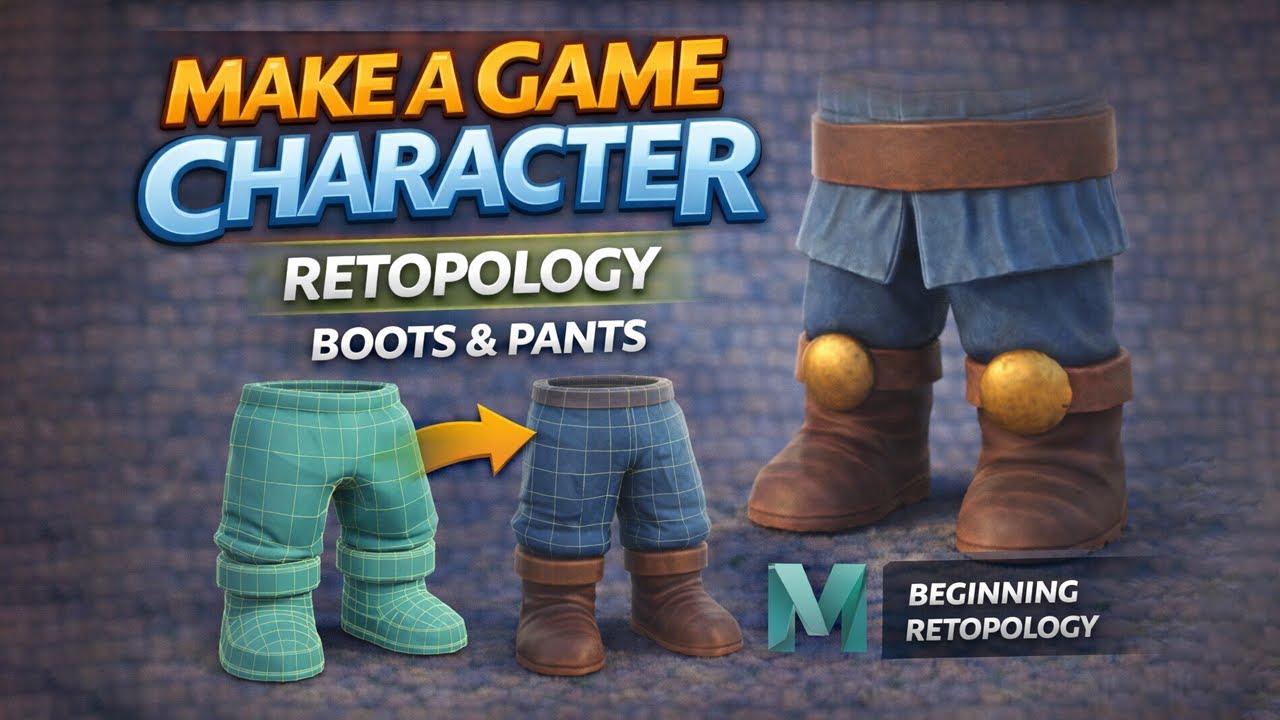
Make A Game Character: Boots & Pants Retopology in Maya
Автор: Vertmode
Загружено: 2026-01-07
Просмотров: 157
🎨 Stylized Game Character Tutorial Series – Full Pipeline in Maya, ZBrush & Substance Painter
In this video, we focus on retopologizing the boots and pants of our stylized game character using Autodesk Maya. This lesson covers how to create clean, efficient topology for clothing and footwear while maintaining the character’s stylized proportions and silhouette.
You’ll learn how to approach retopology for hard-surface-inspired boots and soft cloth forms like pants, with an emphasis on clean edge flow, consistent density, and deformation awareness for animation.
This video continues the retopology phase of the series and prepares the lower body for UV layout, texturing, and rigging later in the pipeline.
🔍 What This Video Covers
Retopology strategies for boots and footwear
Handling cloth folds and volume in pants topology
Maintaining clean edge flow for deformation
Balancing stylization with game-ready efficiency
Preparing lower-body meshes for UVs and rigging
🛠️ Tools Used
Autodesk Maya – retopology and topology tools
ZBrush – high-poly sculpt reference
Substance Painter – texturing & baking (later in the series)
🎓 Continue Learning with Vertmode
Explore my full courses on Udemy:
👉 https://www.udemy.com/user/vertmode/
You may also enjoy:
✔️ Mastering Human Anatomy for 3D Artists
✔️ Complete 3D Animation Master Class: Create Animated Shorts
👍 Support the Channel
Like the video if it helped your workflow
Comment with questions or requests
Subscribe for more tutorials on 3D modeling, game art, and animation
🌐 https://www.vertmode.com
📷 Instagram: @VertmodeOfficial
🐦 Twitter: @Vertmode
📘 Facebook: Vertmode
Доступные форматы для скачивания:
Скачать видео mp4
-
Информация по загрузке: