DIY 3D Printed Car Emblem Overlay (Step by Step)
Автор: Payo
Загружено: 2026-01-23
Просмотров: 895
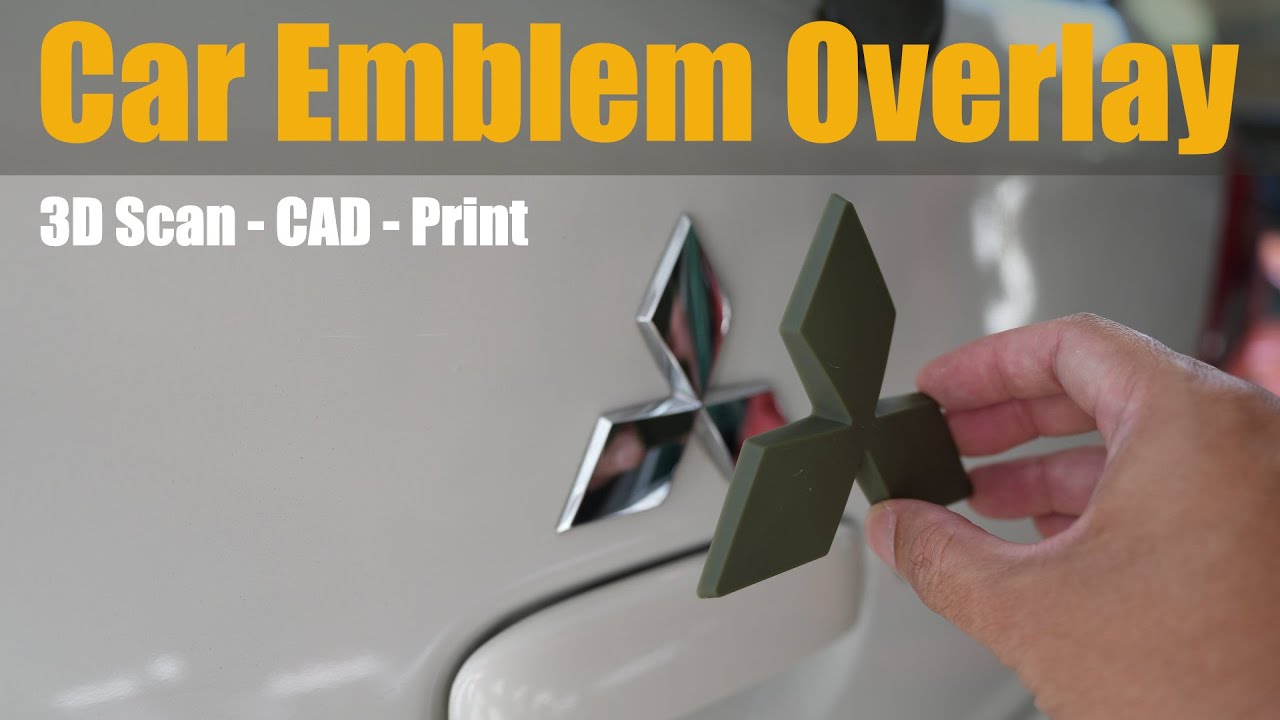
Need to change your car emblem’s color and style without removing it from the panel? This step-by-step tutorial shows how to create a thin, perfectly fitted overlay (badge skin) using 3D printing. We’ll go from 3D scanning with the Creality Sermoon S1, to reverse engineering in Autodesk Inventor, and finally 3D printing on the Phrozen Sonic 16K—so your emblem gets a clean, factory-like finish without prying anything off.
What you’ll learn: Precise overlay design, fitment tricks, and a no-removal color change method
Tools used: Creality Sermoon S1, Autodesk Inventor, Phrozen Sonic 16K
Perfect for: DIY car mods, 3D printing enthusiasts, and anyone who wants a fast emblem refresh
Creality Store:
https://store.creality.com/collection...
Phrozen Sonic Mighty Revo 16K (what a long name!)
https://phrozen3d.com/pages/mighty-re...
#3dscanning #car #emblem #creality #phrozen #resinprinting
Доступные форматы для скачивания:
Скачать видео mp4
-
Информация по загрузке: