How to Use Canva Bulk Create with Different Images & Text (Easy Tutorial)
Автор: io605 Marketing
Загружено: 2025-11-12
Просмотров: 533
I made this video for a Facebook group and thought I'd upload it here also.
--------------
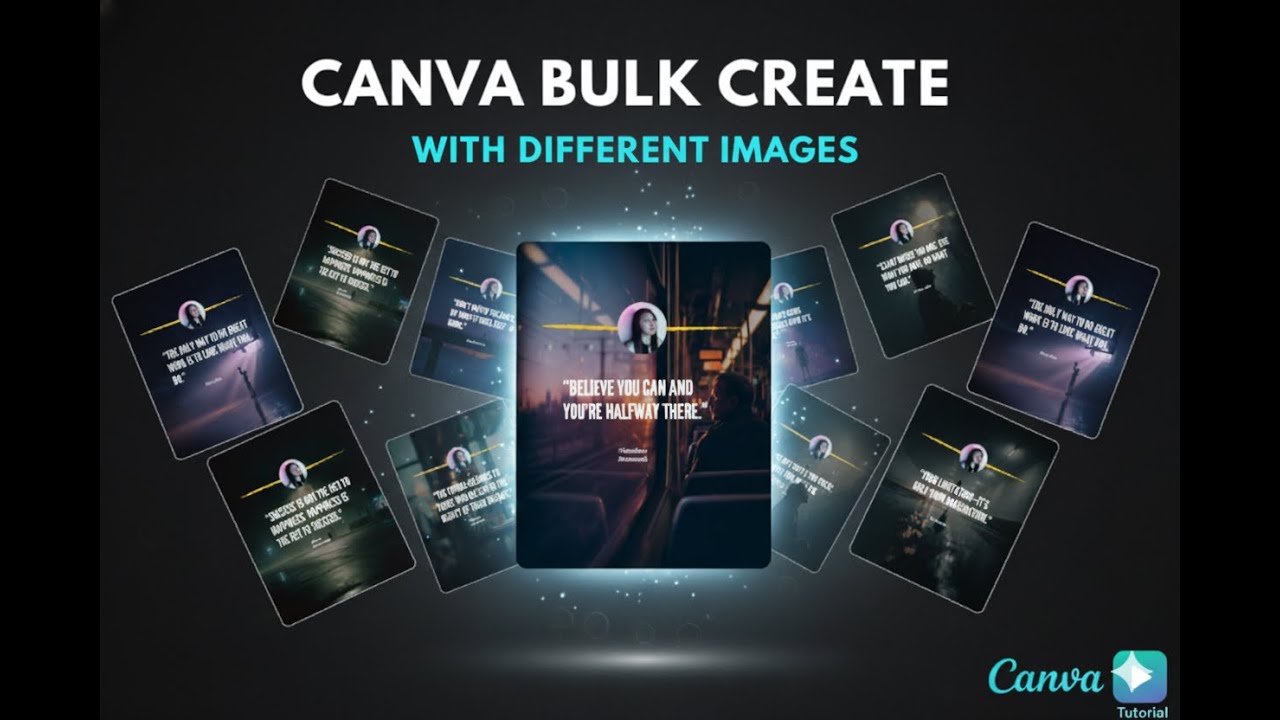
In this step-by-step video, I'll show you the "missing" piece: how to use Canva Bulk Create with *both different text AND different background images* for every single design.
Stop making graphics one-by-one! We'll build a template and automatically populate it with unique background images, quotes, and authors using Canva Sheets. This is the complete guide to automating your design process.
This method is perfect for creating:
✅ Social media graphics with unique backgrounds
✅ Inspirational quotes with varied images
✅ Product mockups with different photos
✅ Any design that needs both text and images changed in bulk
---
⏰ TIMESTAMPS:
00:00 - Intro: The Problem with Most Bulk Create Videos
00:39 - How to Start with Canva Sheets
01:25 - Using Magic Write to Generate Quotes & Authors
02:15 - *The Key Step: How to Bulk Add IMAGES to Your Sheet*
03:44 - Finding the "Bulk Create" App in Canva
03:57 - Connecting Your Canva Sheet Data
04:20 - *Connecting Data: Linking Your Image, Quote, and Author*
04:57 - Generating 10+ Unique Designs (With Different Images!)
05:25 - How to Edit & Export Your New Designs
---
#Canva #CanvaTutorial #CanvaBulkCreate #GraphicDesign #ContentCreation
Thanks for watching! If you were stuck trying to get different images on each design, I hope this solved it for you! Let me know in the comments.
Доступные форматы для скачивания:
Скачать видео mp4
-
Информация по загрузке: