How to Transfer Videos, Photos or Files from Mobile to Windows Laptop or PC (Wirelessly)
Автор: FixSoft
Загружено: 2026-01-12
Просмотров: 87
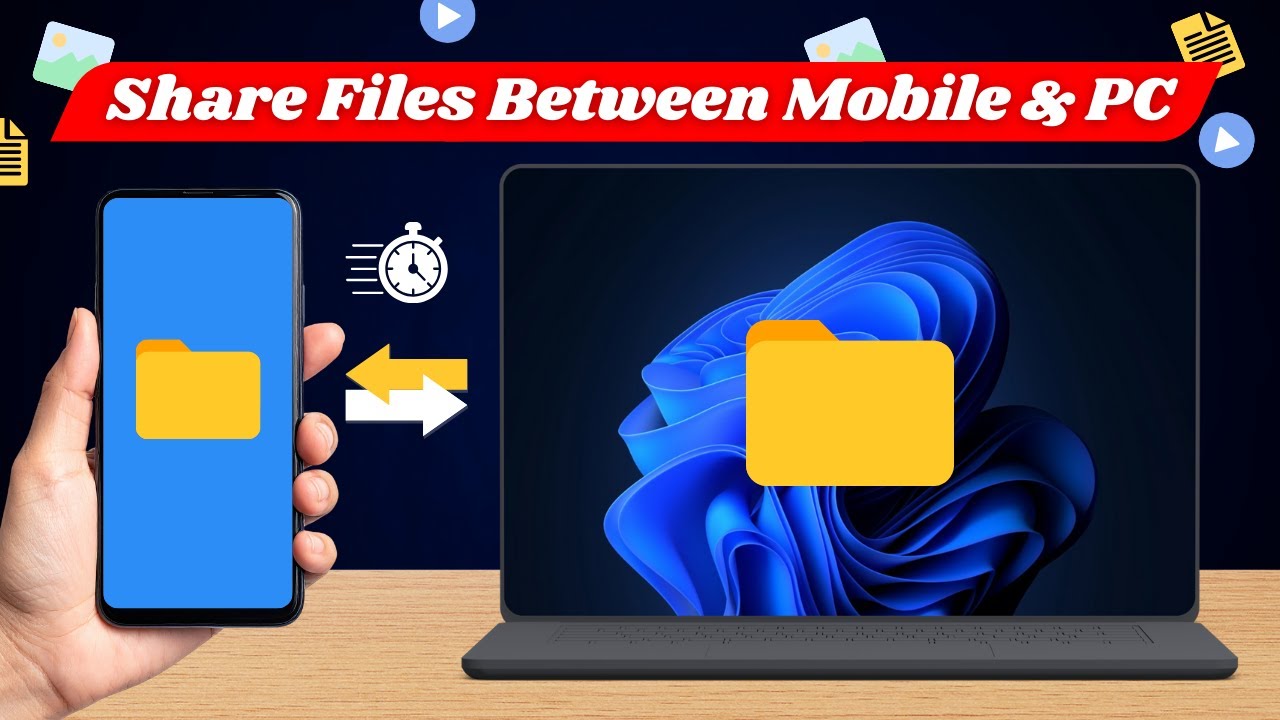
Looking for an easy way to transfer videos, photos, or files from your mobile phone to a Windows 10 or Windows 11 PC wirelessly? In this video, I’ll show you how to share, send, and transfer files between Android or iPhone and a Windows laptop or desktop without using cables, internet, or complicated setup.
We’re using LocalSend, a free and open-source app that lets you wirelessly transfer files over the same Wi-Fi network. It’s fast, secure, and works perfectly for sending large videos, photos, documents, and folders from your phone to your PC.
This method is ideal if you’re tired of USB cables, slow Bluetooth transfers, or cloud uploads.
What you’ll learn in this video:
How to install LocalSend on mobile and Windows PC
How to send files from phone to laptop wirelessly
How to transfer photos and videos from mobile to PC
Fast and secure file sharing without internet
Why use LocalSend?
100% wireless file transfer
No login or account required
Works on Windows 10 and Windows 11
Supports Android, iPhone, and PC
Perfect for large files and videos
If you want a simple way to share, send, and transfer files from mobile to Windows PC, this tutorial will help you step by step.
FAQs:
1. Is LocalSend safe to use for file transfer?
Yes. LocalSend transfers files directly over your local network and does not upload anything to the internet, making it secure and private.
2. Do both devices need internet to transfer files?
No. Both devices only need to be connected to the same Wi-Fi network. Internet access is not required.
3. Can I transfer large videos and files using LocalSend?
Absolutely. LocalSend is great for sending large videos, photos, and folders without size limits.
Доступные форматы для скачивания:
Скачать видео mp4
-
Информация по загрузке: