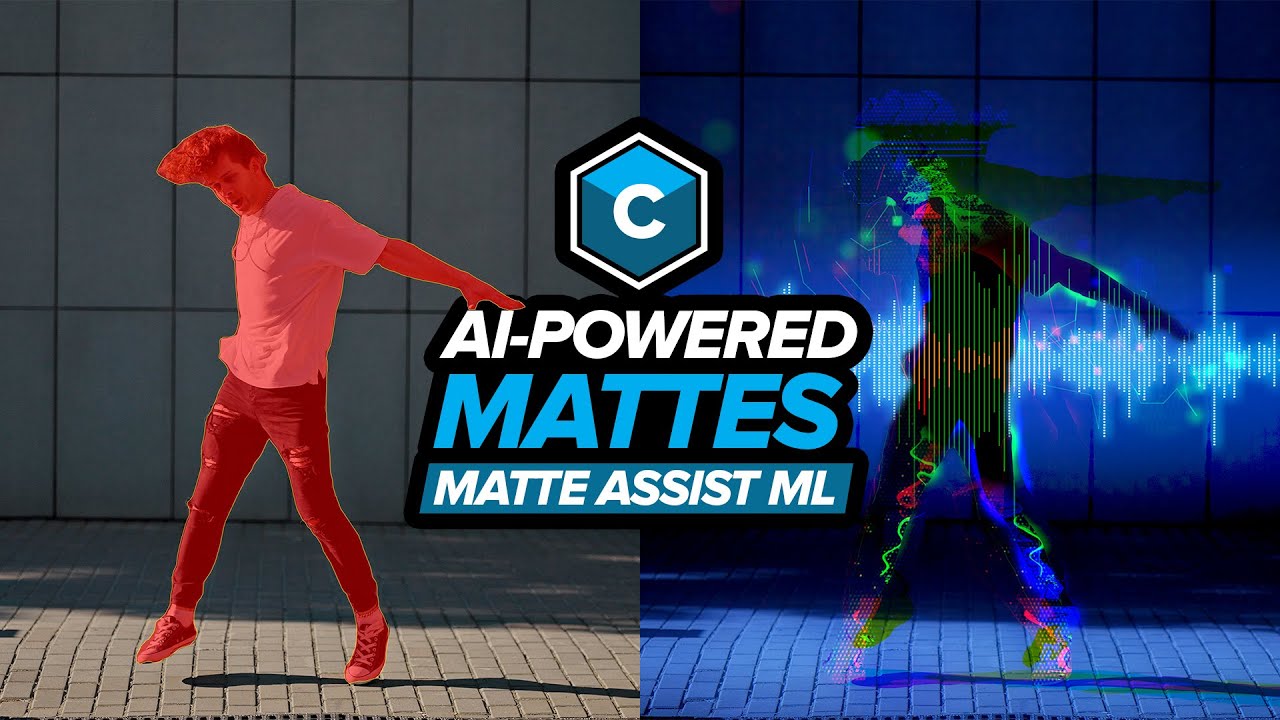
AI Masking in Boris FX Continuum - Mocha Matte Assist ML
Автор: Boris FX
Загружено: 2025-06-23
Просмотров: 5438
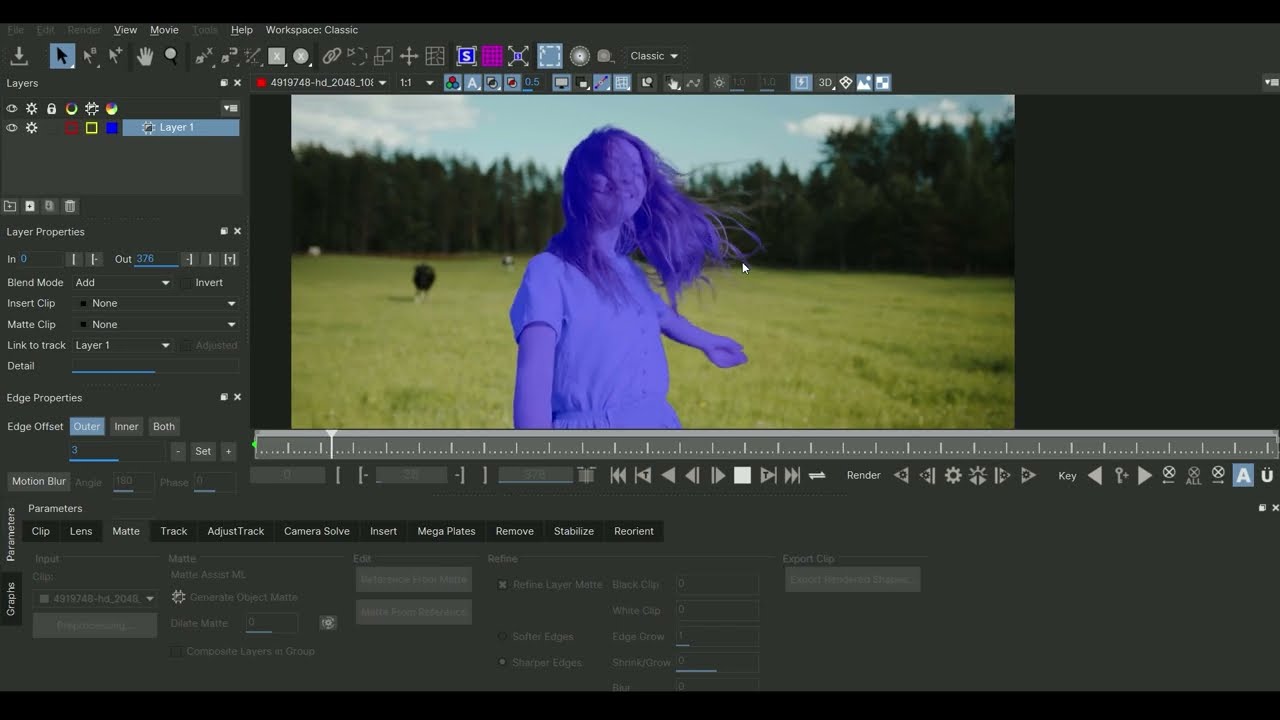
Continuum 2025.5 now includes Matte Assist ML, enabling you to create instant animated mattes, boosting the functionality of the Pixel Chooser toolset to save you time. This video demonstrates how this intelligent AI feature simplifies creating precise mattes and accelerates your workflow when tackling a range of tasks using Continuum effects, including blurring elements, making precision color corrections, speeding up keying, and creating visual effects.
// K E Y P O I N T S //
⦁ Utilize the new Object Brush tool within Mocha's Essentials workspace.
⦁ Generate precise object mattes with intuitive point-and-click and area brush tools.
⦁ Invert Mocha mattes to apply effects selectively in front of or behind subjects.
⦁ Reuse and modify Matte Assist ML mattes across multiple Continuum effects for a cohesive look.
⦁ Selectively blur elements in your shot.
⦁ Selectively color correct areas in your shot.
⦁ Create quick junk mattes to speed up keying using BCC+ Primatte Studio.
Learn more about Continuum here: https://borisfx.com/products/continuum/
// D I S C O R D C H A N N E L //
https://www.borisfxdiscord.com/
// CHAPTERS //
00:00 Introduction
00:23 Matte Assist ML basic steps
04:11 Using Matte Assist ML for selective blurring to hide/reveal elements.
06:23 Using Matte Assist ML for selective color correction - Enhancing eyes and lips.
07:46 Using Matte Assist ML for selective color correction - Relighting a shot.
09:23 Using Matte Assist ML for fast garbage mattes.
10:40 Using Matte Assist ML to stylize a shot, including Audio Visualizer and Particle Illusion!
Доступные форматы для скачивания:
Скачать видео mp4
-
Информация по загрузке:

![Continuum 2026. Всё новое за пять минут [Boris FX]](https://imager.clipsaver.ru/BpYpKjeuAAc/max.jpg)

![Детальная обработка краев методом ротоскопирования с использованием ИИ в Mocha Pro [Boris FX]](https://imager.clipsaver.ru/8XAIFRRxORU/max.jpg)