InDesign: How To Add Guides Around A Selected Page Item In A Split Second.
Автор: Creative Coding Collective
Загружено: 2026-01-08
Просмотров: 78
This 60-second screencast demonstrates using Adobe InDesign's built-in AddGuides.jsx script to establish layout guides quickly and precisely.
The tutorial uses a practical workflow scenario: setting up a new layout where an image serves as the reference element for positioning other frames.
Kris Coppieters demonstrates how to use this often-overlooked built-in script to create alignment guides in seconds rather than manually dragging them from rulers.
The video shows:
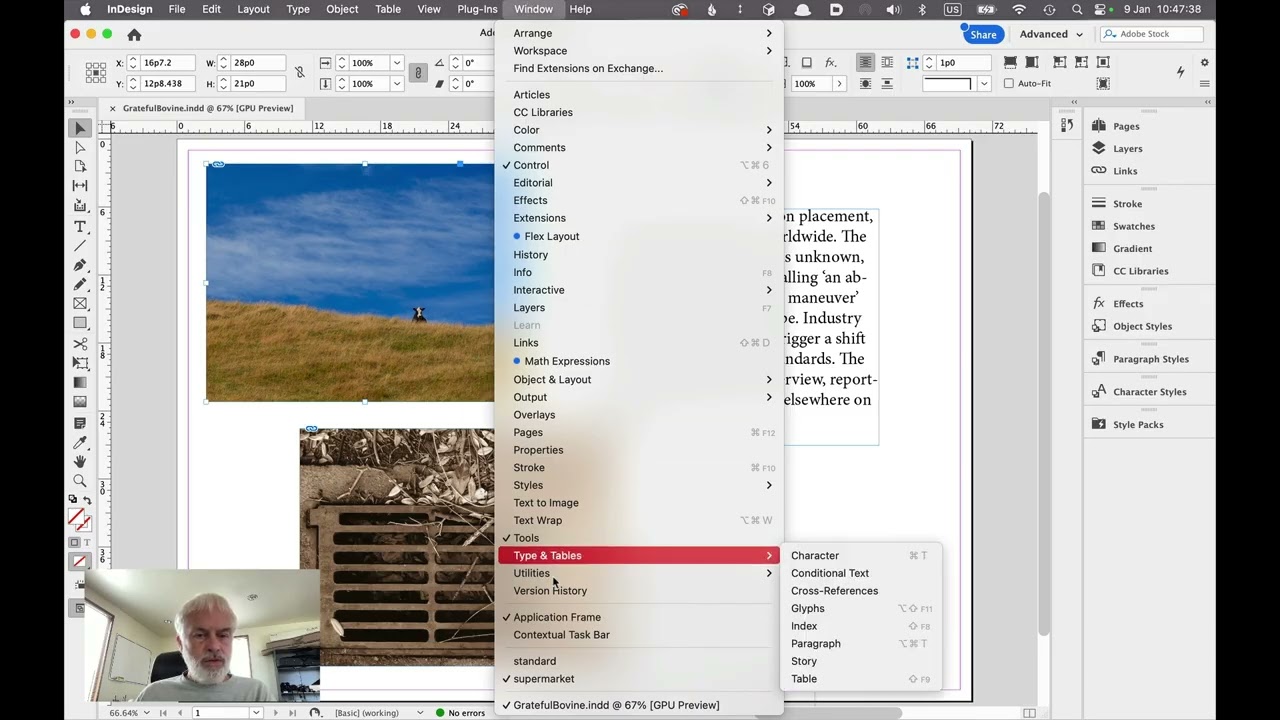
The InDesign workspace with a sample document containing a reference image.
Opening the Scripts panel and navigating to the Application folder.
Running the built-in AddGuides.jsx script on a selected frame.
The instant creation of guides on the frame.
How these guides provide precise alignment references for building out the rest of the layout.
The Hidden Power of Scripts:
This video is part of a broader mission: raising awareness that most Creative Cloud applications are highly scriptable.
Most InDesign users never discover the treasure trove of ready-made scripts available in their Scripts panel!
What's more, any repetitive task you perform regularly can likely be automated with a script.
No Installation Required:
Unlike many third-party scripts, AddGuides.jsx comes standard with InDesign. You already have it! Just open the Scripts panel and look in the Application folder.
The key message:
Whenever you find yourself doing something repetitive in InDesign, think "Scripts! Maybe there is a script for that!". And even if no such script exists, you can always consider asking a software developer to create a tailor-made script for your workflow.
The InDesign Scripts Panel is Your Friend:
Take five minutes to explore the Scripts panel in your InDesign installation. You'll find dozens of built-in scripts that solve common problems. Most InDesign users have never even looked!
Creative Coding Collective Video Trailer was created by Jimmy Hartington
More about the Creative Coding Collective:
https://tur.nz/19
Consider joining!
An extensive database of free and commercial enhancements to Adobe's apps:
https://tur.nz/1a
Доступные форматы для скачивания:
Скачать видео mp4
-
Информация по загрузке:







![[2026] Feeling Good Mix - English Deep House, Vocal House, Nu Disco | Emotional / Intimate Mood](https://imager.clipsaver.ru/cxLdtvzf2sI/max.jpg)