Power BI Anomaly Detection + Smart Narratives + Q&A + Analyze : AI Artificial Intelligence Part 3
Автор: Lighthouse Analytix
Загружено: 2022-12-05
Просмотров: 2083
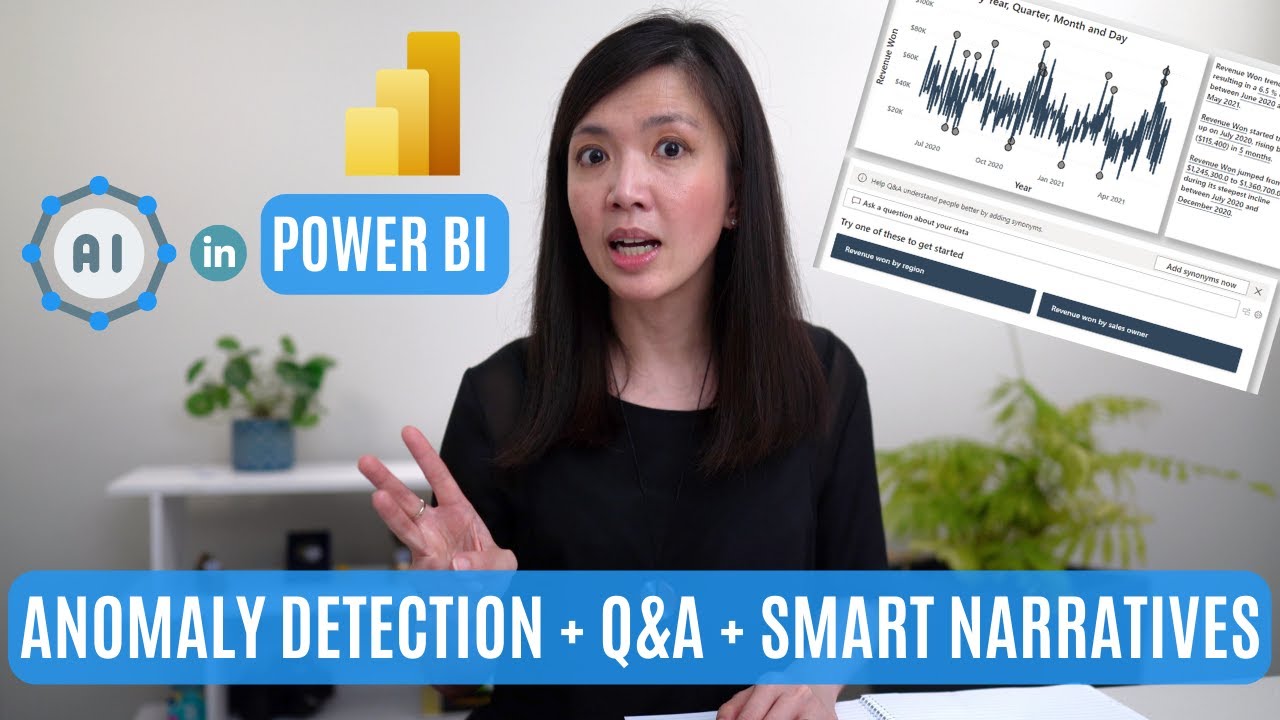
Amazing combo Anomaly Detection + Drill Up & Down + use of ANALYZE built in feature in line chart. Combined that with Smart Narratives and Q&A Visuals, and a 4 in 1 bar charts, you will have a super amazing page, just like in Page 3 of our sample Artificial Intelligence report.
This video is a continuation of Artificial Intelligence series which I have posted in previous weeks, created to show case how to rebuild a Power BI report with Artificial Intelligence features which I came across from Microsoft PBI learning portal, from scratch.
If you haven't watched my previous videos, where I went through Artificial Intelligence features in Power BI - Page 1 - Key Influencer Visuals. here is the link:
• Power BI Report with Key Influencer : AI A...
And this is the link of the video, where I went through Artificial Intelligence features in Power BI - Page 1 - Key Influencer Visuals to Page 2 - Decomposition Tree:
• Power BI Report with Decomposition Tree : ...
This video consist of two parts.
In part 1, I will focus on exploring each elements found in Page 3 - Anomaly Detection, which I found to be super impressive
Exploring the capabilities of Q&A visuals
Exploring what you can do with a Line Chart || Drill up & down, ANALYZE, and utilising the Anomaly Detection capabilities.
Exploring Smart Narrative box
In part 2, I will show you how you we can create the entire page 3 from scratch, i.e. how to create:
Q&A visual
Smart Narratives
Line Chart with Anomaly Detection
4 in 1 Bar Charts
slicer in the bonus video section.
I sincerely hope that you will enjoy this Artificial Intelligence videos and will gain more familiarity, comfort and confidence in leveraging various Artificial Intelligence capabilities in your future Power BI report.
Kind regards,
Isabella Susilowati @LighthouseAnalytix , #Powerbi, #powerbitutorial, #powerbiforbeginners
Timelines:
00:00 Intro
02:02 Q&A Visual
02:47 Line Chart Drill Up/Down
03:16 "Analyze" Line Chart To Explain Increase/Decrease
05:24 Line Chart Anomaly Detection
06:26 Smart Narratives
08:12 4 in 1 Bar Chart
08:36 Recreate AI Page 3
15:53 Epilogue
16:36 Bonus How To Create Slicer
LA71
The PBIX file that I used in this video can be downloaded for FREE via my website: https://lighthouseanalytix.com/tutori...
Look for AI in Power BI.
Доступные форматы для скачивания:
Скачать видео mp4
-
Информация по загрузке: