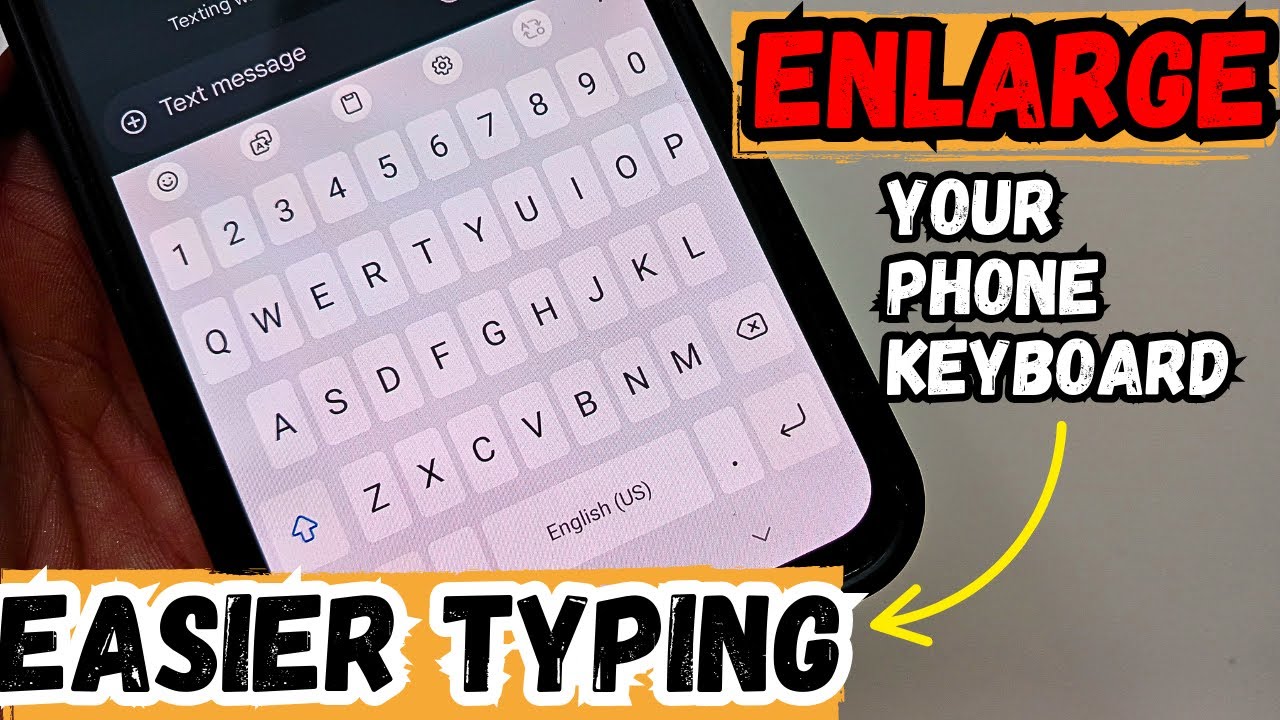
How to Enlarge Keyboard on Android Phone | Increase Keyboard Size & Font Easily
Автор: App Explorer
Загружено: 2025-08-17
Просмотров: 167
Tired of hitting the wrong keys while typing? In this video, I’ll show you how to enlarge your keyboard on Android phones like Samsung, Xiaomi, Oppo, and others — so you can type faster and more comfortably.
You’ll learn:
✔ How to increase keyboard size in Android phones
✔ How to make keyboard font size bigger
✔ How to adjust Gboard and default keyboard settings
✔ Step-by-step guide for Samsung, Xiaomi, Oppo, and other brands
📌 This method works for most Android devices, including Gboard users, and even if the keyboard height option is not showing.
⏳ Watch until the end so you don’t miss any step!
💬 Have questions? Drop them in the comments and I’ll reply.
🔔 Subscribe for more Android tips, tricks, and hidden features!
Welcome to App Explorer!
Discover the best apps for your mobile devices in this video. From trending Android and iOS apps to hidden gems, we simplify technology to bring you closer to what matters.
📱 What we cover:
App reviews and tutorials.
Features explained in simple terms.
How to make the most of your favorite apps.
Stay connected:
Subscribe for weekly updates: / @appexplorerr
💡 Got a suggestion or an app you love? Share it in the comments below!
Доступные форматы для скачивания:
Скачать видео mp4
-
Информация по загрузке: