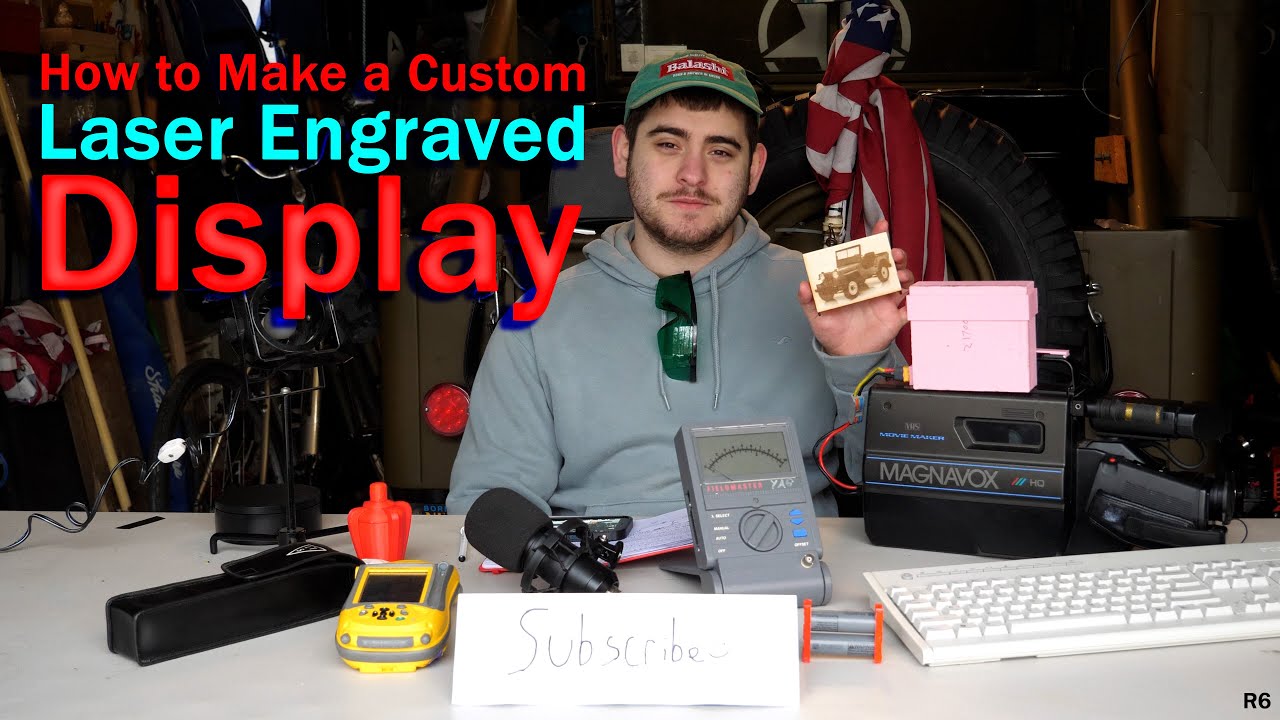
How to Make a Custom Laser Engraved Display (Full Tutorial)
Автор: Sealio’s Projects
Загружено: 2026-01-12
Просмотров: 106
In the full video, I design, laser-engrave, and assemble fully custom display stands for a staff member at my university, starting from a simple idea and turning it into a finished, functional product.
Everything in this build is intentionally straightforward: basic birch wood panels sourced from Amazon, clean parametric design work in SolidWorks, and laser engraving and cutting done on a Creality Falcon V1 using LightBurn. The interesting part isn’t exotic materials or expensive hardware — it’s how the workflow makes the design completely customizable. Length, width, height, spacing, and layout can all be adjusted quickly without redesigning the entire model from scratch.
This video gives a quick look at the process and the idea behind the build before the full breakdown goes live. If you’re interested in laser engraving, parametric CAD design, practical fabrication projects, or turning simple materials into clean, professional-looking results, the full video will walk through everything step by step.
Chapters:
00:00 - Intro
00:05 - Background
00:34 - Methods
03:42 - Sketching
09:37 - Solidworks
13:27 - Lightburn
16:41 - Cutting
18:43 - Assembly
20:23 - Evaluating the displays
24:00 - Conclusion
28:07 - Outro
#laserengraving #laserengraver #lasercutter #crealityfalcon2 #lightburn #solidworks #parametricdesign #productdesign #woodworking #birchwood #maker #makerspace #diyprojects #customdesign #cad #engineering #universityproject #fabrication #prototyping
Доступные форматы для скачивания:
Скачать видео mp4
-
Информация по загрузке:

![Мы получили 2,5 млн рублей чтобы сделать экзоскелет, и это наконец закончилось [2/2]](https://image.4k-video.ru/id-video/X3uZq2joiW8)