How to copy Ultimate C64 USB stick to a Micro SD memory card.
Автор: Rigo Muniz
Загружено: 2026-01-17
Просмотров: 48
How to Copy external USB Stick to Internal Micro SD storage card.
1. Turn on Ultimate C64 computer and switch to main Ultimate Menu by pressing the dual switch button.
2. From Menu select FILE BROWSER and go to UBS0 USB Disk, press enter twice.
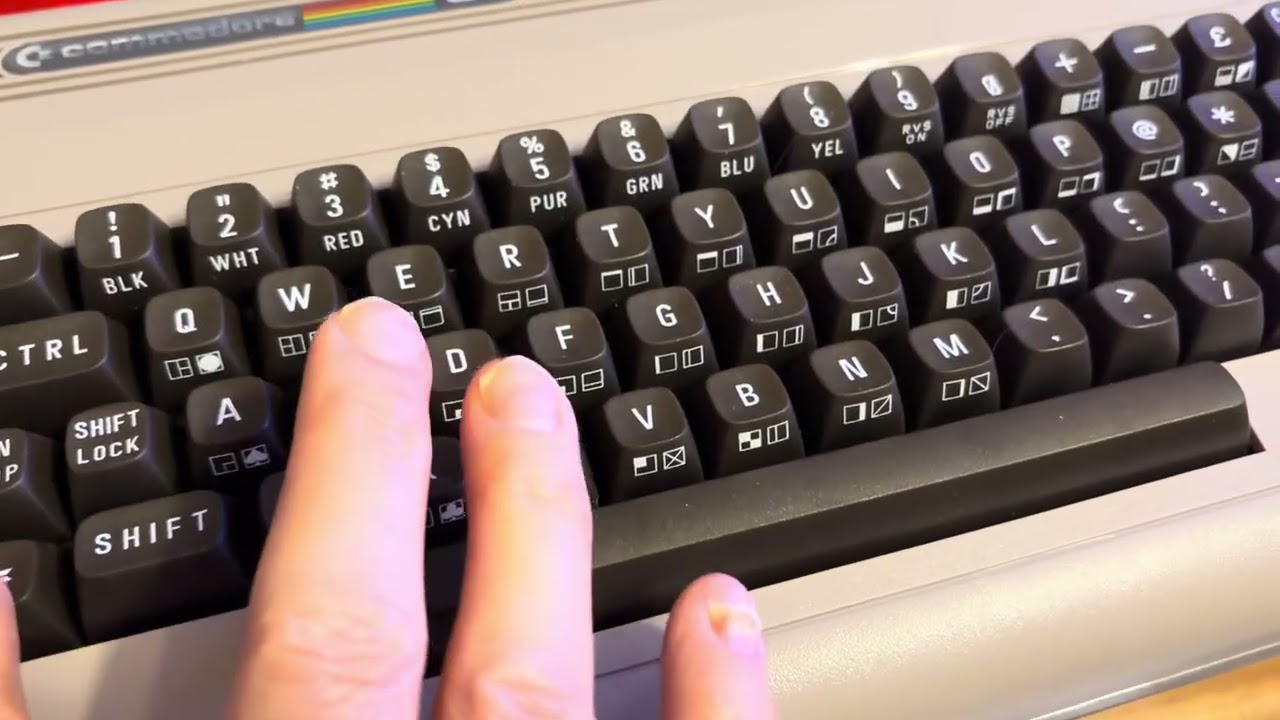
3. Now Select all Directories and files by pressing the words combination or holding the keys C= A (select all).
4. Then press C = C at the same time.
It is going to ask Y or N if you wish to copy data to a clipboard. Press the letter “Y”.
4- Exit memory stick by pressing the letter A, then go inside the target or SD SD Card, once inside press and hold C = V. The pasting process is initiated. It takes about 5-8 minutes to complete .
That’s all Folks! :)
Доступные форматы для скачивания:
Скачать видео mp4
-
Информация по загрузке: