How To SHARPEN Images In Photoshop - Sharpening FULLY EXPLAINED
Автор: Photoshop Training Channel
Загружено: 2017-04-27
Просмотров: 96943
In this tutorial, you will learn how to sharpen images in Photoshop.
► Subscribe to My Channel Here: / @photoshoptrainingchannel
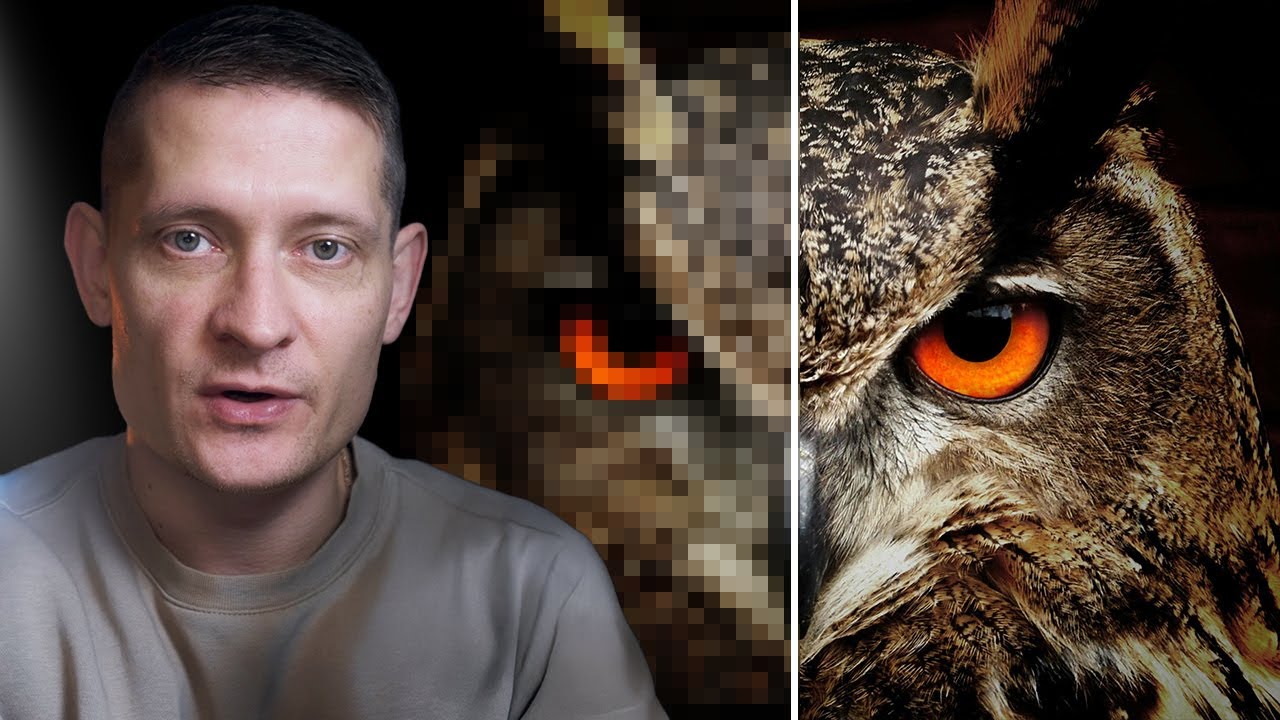
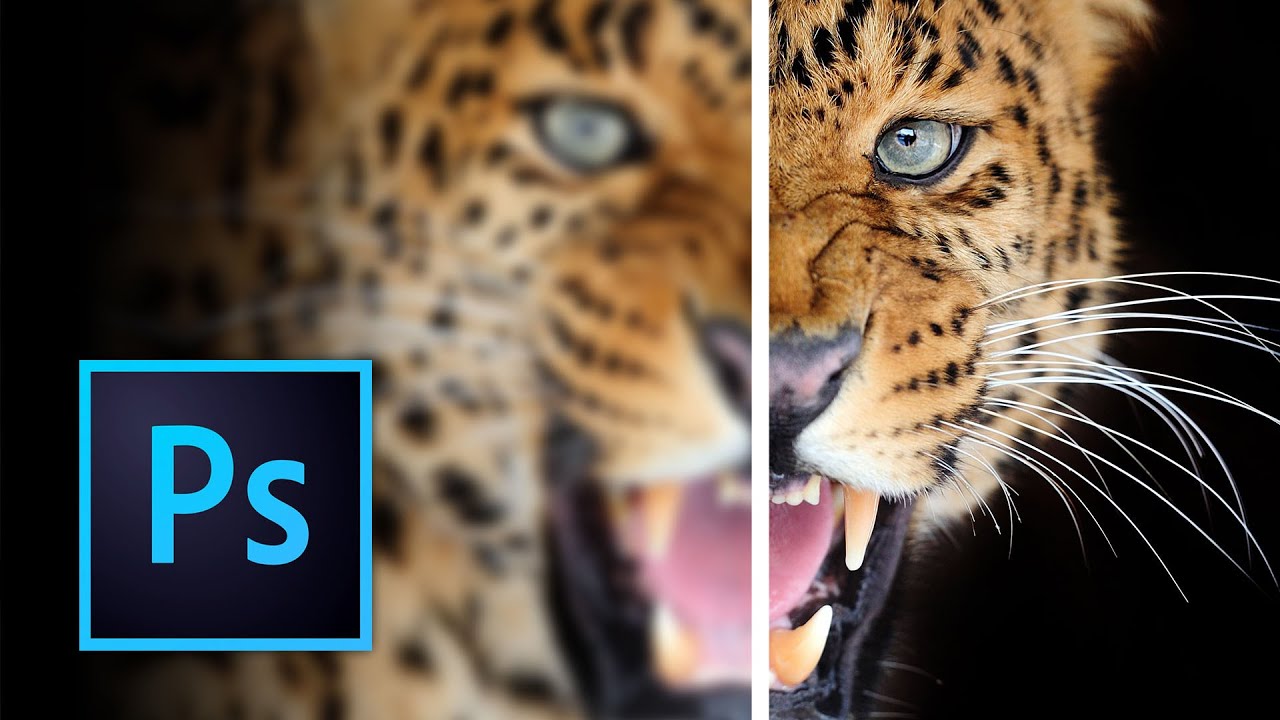
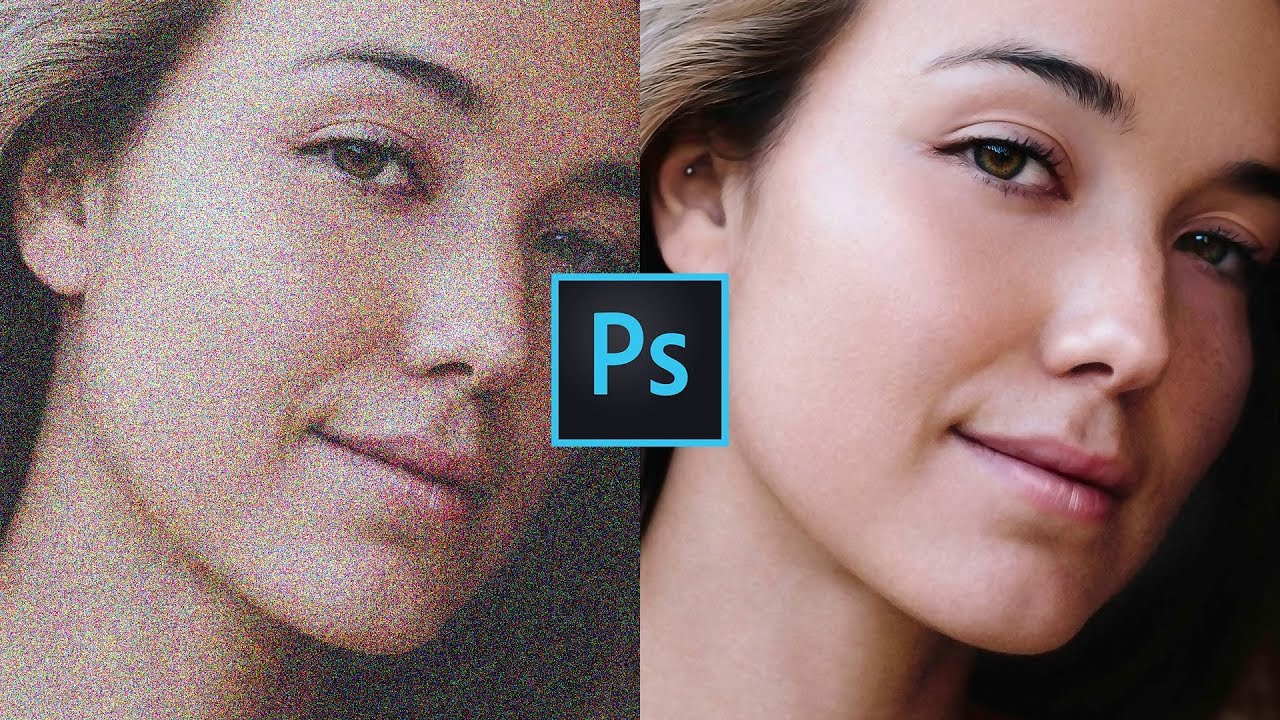
When sharpening photos in Photoshop, it is important to understand that the sharpening adjustments that we apply do not add any new detail to the photo. In Photoshop, we can only create the illusion of sharpness by increasing the contrast of edge pixels. Making it seem as if there is more detail in the image.
If the sharpening is pushed too far, it can create edge halos or increase noise in the photo, so it is always a good idea to keep your adjustments as subtle as possible.
There are no rules or settings that you should always use. The amount of sharpening that looks good depends on the contrast of the texture of the image. The only thing that seems to hold true in most cases is that you should apply subtle adjustments.
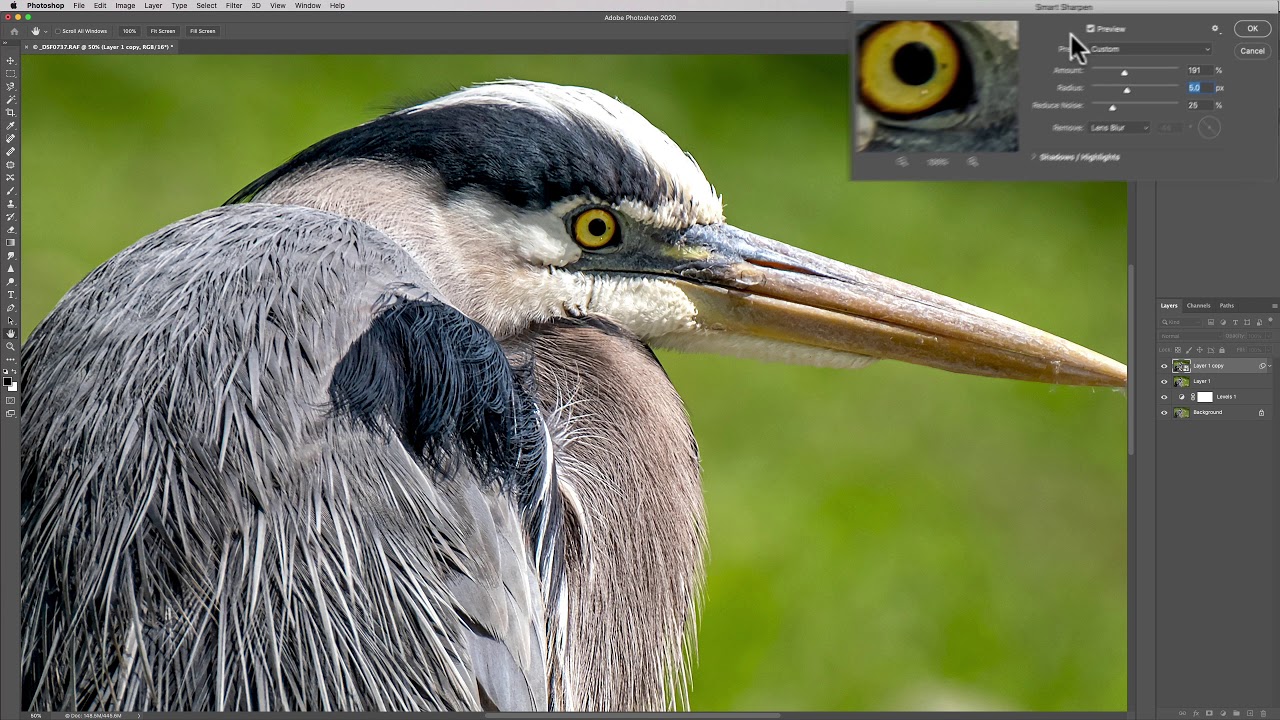
When applying sharpness, always view the image at 100% so that you can see how the image is being affected, any other view will be inaccurate and misleading.
The tools that we will look at to sharpen images in Photoshop are the Smart Sharpen Filter, and the Camera RAW filter.
There are three types of sharpening that you can apply to a photo, Capture Sharpening, Creative Sharpening, and Output Sharpening. But in this video, we will mainly focus on capture sharpening.
Capture Sharpening
The sharpening that you apply to an image to bring back the sharpness lost through the process of capturing the image to a sensor and converting it to a digital format. The demosaicing process.
To offset this loss of detail, when you open a RAW file in CameraRAW or Lightroom you will see that the Sharpening “Amount” is set to 25 by default.
If you open a JPG, instead you will see that the Amount will be set to 0, because your camera or the device that created the image adds sharpening as the jpg is made.
Creative Sharpening
Applied selectively based on artistic intent. It is an effect that tends not to be realistic or subtle.
Output Sharpening
The last step before output. Done after you reduce the size of the image and before exporting it as a JPEG, or before printing the image. Both printing and downscaling an image may soften it, and it may require a bit of sharpening to bring back some detail.
If you have any questions, please leave them below
or head over to this tutorial's page on our website:
➜ https://photoshoptrainingchannel.com/
👍 Subscribe + Like + Share + Comment = More Video Tutorials!
Thank you for watching!
- - - - - - - - - - - - - - - - - - - - - -
⚡ PTC NEWSLETTER
If you enjoyed this video be sure to subscribe to our newsletter to receive free weekly Photoshop tips and more!
➜ ✉️: http://ptcvids.com/subscribe
- - - - - - - - - - - - - - - - - - - - - -
⚡PREMIUM TUTORIALS
For more in-depth Photoshop Tutorials be sure to check out our Premium tutorials.
➜ http://ptcvids.com/shop/
- - - - - - - - - - - - - - - - - - - - - -
⚡ FOLLOW PTC ON
Facebook: https://fb.com/PhotoshopTrainingChannel
Instagram: / jrfromptc
LinkedIn: / photoshop-training-channel
Pinterest: / ptcpins
Behance: https://www.behance.net/JRfromPTC
Twitter: / jrfromptc
- - - - - - - - - - - - - - - - - - - - - -
⚡ LINKS
Website: https://photoshoptrainingchannel.com
YouTube Channel: / photoshoptrainingch
Google +: https://google.com/+Photoshoptraining...
This Video's Youtube Link: • How To SHARPEN Images In Photoshop - Sharp...
- - - - - - - - - - - - - - - - - - - - - -
⚡ CREDITS
Stock Images provided by stock.adobe.com
Photoshop video tutorials by Jesus Ramirez
Доступные форматы для скачивания:
Скачать видео mp4
-
Информация по загрузке:





![How To Make Realistic Shadows in Photoshop [Technique That You Probably Don't Know]](https://imager.clipsaver.ru/EJ7UAzFv17c/max.jpg)