UberMenu 3 Demo Tutorials - Part 4: Images Submenu
Автор: sevenspark
Загружено: 2014-09-22
Просмотров: 20055
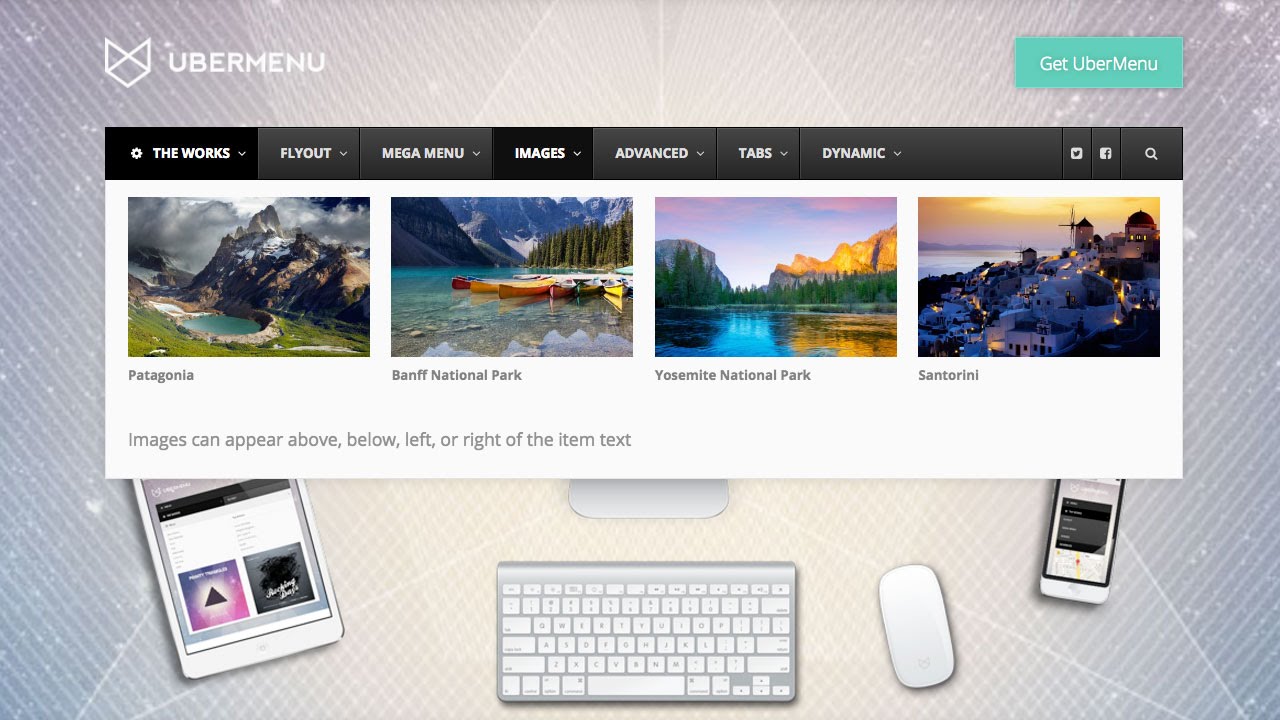
In this video, we recreate the Images submenu from the UberMenu Demo http://wpmegamenu.com
::Jump to section::
0:34 Submenu Layout Overview
0:57 Adding Submenu Items
2:04 Creating Equal Submenu Columns
2:48 Understanding Image Dimensions and Aspect Ratios
-- 3:30 Images of different sizes
-- 4:00 Cropping to a standard aspect ratio
-- 4:37 Think about your image sizes ahead of time
5:20 Setting the default image size to be used in the menu
-- 6:27 Creating a custom image size
-- 6:41 Simple Image Sizes Plugin ( https://wordpress.org/plugins/simple-... )
9:00 Adding Images to Menu Items
-- 9:24 Setting an image via the Media Uploader
-- 10:10 Setting Image Position - Above the text
-- 10:52 Setting Image and Text Alignment
-- 11:15 Automatically Inheriting the Featured Image from a Post
14:04 Handling Images with Different Aspect Ratios
-- 14:50 Setting the Image Size to a Crop Image Size
-- 15:37 Regenerating Images ( https://wordpress.org/plugins/regener... )
15:59 Adjusting the spacing to achieve a Grid
-- 16:37 Adding a Row Item to create a grid
-- 17:31 Setting the Row to a Grid Row
18:05 Adding the Custom Content text below the image grid
-- 18:18 Adding a Custom Content Item
-- 18:34 Setting the content
-- 18:58 Changing the width of the custom content
Доступные форматы для скачивания:
Скачать видео mp4
-
Информация по загрузке: