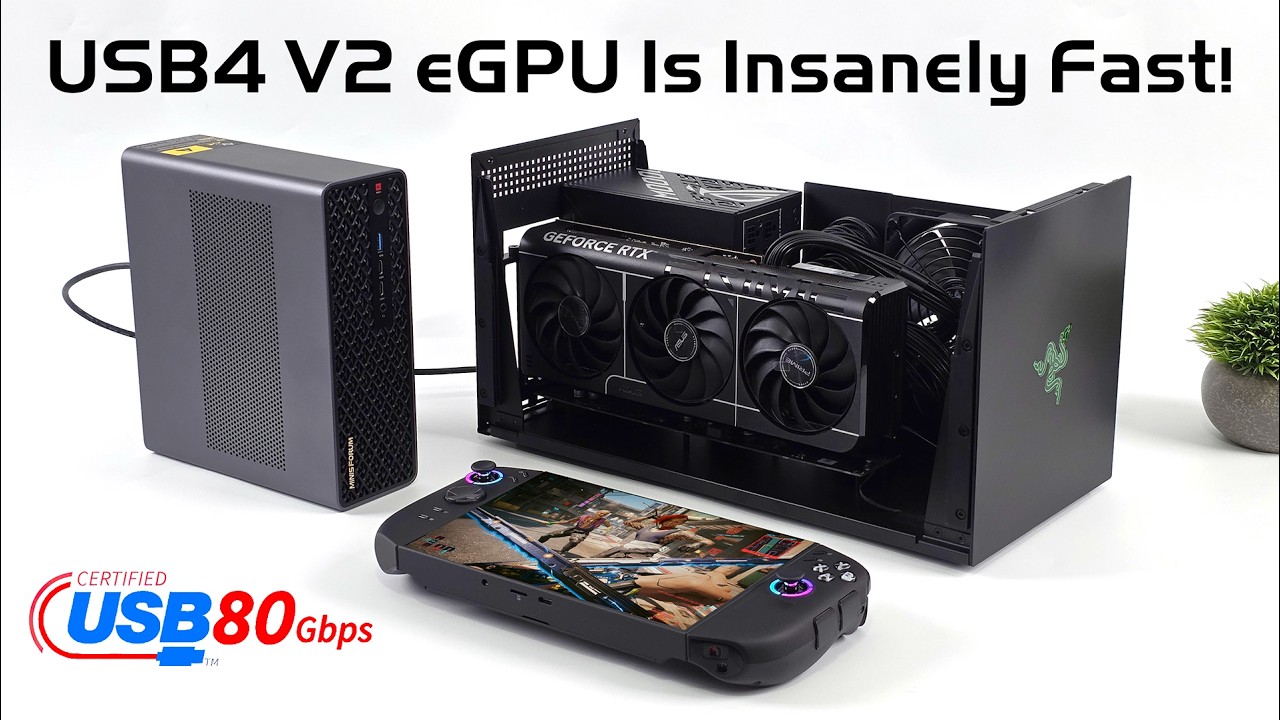
MINISFORUM MS-S1 Max Unboxing & Installation Guide | SSD & PCIe Expansion Card Tutorial
Автор: Minisforum EU Store
Загружено: 2025-10-19
Просмотров: 2617
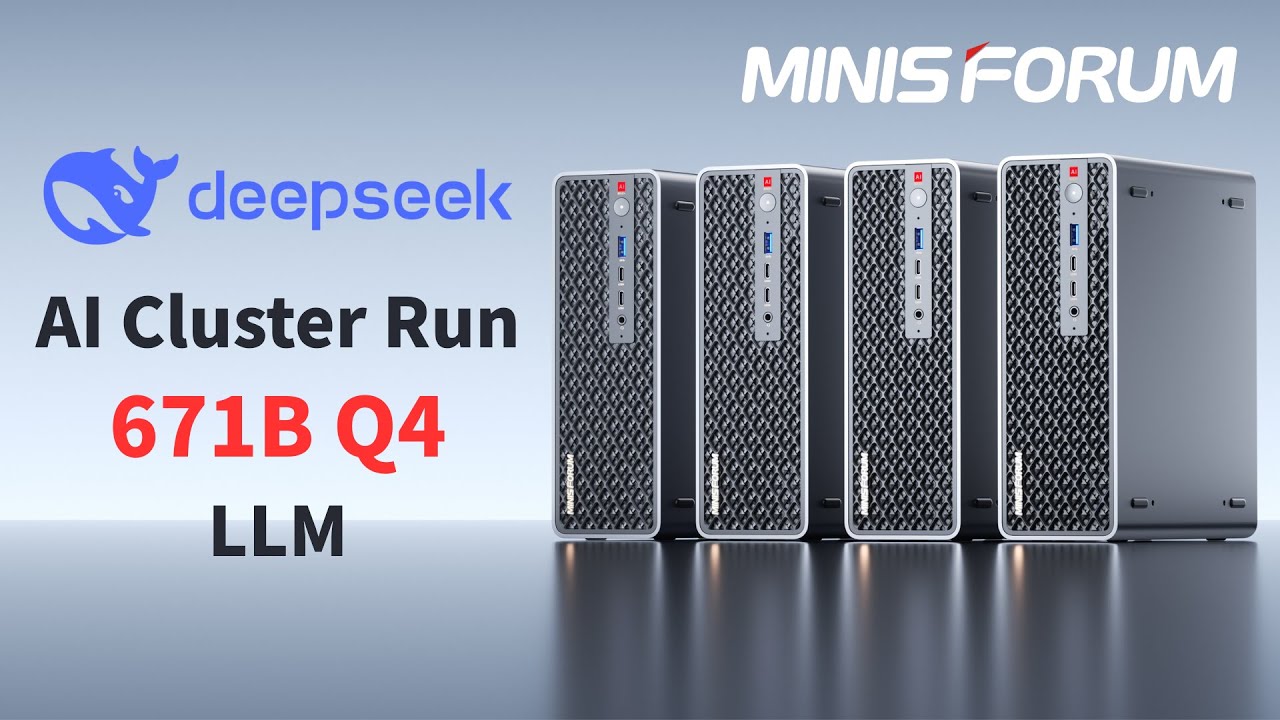
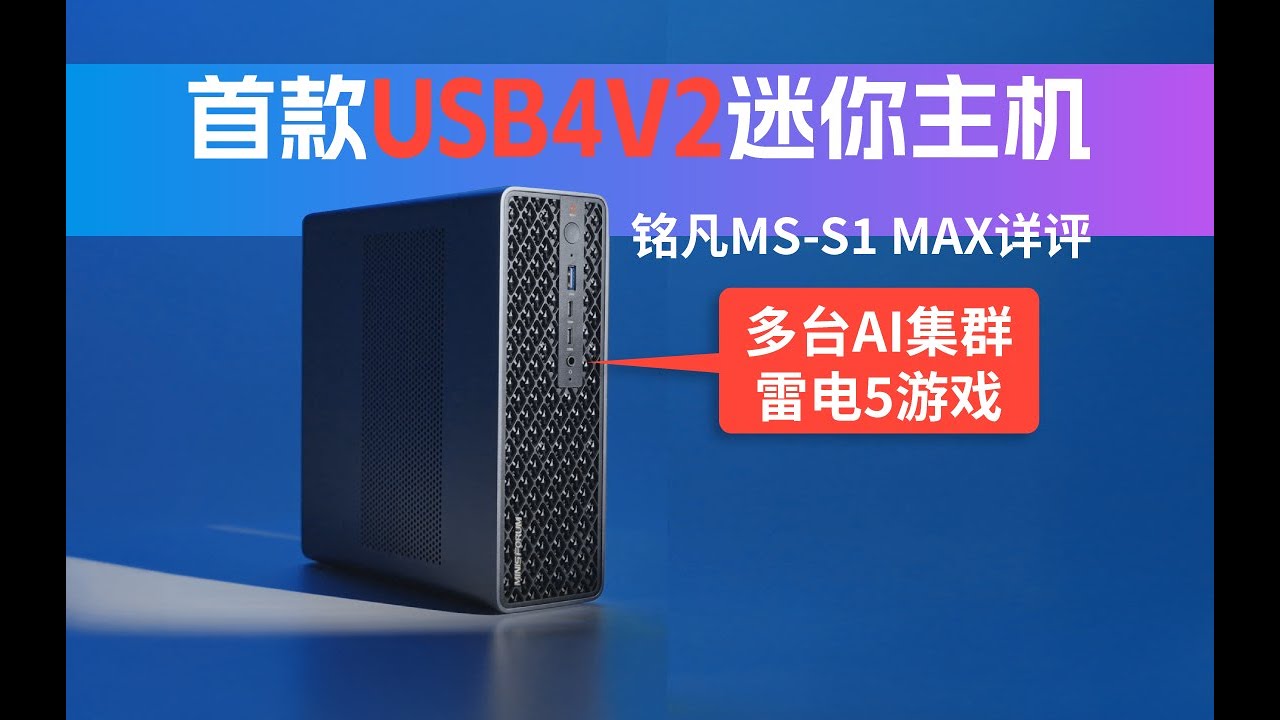
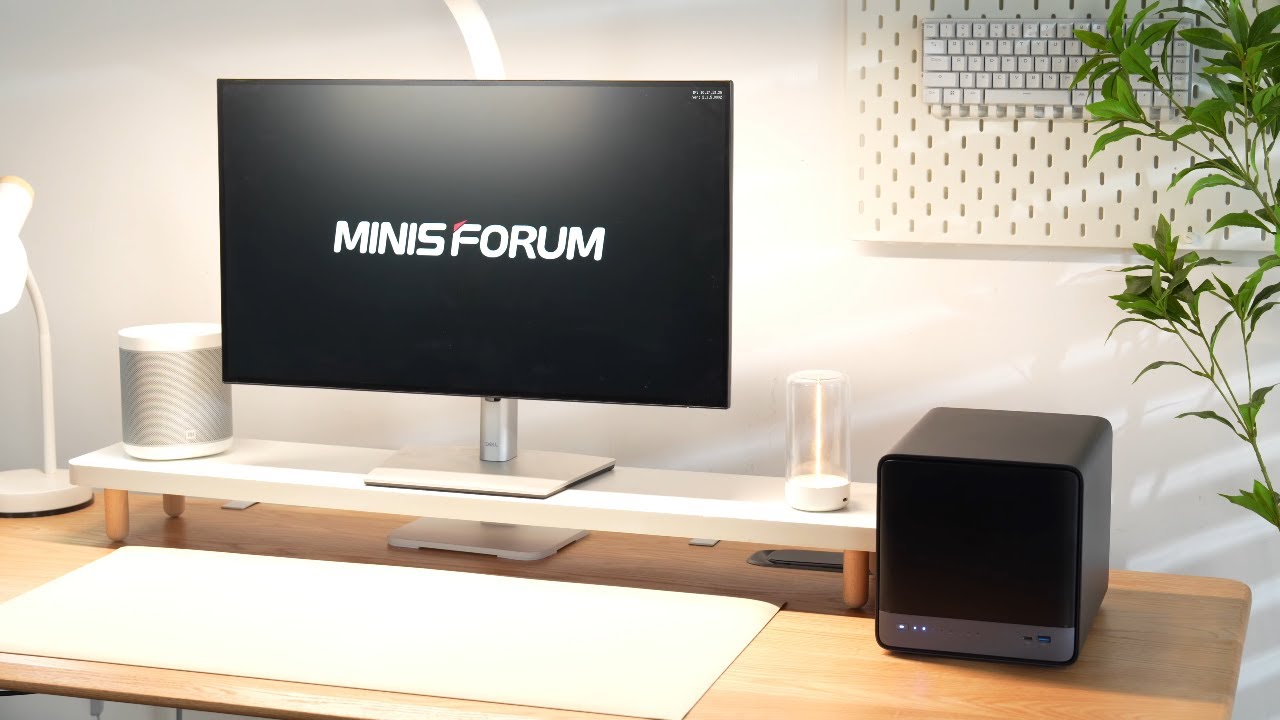
Discover the full potential of the MINISFORUM MS-S1 Max, the most powerful next-generation AI workstation.
In this in-depth video, we’ll show you the unboxing, SSD installation, and PCIe expansion card setup, step by step.
⚙️ Key Features:
• Equipped with AMD Ryzen™ AI Max+ 395 — up to 126 TOPS AI performance
• LPDDR5x-8000MT/s | Up to 128GB unified memory
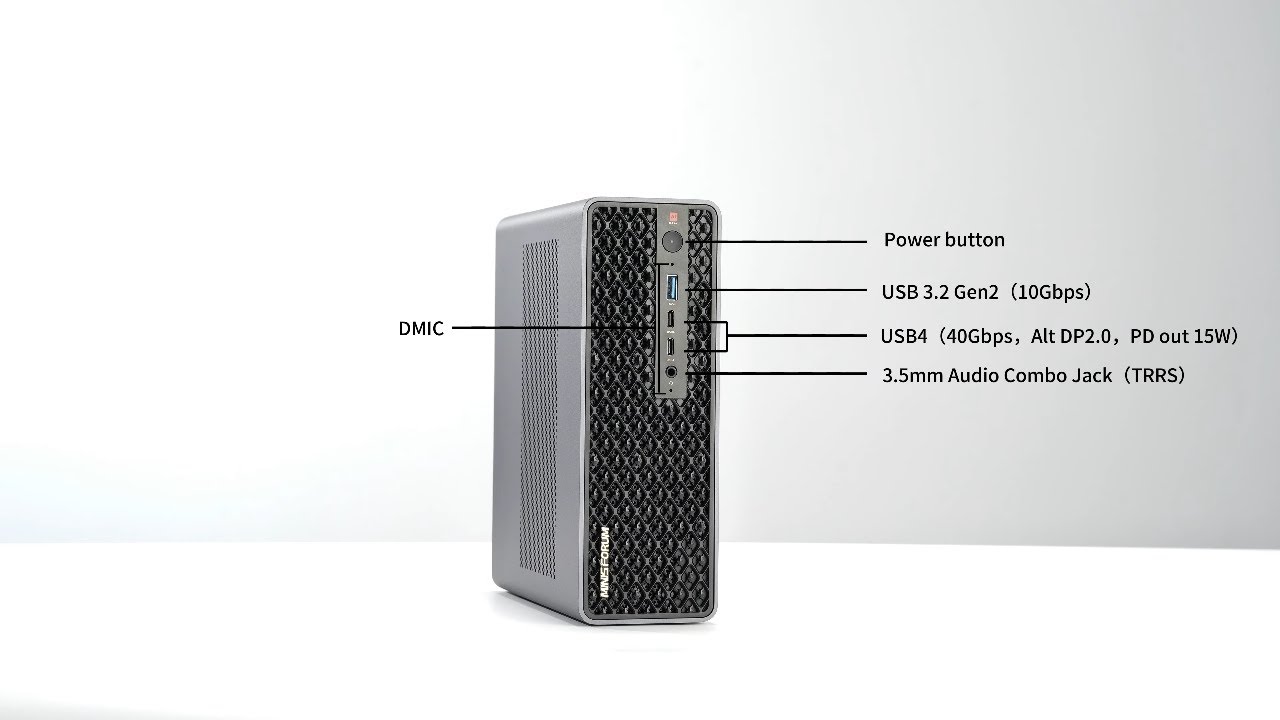
• USB4 V2, Dual 10GbE, and Wi-Fi 7 support
• PCIe x16 expansion | Compatible with 2U rack setups
Perfect for creators, developers, and AI enthusiasts looking for a compact yet powerful workstation.
➡️ Learn more:
🌍 Global Store https://s.minisforum.com/3Kqve37
🇪🇺 EU Store https://s.minisforum.com/4gIlBsS
🇯🇵 JP Store https://s.minisforum.com/4gHpVs4
🇬🇧 UK Store https://s.minisforum.com/4pIAIGO
🇫🇷 FR Store https://s.minisforum.com/3IjUMyt
🇰🇷 KR Store https://s.minisforum.com/4nv1cKw
💬 Share your thoughts below — what should we test next on the MS-S1 Max?
#MINISFORUM #MSS1Max #AIWorkstation #MiniPC #RyzenAIMax #PCBuild #SSDInstallation #PCIeExpansion
Доступные форматы для скачивания:
Скачать видео mp4
-
Информация по загрузке: