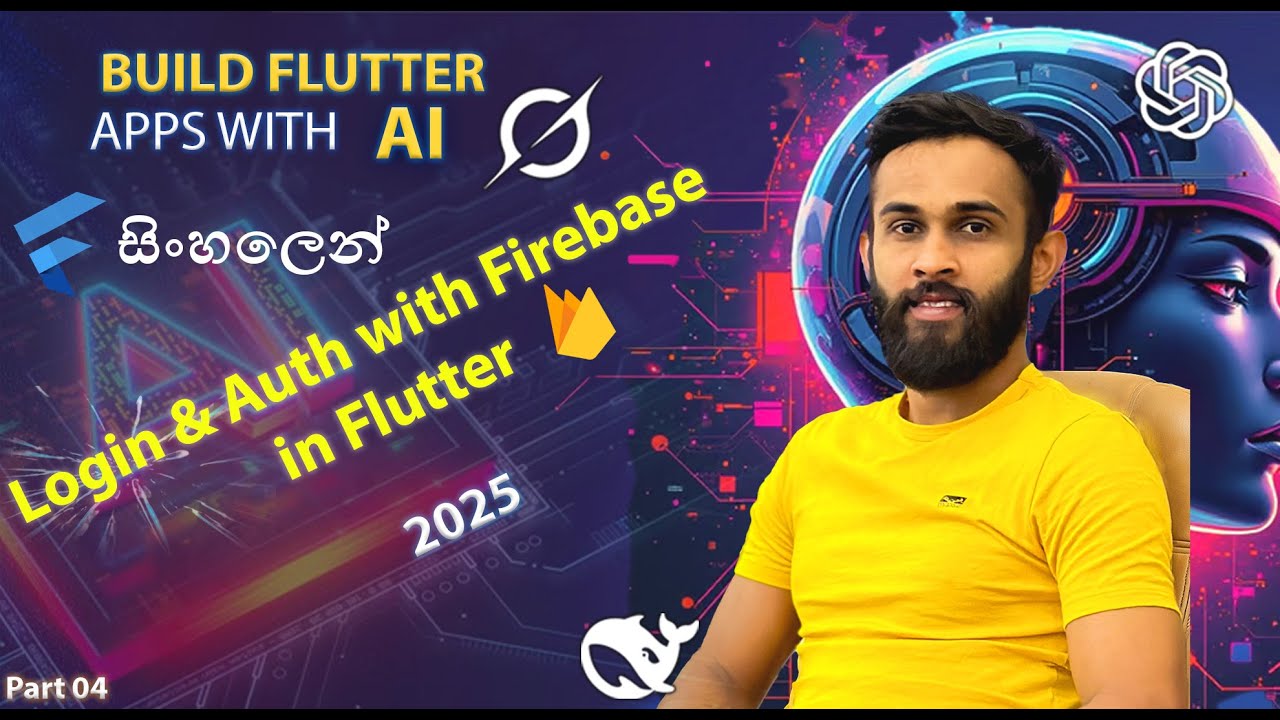
Part 04 | Flutter Firebase Authentication (සිංහල Guide with AI) | To-Do App Login & Reset | 2025
Автор: Manuraj Vimukthi
Загружено: 2025-06-29
Просмотров: 107
📱 Flutter Sinhala Tutorial Part 04 — Firebase Authentication Integration (2025) 🇱🇰
In this Sinhala tutorial, we integrate Firebase Authentication into our Flutter To-Do List app using AI tools like Grok AI. You’ll learn to set up secure login, sign-out, and password reset with a beautiful glassmorphism UI!
💡 What you’ll learn today:
Install firebase_auth via terminal in Android Studio
Enable email/password login in Firebase console
Create & connect new authentication screens
Fix errors and improve code quality with AI help
Validate login, show error messages, and test flows
Manage sign-out and reset password via email
🗂️ Project structure:
lib/
├── models/
│ └── task.dart
├── screens/
│ ├── home_screen.dart
│ ├── login_screen.dart // New
│ └── forgot_password_screen.dart // New
├── services/
│ ├── auth_service.dart // New
│ └── task_storage.dart
├── theme/
│ ├── colors.dart
│ └── theme.dart
├── widgets/
│ └── task_tile.dart
└── main.dart
⚡ Grok AI prompt used:
Please provide the complete code for integrating Firebase Authentication into my Flutter To-Do List app, including:
1. Updated `main.dart` to initialize Firebase Authentication and route users to `LoginScreen` or `HomeScreen` based on auth state.
2. Updated `home_screen.dart` to add a sign-out button that navigates to `LoginScreen`.
3. New `login_screen.dart` with a glassmorphism UI for email/password login, input validation, and error handling.
4. New `forgot_password_screen.dart` with a glassmorphism UI for sending password reset emails.
5. New `auth_service.dart` with Firebase Authentication methods for sign-in, sign-out, and password reset.
Ensure the UI matches my existing glassmorphism theme (using `AppTheme`, `AppColors`, and `GlassContainer`) and integrates with my existing `task.dart`, `task_storage.dart`, and `task_tile.dart`. Include error handling and user-friendly feedback.
🔥 Previous Tutorials:
✅ Part 01: Install Android Studio & Flutter Setup
✅ Part 02: Build a To-Do List App with Local Storage
✅ Part 03: Configure Firebase in Flutter Project
⚡ Next tutorial:
We will link tasks to authenticated users, making each user's data secure and private!
🌟 Firebase Console:
https://console.firebase.google.com/
👉 Subscribe for weekly Sinhala Flutter + AI tutorials!
👍 Like, comment & share to support this series.
Доступные форматы для скачивания:
Скачать видео mp4
-
Информация по загрузке: