Git Stash Explained | The Most Important Git Command Every Developer Must Know
Автор: DevNxt
Загружено: 2025-11-22
Просмотров: 46
If you have ever been stuck in a situation where you need to switch branches, fix an urgent bug, or pull the latest code—but you don’t want to commit your unfinished work—then Git Stash is the command you must know. In this video, we break down the most important Git command: Git stash, explaining how it works, why developers use it, and how you can apply it in your daily development workflow. Whether you're a beginner or an experienced developer, understanding Git stash will drastically improve your productivity and reduce the risk of losing your uncommitted changes.
Git stash allows you to temporarily store your modifications (tracked or untracked files) without committing them to the repository. This is incredibly useful when your code is still incomplete, but you need to quickly shift to another task—such as reviewing a merge request or fixing a critical issue on another branch. Instead of committing half-finished work or copying files manually, Git stash creates a clean working directory while keeping your changes safe.
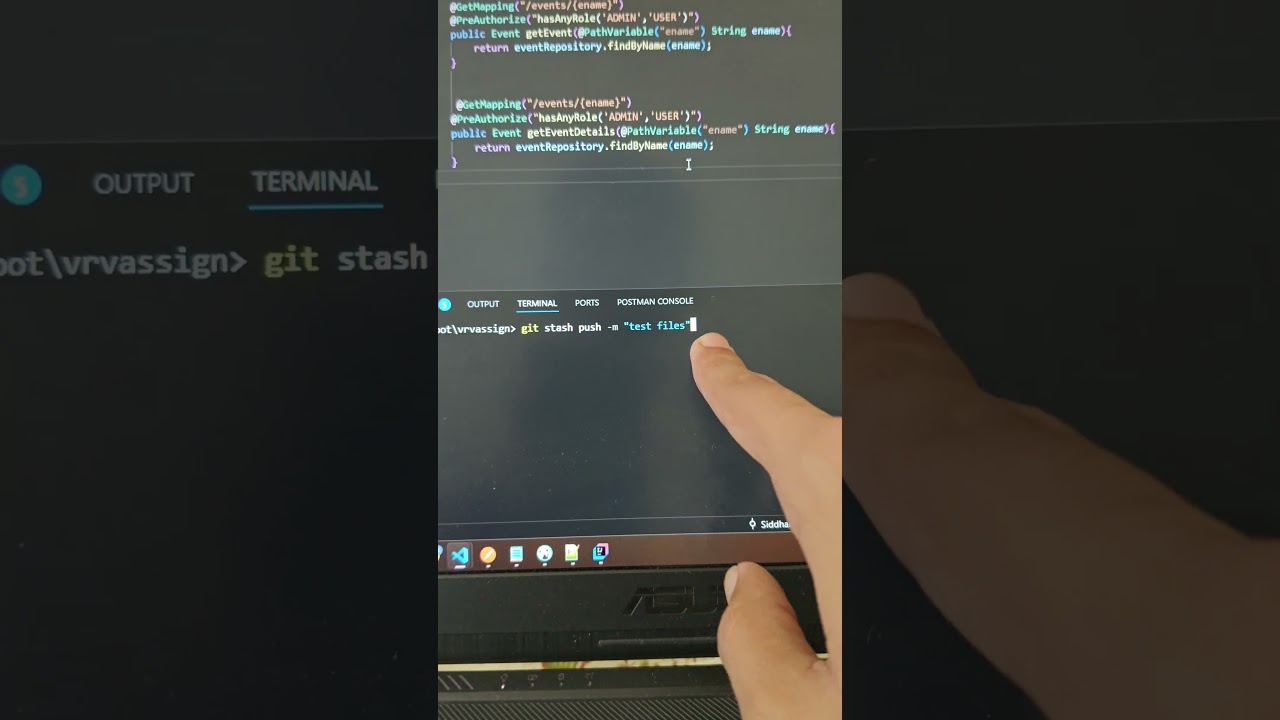
In this video, you'll learn everything from the basics to advanced usage. We start by explaining what Git stash is and how the stash list works, followed by practical demonstrations of the most used commands like git stash, git stash list, git stash apply, and git stash pop. You will also see how to stash specific files, how to stash untracked files, and how to apply multiple stashes at once. Each concept is explained with real-world examples, making it easy to understand when and why to use stash.
We also explore scenarios where Git stash is extremely useful. For example, when you need to switch branches for emergency fixes, your code is not ready to commit, or when working on large features that require frequent context switching. You’ll learn best practices on naming your stash using messages, cleaning old stashes, and avoiding common mistakes developers make, such as forgetting to apply stash or accidentally clearing it.
By the end of this video, you’ll not only understand how Git stash works but also how to use it efficiently to keep your workflow smooth, clean, and organized. This tutorial is perfect for students, developers preparing for interviews, and anyone who wants to master Git commands with clarity.
Git Stash Explained | The Most Important Git Command Every Developer Must Know
How Git Stash Works | Save Your Code Without Commit | Git Tutorial
Master Git Stash in 10 Minutes | Beginner to Advanced Git Guide
Stop Losing Your Work! Learn Git Stash | Essential Git Commands
Git Stash Full Tutorial | Understand, Use & Master Git Stash Easily
Why Git Stash Is So Important | Real-Life Examples & Best Practices
Git Stash Commands You Must Know | Complete Developer Guide
Git Stash for Beginners | How It Works and When to Use It
Git Stash vs Commit | What’s the Difference? Real Scenarios Explained
Git Stash Pop, Apply, Drop – Full Breakdown with Examples
Boost Your Productivity with Git Stash | Git Tips for Developers
Git Stash Deep Dive | Everything About Stashing Your Code
Git Stash – The Secret Git Command Nobody Told You About
Git Stash Practical Guide | Switching Branches Safely in Git
Top 7 Git Stash Commands Explained | Easy Git Learning Guide
#gitstash #gitcommands #gittutorial #learnGit #gitforbeginners
#gitapply #gitpop #softwaredevelopment #programmingtutorial
#codingtips #webdevelopment #versioncontrol #githubtutorial
#developerskills #techlearning
Доступные форматы для скачивания:
Скачать видео mp4
-
Информация по загрузке:






![Нейросеть УНИЧТОЖИЛА 2048 [Перевод Code Bullet]](https://image.4k-video.ru/id-video/_3lBLMh_ZbQ)
