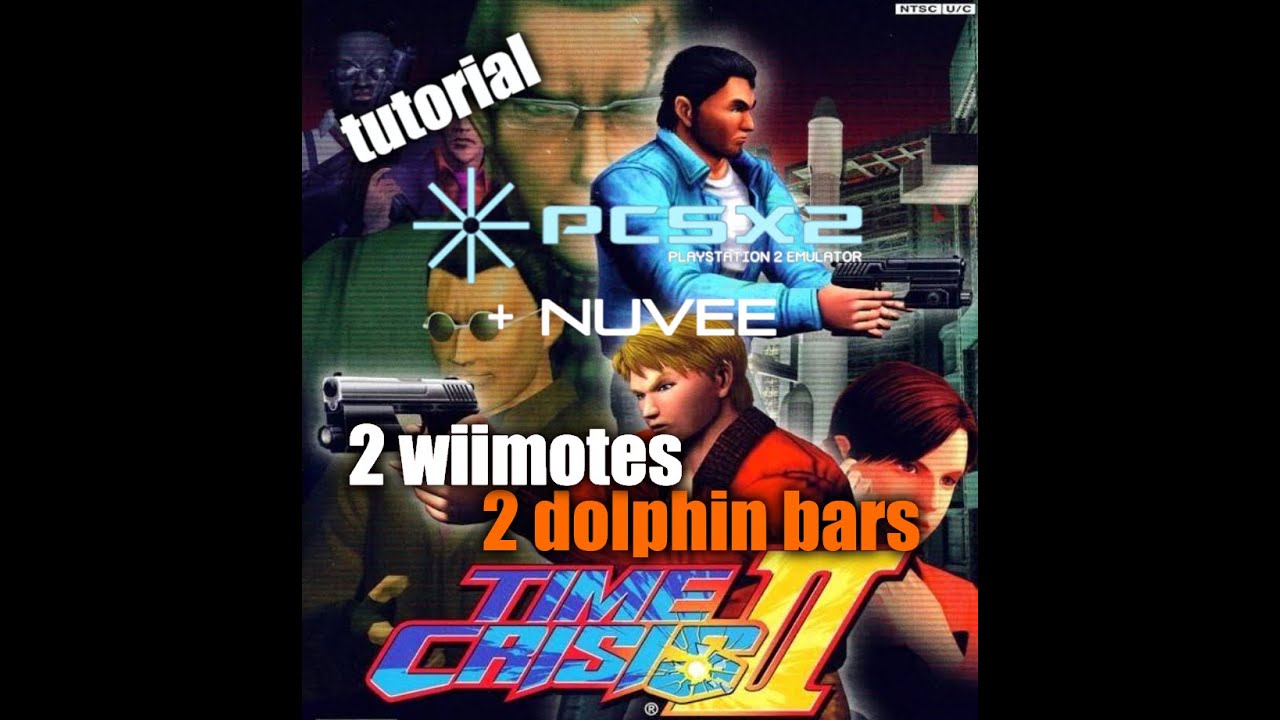
Time Crisis 2 (PCSX2) Tutorial : 2 wiimotes + 2 dolphin bars using Nuvee plugin
Автор: ginzu emulation
Загружено: 2020-09-22
Просмотров: 9886
My PCSX2 emulator with nuvee plugins and BIOS:
https://mega.nz/file/59l3QIZR#0iCS67e...
Hello,
Here is finally the video concerning "Time crisis 2" on the Pcsx2 v 1.6.0 emulator
I use the nuvee plugin which allows to simulate the guncons2 (optical gun of the playstation 2)
This tutorial video contains:
the implementation of the nuvee plugin
the configuration of the pcsx2 emulator
configuration of the nuvee plugin for 2 wiimotes
a 1 Player gameplay test
a 2 Players gameplay test
I will talk about mouse patcher in a next video because this video is already quite long.
This emulator is difficult to optimize. it is advisable to have a good processor to get the most out of it.
I also noticed 2 problems:
a fairly significant input lag which affects the gameplay.
and a slight offset of the viewfinder as one moves away from the center of the screen. (whatever the format to use: 4/3, 16/9 etc ...)
Good viewing!
- - - - - - - - - CONFIG - - - - - - - - - - - -
I7 9700K @3.6Ghz (New****)
ASUS Z390 Motherboard (New***)
8GB DDR4 RAM G-SKILL
MSI 970 GTX GPU Nvidia
- - - - - - - - - - - - - - - - - - - - - - - - - - - - -
Download links:
PS2 emulator : https://pcsx2.net/download.html
Nuvee plugin : https://mega.nz/file/MpEkyAbZ#4Wim12q...
TIPS: (not shown in the video ) :
Go to Nvidia Setting Pannel (task bar), then Manage 3D settings,
program settings : select pcsx2.exe and OpenGl graphics rendering processor , then,
select your hardware gpu.
You will have significative improvment doing that with the OpenGl Gsdx rendering.
Доступные форматы для скачивания:
Скачать видео mp4
-
Информация по загрузке:











![Evolution of The House of the Dead Games [1997-2022]](https://imager.clipsaver.ru/b2a7YCxAzkg/max.jpg)