Why Every Editor Needs Power Bins in DaVinci Resolve
Автор: SamResolve
Загружено: 2026-01-22
Просмотров: 56
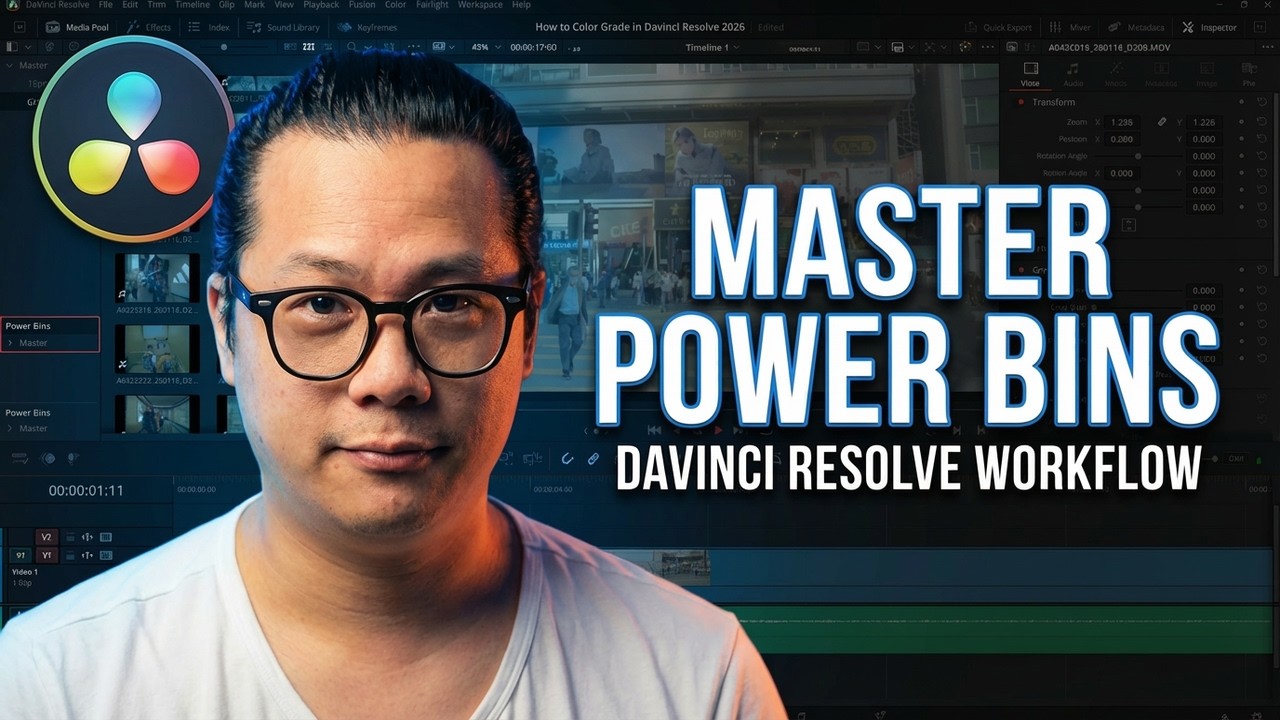
Want to speed up your editing workflow in DaVinci Resolve? In this video, we dive deep into Power Bins—one of the most underrated features for saving time and maintaining brand continuity.
If you are tired of recreating the same effects, searching for your logo in every new project, or dragging in the same transitions repeatedly, this tutorial is for you. I’ll show you how to turn Power Bins into a global "shelf" of tools that follows you across every single project you create.
In this video, you will learn:
How to enable and locate Power Bins in DaVinci Resolve.
The difference between Smart Bins and Power Bins.
How to create custom presets (like my Vintage Lens effect) using Adjustment Clips.
How to organize brand assets (logos, overlays, paper textures) for instant access.
How to save and reuse transitions and film burns globally.
Important tips on file management and relinking media.
Stop re-doing work you’ve already done well. Watch now to optimize your editing setup!
⏱️ Timestamps:
0:00 - Intro
0:14 - What are Power Bins?
0:46 - How to Enable Power Bins in Resolve
1:10 - Using Saved Presets
1:42 - Creating Custom Presets with Adjustment Clips
2:49 - Using Power Bins Across Different Projects
3:53 - Organizing Brand Assets (Logos & Overlays)
4:54 - Saving Transitions
6:27 - Important Warning: File Management & Relinking Media
6:58 - Outro
Recommended Playlists:
➤ DaVinci Resolve Tutorials: • DaVinci Resolve 20 Tutorials
➤ Color Grading Basics: • Editing Tips and Tricks
➤ AI in Davinci Resolve: • Resolve's AI Features!
About This Video:
If you are a one-man crew or a content creator, brand continuity is key. I walk you through my exact process of using Adjustment Clips to save color grade presets and effects directly into the Power Bin. Whether it's a "Vintage Lens" look or a standard YouTube Subscribe animation, keeping these in your Power Bin ensures they are just a drag-and-drop away in any new project timeline.
NOTE: Keep in mind that while effects created inside Resolve stay linked, video files (like film burns or logos) dragged into Power Bins reference a specific location on your hard drive. If you move the source file, you will need to relink the media!
#DaVinciResolve #VideoEditing #PowerBins #EditingWorkflow #DaVinciResolveTutorial #ContentCreatorTips
Доступные форматы для скачивания:
Скачать видео mp4
-
Информация по загрузке: