Rigging a 2D Animated Character - Part 9: Time Offset Modifiers and Drivers (Blender Grease Pencil)
Автор: Carse and Waterman Education
Загружено: 2023-09-21
Просмотров: 2398
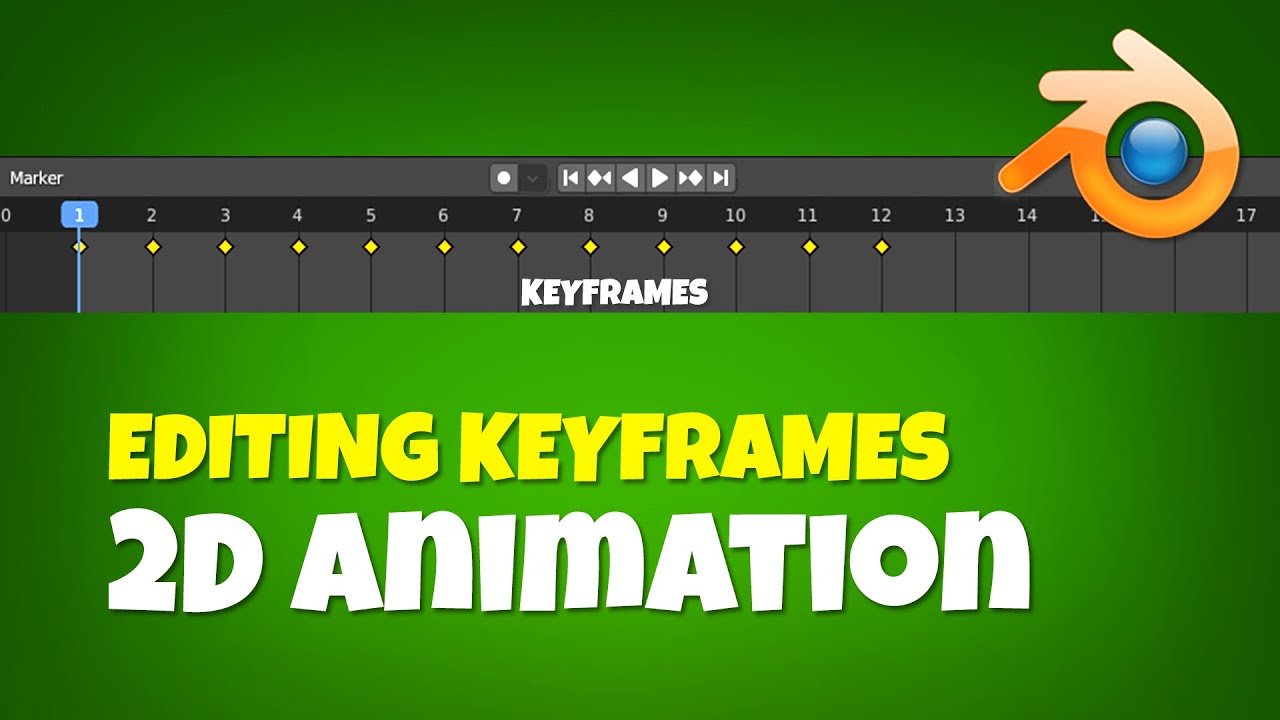
In this Blender Grease Pencil tutorial, learn how to set up drivers for your character's blinks. We'll learn how the Time Offset Modifier works, what mode to put it on and how the frame range works. We'll then copy and paste a driver onto the frame channel to enable us to cycle through the frames via the movement of an armature bone. Lastly we'll take a good look at the driver editor and learn how to tweak and manipulate the f-curves to get the best results.
By the end of this tutorial, you'll know how to:
Set up drivers for blinks
Use the Time Offset Modifier
Copy and paste drivers
Use the drivers editor to alter your driver
Add keyframes to your drivers f-curve
Subscribe for more Blender Grease Pencil tutorials! I hope this video series helps you in rigging a 2D animated character in Blender.

Доступные форматы для скачивания:
Скачать видео mp4
-
Информация по загрузке: