My favorite Warmonger Stormbringer. - Shadow of war [PS4&PS5]
Автор: Shadow of the Orc
Загружено: 2024-09-26
Просмотров: 4411
0:00 Raid Leader
7:04 Night Bringer
14:42 Berserker Master
How to load version 1.00
If you have a physical Shadow of War disc that does not include the DLC, you can switch between both version 1.18 and version 1.00.
The way to do this is to first delete only the Shadow of War application data
Go to Settings→Storage→System Storage→Applications and press the option button on the Shadow of war to delete it.
Then take your PS4 offline and insert the game disc and install it.
Then you can load version 1.00.
Then go online and update your PS4 and you can play the game again with version 1.18.
How to change the version in PS5
1: Go to the PS5 home screen.
2: Go to Settings→Storage→Console Storage→Games and Apps.
Select Shadow of War and Delete.
3: Then take your PS5 offline, insert the Shadow of War disc and reinstall the game.
This will load version 1.00.
Please note that some orc skills and titles may be lost in version 1.00.
It is a good idea to make a backup on your USB.
Notes.
When changing to version 1.00, unplug the LAN cable from the PS5 or PS4.
Otherwise, the update data will start downloading on its own.
How to save game data using USB on PS4
Settings → Application Saved Data Management → Saved Data in System Storage → Copy to USB Storage Device
How to restore PS4 game data
Settings → Application Saved Data Management → Saved Data on USB Storage Device → Copy to System Storage
How to save game data using USB on PS5
Settings → Saved Data and Game/App Settings → Saved Data(PS4) → Console Storage → Copy to USB Drive
How to restore PS5 game data
Settings → Saved Data and Game/App Settings → Saved Data(PS4) → USB Drive → Copy to Console Storage
![My favorite Warmonger Stormbringer. - Shadow of war [PS4&PS5]](https://imager.clipsaver.ru/ZsgLuAIYSeQ/max.jpg)
Доступные форматы для скачивания:
Скачать видео mp4
-
Информация по загрузке:
![My favorite Warrior Orcs. - Shadow of war [PS4&PS5]](https://imager.clipsaver.ru/sOGOjxSgrds/max.jpg)
![Shadow of war - I created Stormbringer from Kingslayer. [PS4]](https://imager.clipsaver.ru/PfDK_5-4o28/max.jpg)


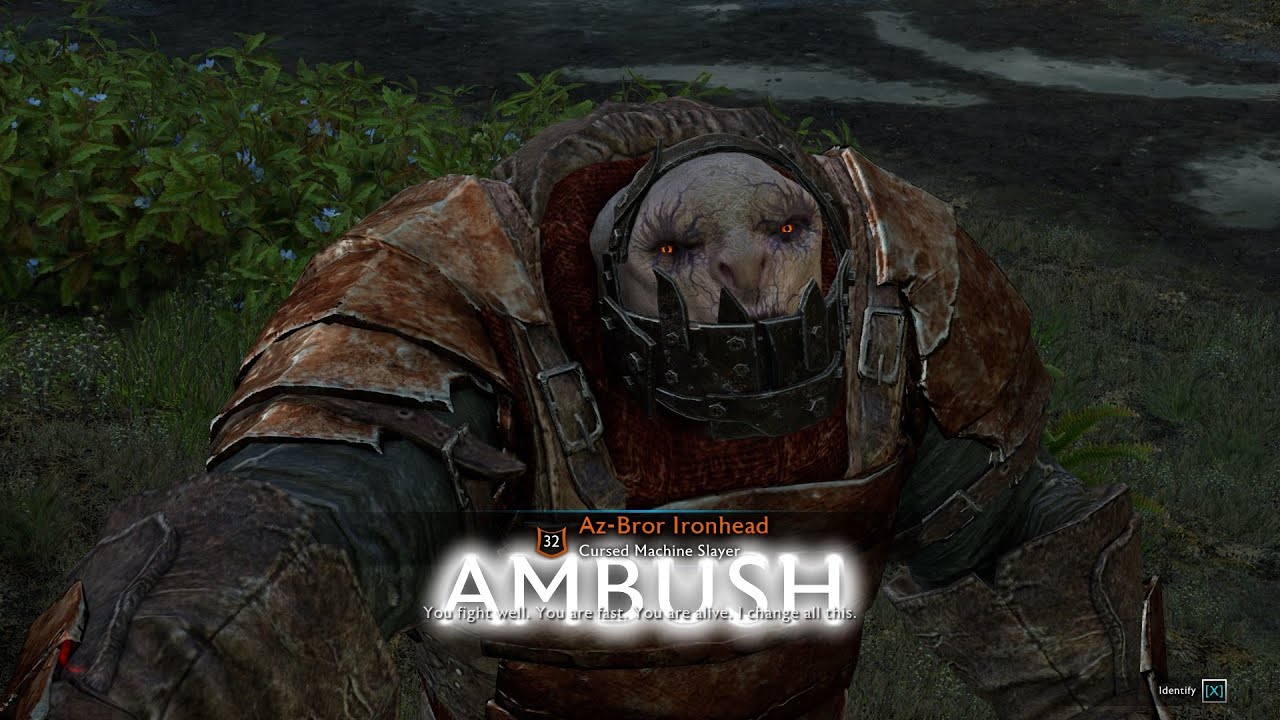
![How to get The Blight's hood. - Shadow of war [PS4&PS5]](https://imager.clipsaver.ru/szIcIAzFnJY/max.jpg)
![I made 8 immunity Plague-Bringer, The Specter, and Stormbringer from the Chill. Shadow of war [PS4]](https://imager.clipsaver.ru/wPCv4GqKfL8/max.jpg)
![My favorite the Forsaken. - Shadow of war [PS4&PS5]](https://imager.clipsaver.ru/W5de8GzOYbw/max.jpg)

![Making a cool The Blight. - Shadow of war [PS4&PS5]](https://imager.clipsaver.ru/cbIXJy7h7lc/max.jpg)
![Shadow of war - I created Stormbringer from Manhunter [PS4]](https://imager.clipsaver.ru/bd33qzI2THw/max.jpg)
![Necromancer Machine Blight. - Shadow of war [PS4&PS5]](https://imager.clipsaver.ru/-gxSCnJO3nE/max.jpg)


![I made Stormbringer from Earth Salter. - Shadow of war [PS4&PS5]](https://imager.clipsaver.ru/ecyZEV7s-2M/max.jpg)