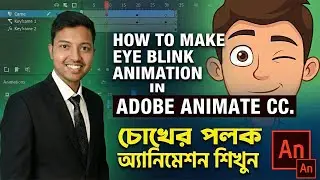
How to Animate Gopal Bhar Front Face: Eye Blink & Face Movement | Adobe Animate CC Class 18
Автор: Animator Rupam
Загружено: 2026-01-05
Просмотров: 754
Welcome to Class #18 of our Adobe Animate CC series! In this video, we are taking our Front View Character to the next level by adding life-like animations: Eye Blinking and Face Movements.
A static character looks lifeless, even if the drawing is perfect. In this tutorial, I will show you how to animate the eyes of the Gopal Bhar front view character to blink naturally. Additionally, we will cover "Face Movement"—how to add subtle head movements and feature shifts so your character looks alive and engaged, not just like a frozen image. These small details make a huge difference in professional cartoon animation.
🎁 Want this Animated Project File for Practice? If you want the Gopal Bhar front view animation file used in this video to practice your homework, just follow me on Instagram and send me a DM (text)! I will share the file with you.
🔗 Helpful Links: ▶️ How to Download Adobe Animate CC: https://t.me/AnimatorRupam
📢 Follow Me for Updates: Instagram: / rupam2danimator_bangla
Telegram: https://t.me/AnimatorRupam
Software Used: Adobe Animate CC Language: Bengali
❤️ If this video helped you, please Like, Share, and Subscribe to Animator Rupam!
#FaceAnimation #GopalBharCartoon #AdobeAnimate #Class18 #AnimatorRupam #2DAnimation #AnimationTutorial #FrontViewAnimation #AdobeAnimateCC #BanglaTutorial

Доступные форматы для скачивания:
Скачать видео mp4
-
Информация по загрузке: