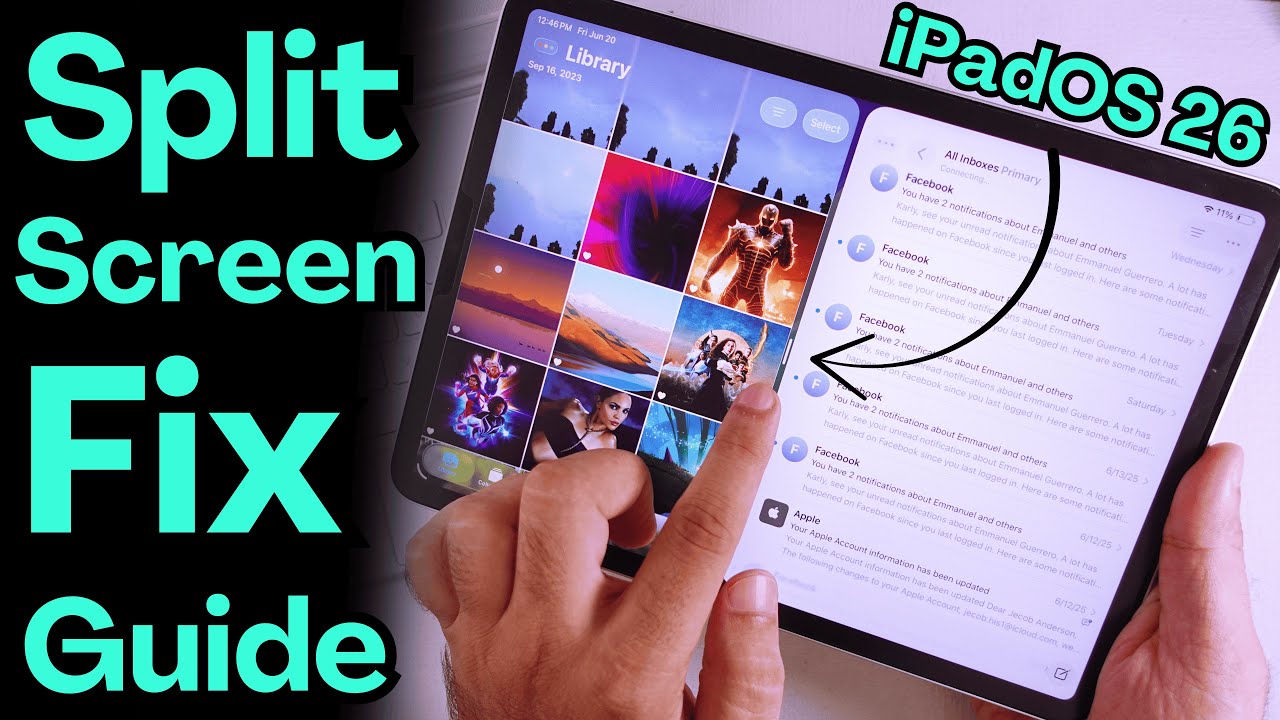
How to Fix Split Screen Not Working on iPad in iPadOS 26 | Use Split View
Автор: Free Tech Guide
Загружено: 2025-06-20
Просмотров: 98118
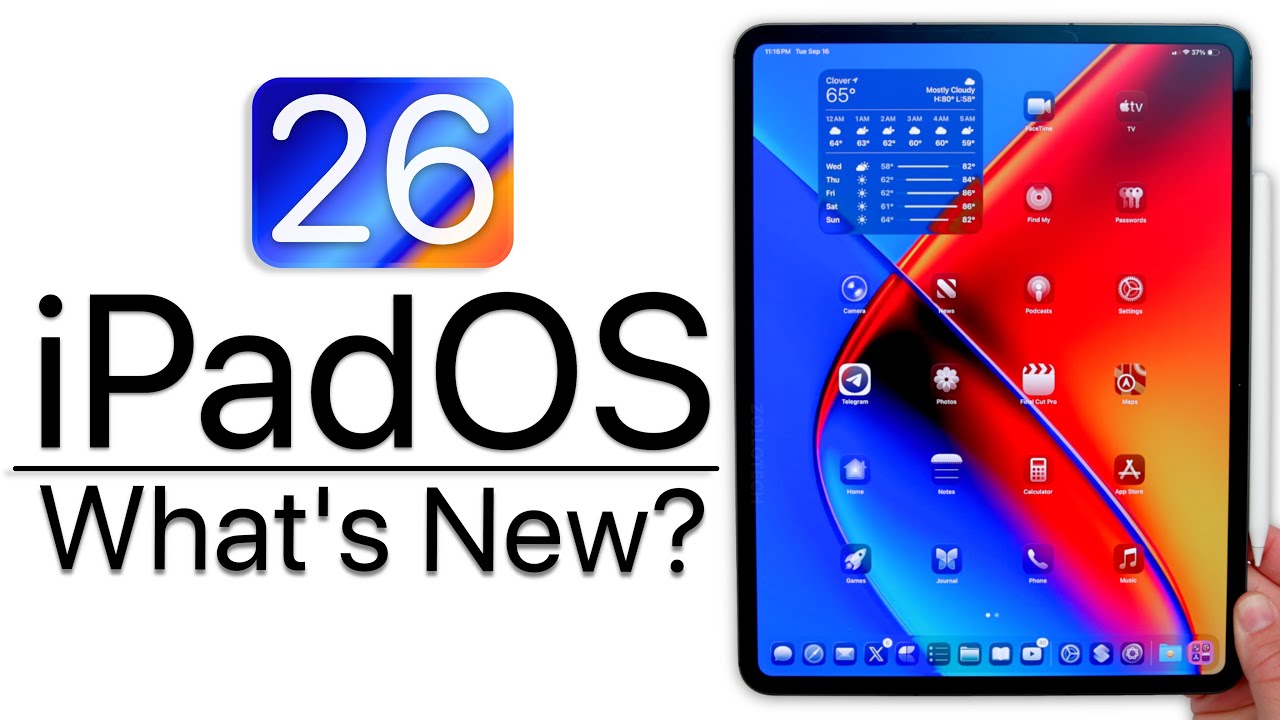
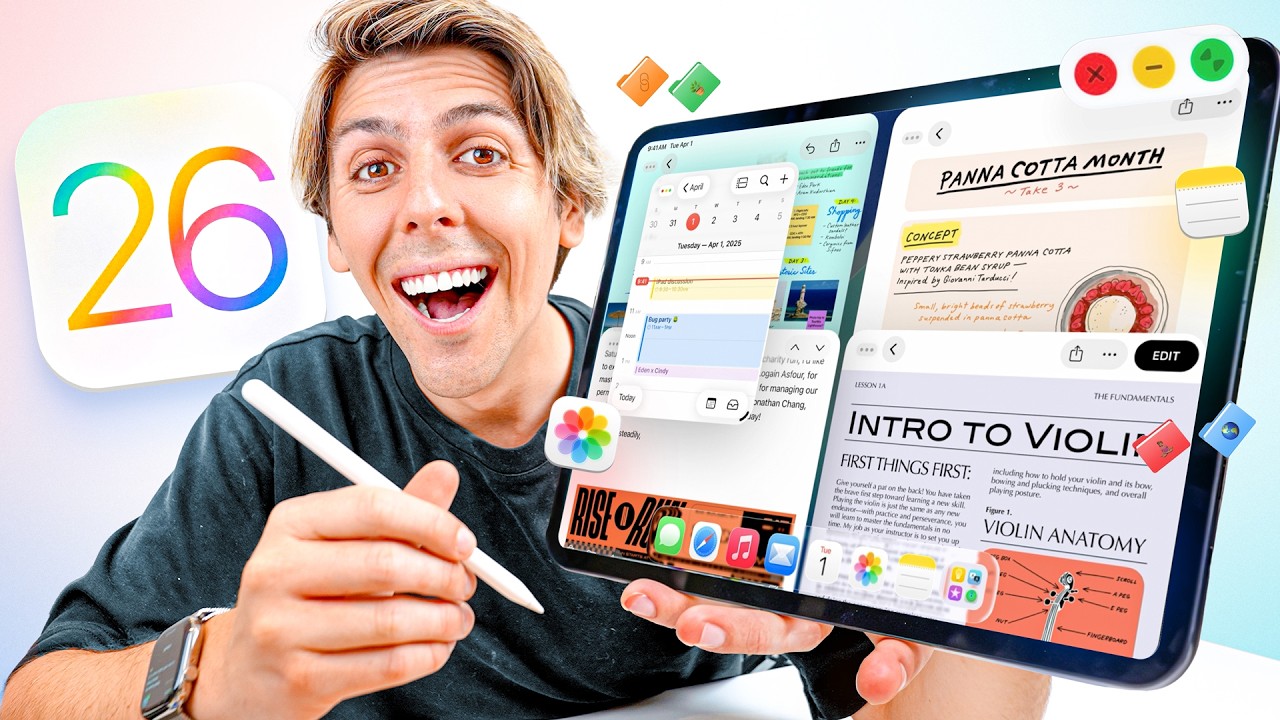
Get Fixed Split Screen Not Working on iPad in iPadOS 26, Start Using Split View on iPad. use All apps Side by Side on iPad Pro, iPad Mini and iPad Air.
Fix on iPadOS 18:- • How to Split screen on iPad in 2026 (iPad ...
Slide Over on iPadOS 26:- • How to Slide Over on iPad in iPadOS 26.2 (...
00:00 intro
00:11 Enable/Disable Multitasking
00:31 Use Split Screen On iPad
01:23 Fix 1
02:09 Fix 2
02:17 Fix 3
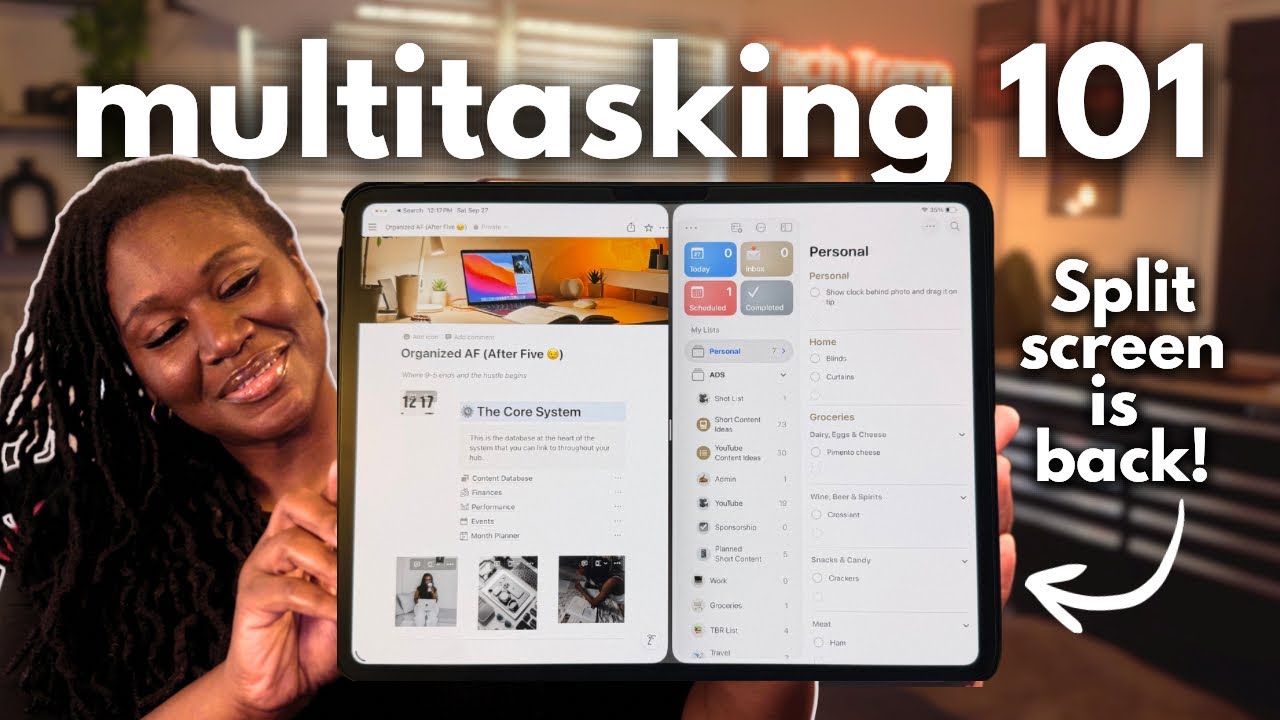
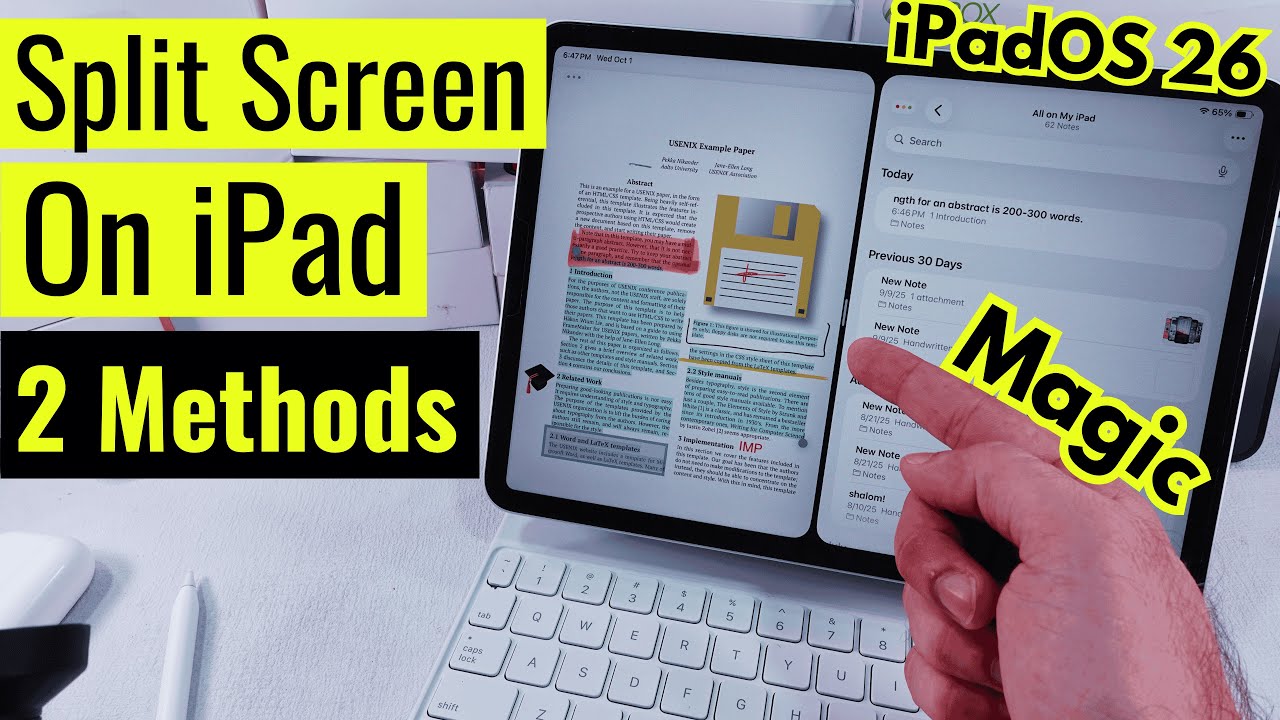
wanna get that old Split View back like the earlier iPadOS? I got you. Let’s get those two apps rollin’ side by side in Split View.
First off, ya gotta make sure the Windowed apps feature is turned on in Settings. So go ahead, open the Settings app on your iPad.
Now, tap on Multitasking & Gestures on the left side, and then hit up Windowed App.
Just like I did, make sure you keep all the settings on that page turned on — the ones that don’t mess with Split View — and just leave the rest how they are.
Alright, now bounce back to your Home Screen. I’m gonna open the Mail app on my iPad. If it pops up in a little window, no biggie — just leave it like that.
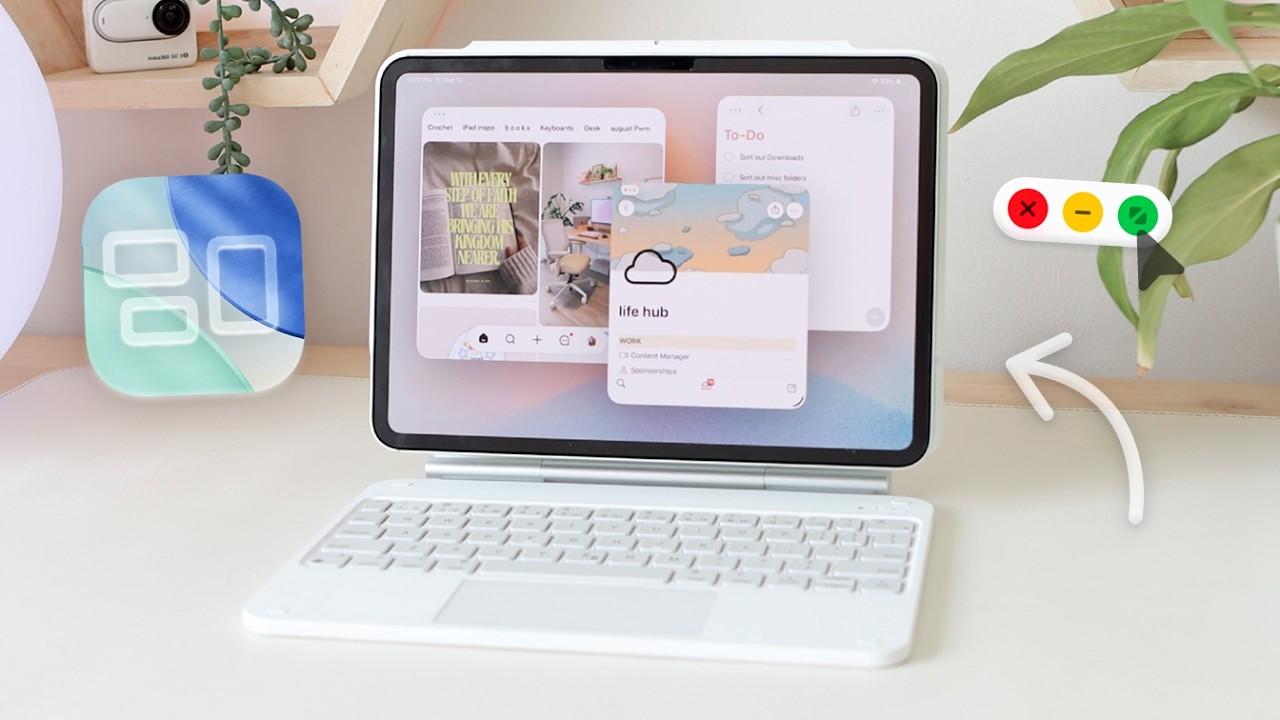
Next, swipe down from the top edge of the iPad with your finger, then tap that Window Menu option.
Under the Move & Resize section, you’ll see some layout options under Arrange. Pick whatever you’re feelin’.
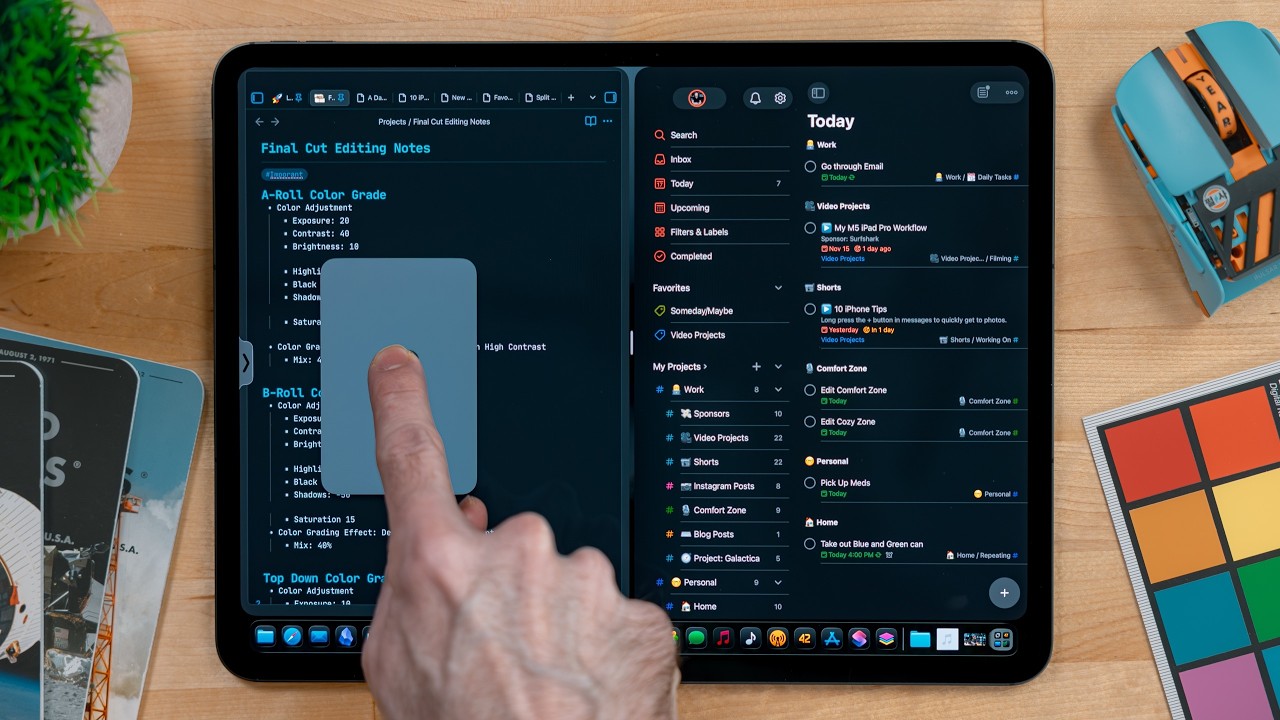
Say I choose left and right — boom, the Mail app snaps over to the left side of the screen.
Now pull up another app — you can grab it from the dock, Spotlight search, or App Library.
The second app? It’s gonna auto-drop right onto the right side of the screen.
Wanna resize that split? Just grab the line between the two windows with your finger and drag it where you want.
If you’re tryin’ to swap in a different app, just tap the close button on one, then open another app.
Same drill as before — use the top Window Menu, pick where you want it, and you’re good.
And that’s pretty much it. Both apps are sittin’ nice side by side now.
Hope that helped you out. If stuff’s still glitchin’ or stuck, go ahead and force restart your iPad.
Here's How to, First Quickly press and release Volume Up, then Quickly Press and release the Volume Down, then just hold the Power button ‘til you see that Apple logo pop up.
Check if that fixed it. Also, make sure your iPad’s rockin’ the latest iPadOS. Go to Settings, then General, and tap Software Update. If there’s one waitin’, download it and update. And let the app developer know if one of their apps still won’t play nice with Split View.
GET CHEAP iPHONES on Amazon (US): https://amzn.to/3NrhGmd
GET CHEAP iPHONES on Amazon (CA): https://amzn.to/4h53UTU
GET CHEAP iPHONES on Amazon (UK): https://amzn.to/40570Bj
GET CHEAP iPAD on Amazon (US): https://amzn.to/4dP9XcC
GET CHEAP AirPods on Amazon (US): https://amzn.to/3BJVIsd
If you found this video helpful, give it a like!
Need more help? Drop a comment below!
Don’t forget to subscribe for regular updates!
#splitscreen #ipad #ipados26
Subscribe on YouTube: https://www.youtube.com/freetechguide...
Доступные форматы для скачивания:
Скачать видео mp4
-
Информация по загрузке:
![iOS 26 Settings You NEED To Turn Off NOW! [IMPORTANT]](https://imager.clipsaver.ru/jdQWWmJ4Bms/max.jpg)