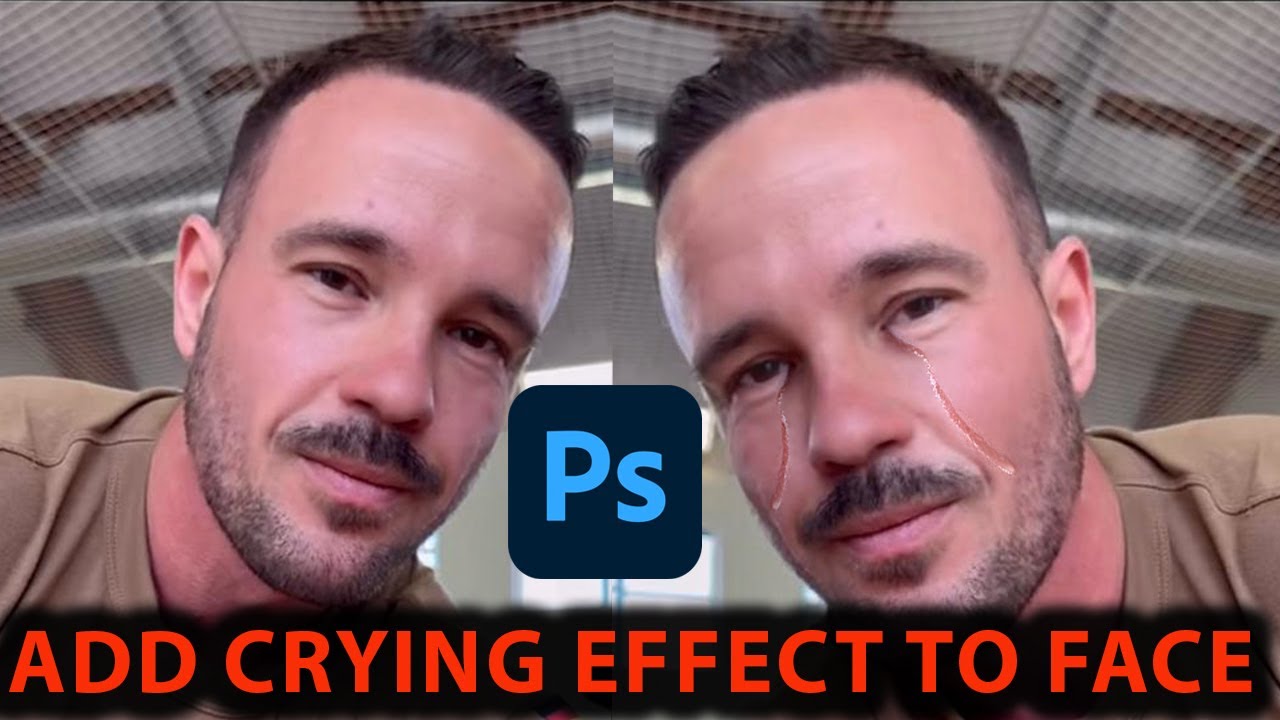
How to Add Crying Effect on image in Photoshop
Автор: LAZZ MEDIA PRODUCTION
Загружено: 2026-01-08
Просмотров: 5
In this Photoshop tutorial, I’ll show you how to add a realistic crying effect to a face using Adobe Photoshop. You’ll learn step by step how to create tears, wet eyes, and emotional facial details that make your photo look realistic and dramatic.
This beginner-friendly guide covers professional photo manipulation and retouching techniques used by designers, photographers, and digital artists. Whether you’re editing portraits, thumbnails, movie posters, or creative artwork, this tutorial will help you add a convincing crying or sad face effect in Photoshop.
💧 What you’ll learn in this video:
How to create realistic tears in Photoshop
Adding wet eyes and tear streaks on the face
Blending tears naturally with skin texture
Using layers, brushes, masks, and blend modes
Making emotional photo effects look realistic
This tutorial works with any recent version of Adobe Photoshop and requires no plugins, making it perfect for beginners and advanced users alike.
If you enjoy Photoshop photo manipulation tutorials, be sure to like the video, subscribe to the channel, and comment below with other effects you’d like to learn.
Thanks for watching — let’s bring emotion to your photos! 🎨💧
How to add crying effect in Photoshop
Photoshop crying face tutorial
Create realistic tears in Photoshop
Photoshop sad face photo manipulation
Crying effect on face using Photoshop
How to make realistic tears in Photoshop
Photoshop emotional photo editing
Portrait editing in Adobe Photoshop
Photoshop effects for beginners
Photoshop tutorial step by step
#PhotoshopTutorial
#CryingEffect
#PhotoManipulation
#PhotoshopEffects
#PortraitEditing
#AdobePhotoshop
#GraphicDesign
Доступные форматы для скачивания:
Скачать видео mp4
-
Информация по загрузке: