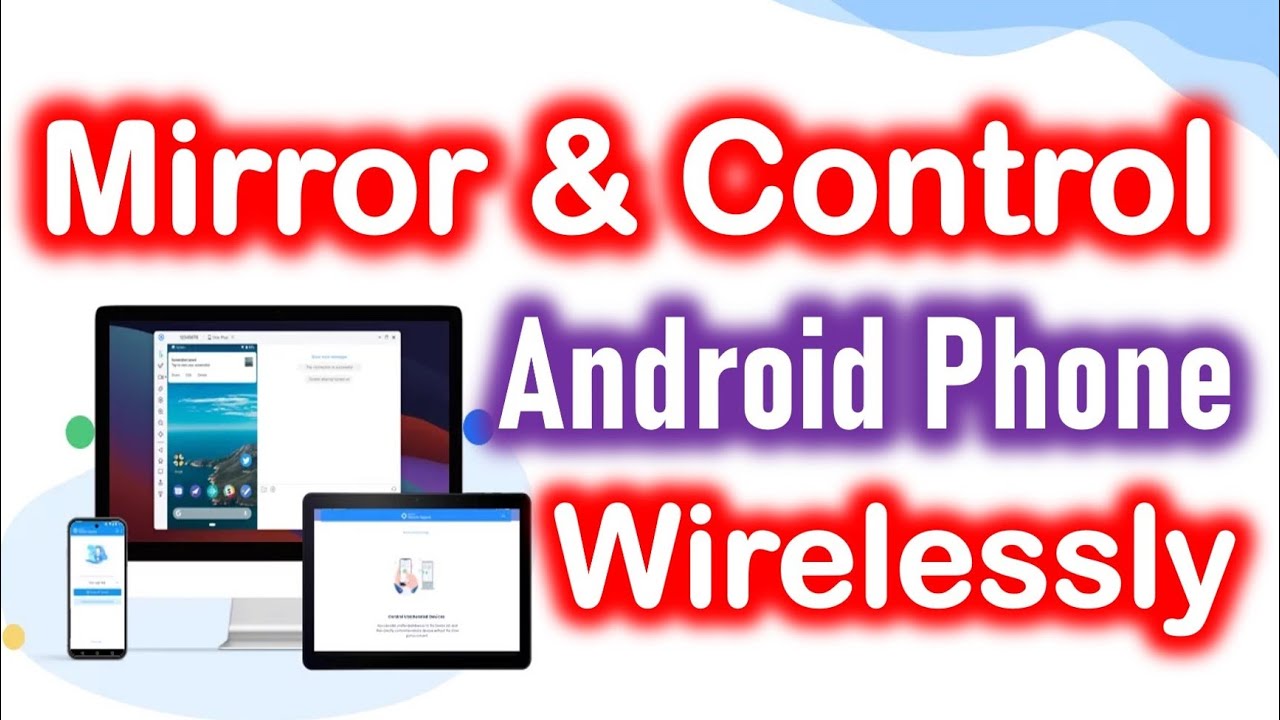
Mirror & Control Android on PC Wirelessly | SCRCPY Setup (No USB, No Root Needed)
Автор: ByteSolutions
Загружено: 2025-08-30
Просмотров: 472
Want to mirror your Android phone to your PC without cables? In this step-by-step guide, I’ll show you how to wirelessly control and mirror your Android screen to your Windows PC or laptop using SCRCPY — a free, lightweight, open-source tool. Tired of looking down at your phone? In this tutorial, I show you how to mirror and fully control your Android screen on your Windows PC or laptop over WiFi—for FREE. Use your mouse and keyboard to type, play games, and use any app directly from your computer!
📌 What you’ll learn in this video:
✔️ How to download & set up SCRCPY on Windows
✔️ How to enable Developer Options & Wireless Debugging on Android
✔️ How to pair your phone with your PC using IP & pairing code
✔️ How to launch SCRCPY and start controlling your phone with your mouse & keyboard
✔️ Pro tips to fix common connection issues
✨ No cables, no third-party bloatware — just pure performance and full control of your Android device over WiFi. Perfect for:
Presentations & live demos
Streaming mobile games to PC
Recording Android tutorials
Boosting productivity with a bigger screen
👉 SCRCPY GitHub Releases
⬇️ DOWNLOAD SCRCPY & FULL GUIDE
🔗 OFFICIAL SCRCPY DOWNLOAD (GitHub):
https://github.com/Genymobile/scrcpy/...
(Pro Tip: Download the latest version for your OS!)
🚨 TROUBLESHOOTING & MUST-READ TIPS:
SAME WiFi NETWORK: Your phone and PC MUST be on the same Wi-Fi network.
Developer Options: Can't find it? Tap "Build Number" in "About Phone" 7 times.
Firewall Pop-up: ALLOW ACCESS when Windows Defender asks!
Command Not Working? Ensure you replaced the IP address and port with the numbers from YOUR phone.
Still Stuck? Check the official FAQ on the GitHub page linked above.
⏱️ TIMESTAMPS:
Why Wireless Control is a Game-Changer
What is SCRCPY? (Why it's the BEST) – What is SCRCPY
Step 1: Downloading SCRCPY (Correct Source) - Download & Setup on PC
Step 2: Enable Developer Options on Android - Enable Developer Options on Android
Step 3: Enable Wireless Debugging (CRITICAL STEP) - Turn on Wireless Debugging
Step 4: Get the IP Address & Pairing Code
Step 5: The MAGIC COMMAND (Terminal/ADB)
Step 6: Pair Devices & Launch! - Pair Device with PC
LIVE DEMO: Controlling My Phone on PC - Launch SCRCPY Wirelessly
Pro Tip: Fix Firewall Permission Pop-up
Gaming, Typing, and App Demo
Troubleshooting: What to do if it fails!
💯 WHY SCRCPY IS AMAZING:
✔️ 100% FREE & Open-Source (No shady apps)
✔️ No USB Cable Needed after setup
✔️ Ultra-Low Latency (Feels native)
✔️ Control Android with Mouse & Keyboard
✔️ Perfect for Gaming, Messaging, and Productivity
✔️ No Root Required
💡 Pro Tip: Make sure your PC and phone are connected to the same WiFi network for a stable connection.
📱 Works on most Android devices running Android 11 or higher.
🔥 If this tutorial helped you, don’t forget to:
👍 Like this video
💬 Comment your questions below
🔔 Subscribe for more Android & PC tricks
👇 SUBSCRIBE FOR MORE TECH TUTORIALS!
Don't forget to subscribe and hit the bell 🔔 so you don't miss my next video! I release new tech guides every week.
/ @bytesolutionsnow
💬 COMMENT BELOW:
What will you use SCRCPY for? Gaming? Work? Let me know in the comments! And if you get stuck, just ask—I'm here to help.
#SCRCPY #Android #ScreenMirroring #Wireless #AndroidToPC #HowTo #TechTips #Productivity #GamingOnPC #OpenSource #DeveloperOptions #NoRoot #SCRCPY #AndroidToPC #WirelessMirroring #AndroidTips #TechTutorial
Disclaimer: SCRCPY is a free, open-source project by Genymobile. This method requires Wireless Debugging, a feature available on Android 11 and later. Performance may vary based on your WiFi strength and device.
Доступные форматы для скачивания:
Скачать видео mp4
-
Информация по загрузке:




![How to Control Android Phone from a PC [via USB & WiFi]](https://image.4k-video.ru/id-video/2y35SPOaNWk)


