How to Extend Request Headers in TypeScript: A Guide for Express Developers
Автор: vlogize
Загружено: 2025-08-22
Просмотров: 3
Learn how to properly extend the headers of a request in TypeScript when using Express, ensuring types are recognized and eliminating common errors.
---
This video is based on the question https://stackoverflow.com/q/64113430/ asked by the user 'Jose Carlos Filho' ( https://stackoverflow.com/u/14353956/ ) and on the answer https://stackoverflow.com/a/64115928/ provided by the user 'gurisko' ( https://stackoverflow.com/u/2620445/ ) at 'Stack Overflow' website. Thanks to these great users and Stackexchange community for their contributions.
Visit these links for original content and any more details, such as alternate solutions, latest updates/developments on topic, comments, revision history etc. For example, the original title of the Question was: How extends correctly the headers of Request in Typescript
Also, Content (except music) licensed under CC BY-SA https://meta.stackexchange.com/help/l...
The original Question post is licensed under the 'CC BY-SA 4.0' ( https://creativecommons.org/licenses/... ) license, and the original Answer post is licensed under the 'CC BY-SA 4.0' ( https://creativecommons.org/licenses/... ) license.
If anything seems off to you, please feel free to write me at vlogize [AT] gmail [DOT] com.
---
How to Extend Request Headers in TypeScript
If you're a backend developer working with TypeScript and Express, you may encounter a common issue: properly typing custom headers in your request. This post will guide you through extending the request headers so that you can include values like userId correctly, and avoid type errors.
Understanding the Problem
When defining custom headers in TypeScript, you want to use types that are recognized by your Express application. If you attempt to add custom keys directly, you might face issues where the TypeScript compiler doesn’t recognize your types, resulting in errors.
In the given scenario, the programmer needs to include userId in req.headers but finds that its type is defined as string | string[] | undefined. This causes type mismatches since a variable expecting a string receives multiple types.
The Solution
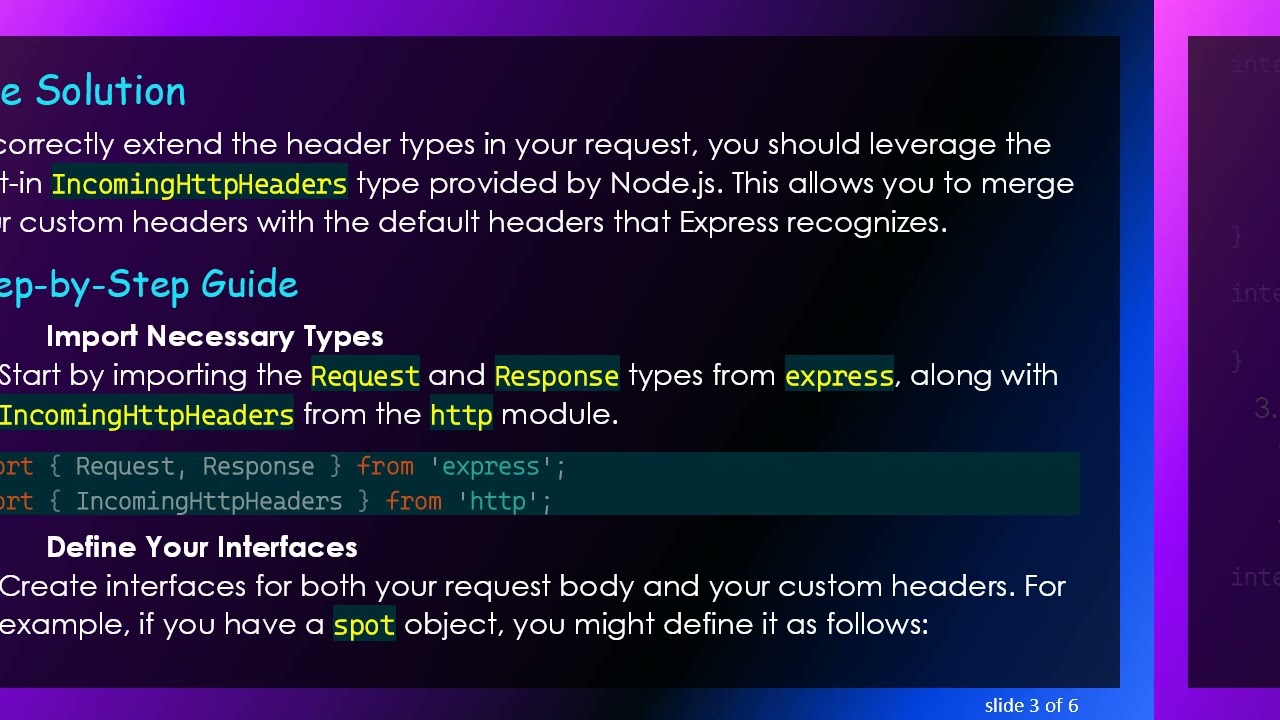
To correctly extend the header types in your request, you should leverage the built-in IncomingHttpHeaders type provided by Node.js. This allows you to merge your custom headers with the default headers that Express recognizes.
Step-by-Step Guide
Import Necessary Types
Start by importing the Request and Response types from express, along with IncomingHttpHeaders from the http module.
[[See Video to Reveal this Text or Code Snippet]]
Define Your Interfaces
Create interfaces for both your request body and your custom headers. For example, if you have a spot object, you might define it as follows:
[[See Video to Reveal this Text or Code Snippet]]
Extend the Request Interface
Create a custom request type that extends the Request interface by intersecting IncomingHttpHeaders with your custom headers interface. This way, TypeScript will understand your headers correctly.
[[See Video to Reveal this Text or Code Snippet]]
Implement Your Handler
Now, you can implement your request handler, using the custom request type you've defined. Note how userId is directly accessed and recognized as a string.
[[See Video to Reveal this Text or Code Snippet]]
Benefits of This Approach
Strong Typing: Leveraging TypeScript's typing mechanisms ensures your application is less prone to runtime errors.
Cleaner Code: With clear interface definitions, the overall structure of your code becomes more maintainable.
Compatibility: This pattern is compatible with existing Node and Express types, eliminating the need to redefine everything from scratch.
Conclusion
By properly extending the headers of a request in TypeScript, you can ensure that your Express applications handle custom headers seamlessly. This method not only prevents type errors but also enhances the readability and maintainability of your code.
If you follow these steps, you'll have a robust setup for managing custom request headers in your TypeScript applications.
Доступные форматы для скачивания:
Скачать видео mp4
-
Информация по загрузке:







![The Ultimate Btools Tutorial [MAS]](https://image.4k-video.ru/id-video/hEppqxJSUH8)


