2 Cool Animation Tricks in PowerPoint Presentations – Tutorial for Custom Motion Path in PowerPoint
Автор: Passionate Learning
Загружено: 2018-03-20
Просмотров: 730
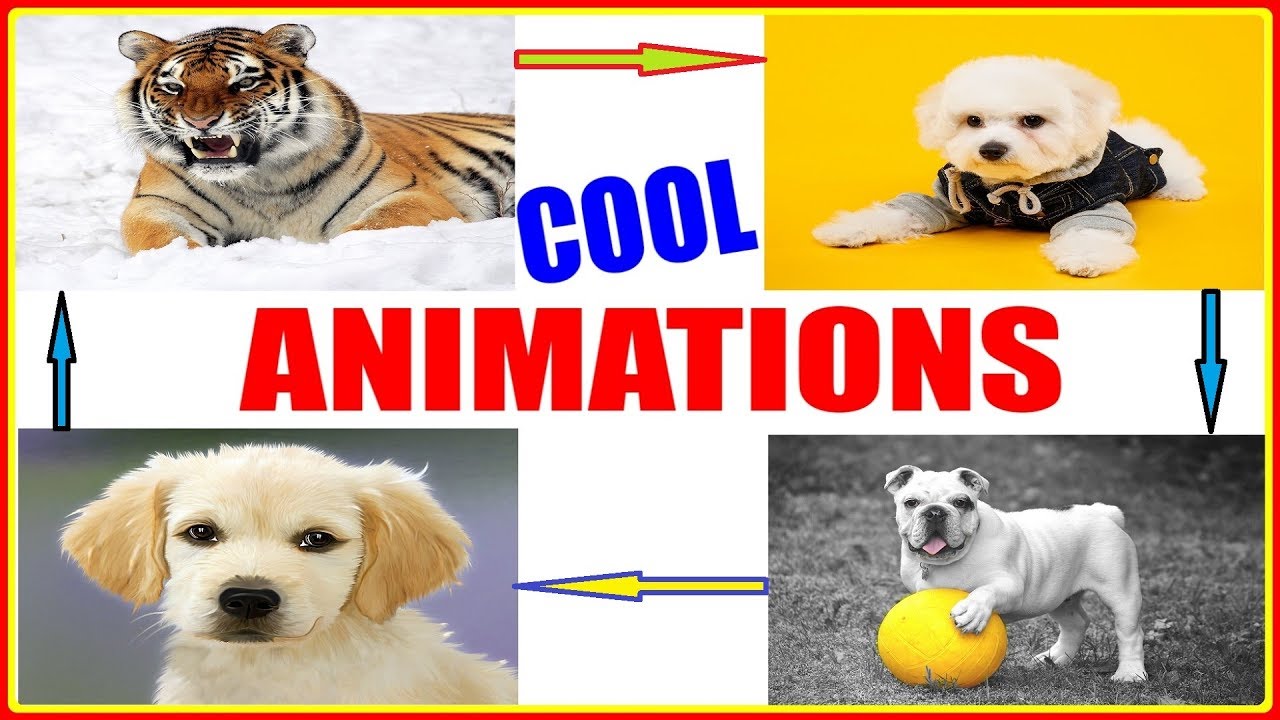
2 Cool Animation Tricks in PowerPoint Presentations – Tutorial for Custom Motion Path in PowerPoint.
Fundamentals of Custom Motion Path in PowerPoint 2016, 2010 etc.
Let’s Try and Hit 100 Likes…..
Hello Friends…
In today’s PowerPoint Tutorial, we will be discussing:-
-- 2 Ways to Make Cool Animation Effects in PowerPoint.
-- Using Pictures & Custom Motion Paths in PowerPoint 2016, 2010, 2013 etc.
These 2 methods are Very Easy to Learn and Apply.
Have you ever wondered……
-- That while making PowerPoint presentations…
-- If you can Insert a Cool Animation Effect, along with Pictures…
-- Then your presentations can become more visually appealing.
-- The Basic Fundamentals are the same for different versions of PowerPoint, be it 2010, 2013, or 2016, for Windows as well as for Mac
-- By Learning how to make cool animations in PowerPoint , You can make your presentations more effective.
So friends, Let us Learn some Cool PowerPoint Tips and Tricks:-
-- Using motion path animation in powerpoint
-- How to Add Cool animation in powerpoint 2010 , 2013 , 2016 , using Pictures & Custom Motion Paths
-- How to how to insert animation in powerpoint 2010 , 2016, 2013
( This video about PowerPoint Animation Tutorial for Beginners, and PowerPoint Fundamentals, is Presented by – Passionate Learning )
Доступные форматы для скачивания:
Скачать видео mp4
-
Информация по загрузке: