Demoing a Large Language Model running locally on my laptop
Автор: Patrick Devaney
Загружено: 2024-02-25
Просмотров: 43
Model: laser-dolphin-mixtral-2x7b-dpo.Q3_K_M
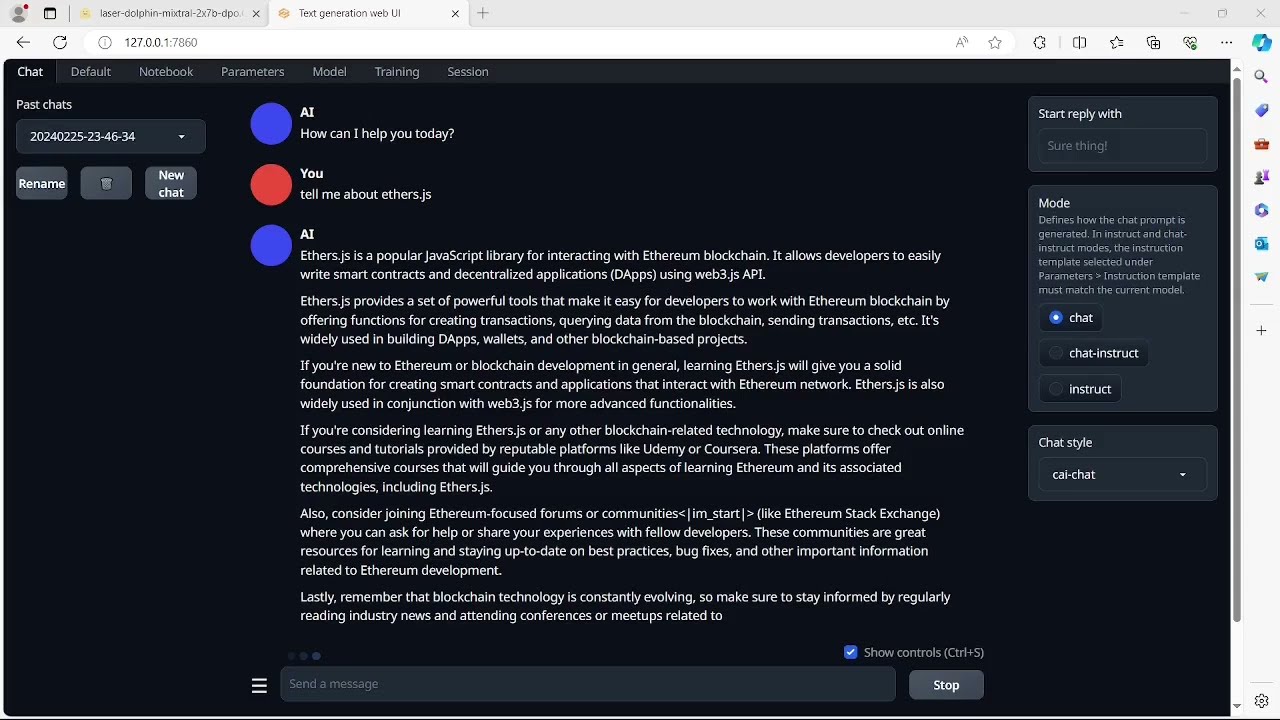
Front-End App: https:/github.com/oobabooga/text-generation-webui
Device: hp pavilion laptop 15-cs3xxx
Ram:12gb
CPU: i5-1035g1 cpu @1ghz
Download the model from:
https:/huggingface.co/TheBloke/laser-dolphin-mixtral-2x7b-dpo-GGUF/blob/main/laser-dolphin-mixtral-2x7b-dpo.Q3_K_M.GGUF
Download the latest release of the text-generation-webui. Extract it to your desired directory. You could also clone it from Github. Downloading this zip resolved an issue with gradio not being recognized by the start executable.
Now run the start_linux.sh, start_windows.bat, start_macos.sh, or start_wsl.bat script depending on your OS.
Select a GPU manufacturer, in this case none. Cut and paste your model to the models directory in the text-generation webui repository. After downloading all packages for the webui and initializing with with a localhost ip, load the model from within the webui. The token generation rate for Q3_K_M is still not viable for daily use, but the verbosity and accuracy is impressive for this hardware setup.
Доступные форматы для скачивания:
Скачать видео mp4
-
Информация по загрузке: