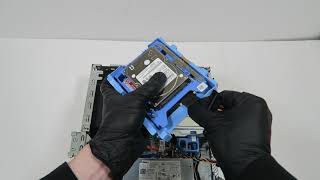
Complete Upgrade Guide: DELL OptiPlex 3060 SFF – WiFi, SSD, RAM, CPU, CMOS, Optical Drive
Автор: PC DIY
Загружено: 2025-05-29
Просмотров: 2095
[DELL OptiPlex 3060 SFF] Full Upgrade Guide – WiFi, SSD, RAM, CPU, CMOS, Optical Drive
In this video, I’ll show you how to upgrade and replace key components in the DELL OptiPlex 3060 SFF in a clear, step-by-step format that’s perfect for beginners and DIY PC builders.
🔧 Included Upgrade Tutorials:
0:12 Installing WiFi antenna and WLAN card
2:51 Adding an M.2 NVMe SSD
4:05 Upgrading RAM
5:18 Replacing the CMOS battery
5:55 Replacing the CPU
7:36 Replacing the optical drive
💡 This guide is designed to be easy to follow visually, even without audio.
Perfect for anyone looking to upgrade or repair their own desktop PC!
🔔 Don’t forget to subscribe and like if you found this helpful!
This video contains no spoken language and is easy to follow visually.
#DellUpgrade #OptiPlexDIY #PCRepair #PCBuild #ComputerUpgrade
#TechTutorial #HowToUpgrade #CMOSBattery #RAMUpgrade #ssdinstall

Доступные форматы для скачивания:
Скачать видео mp4
-
Информация по загрузке: