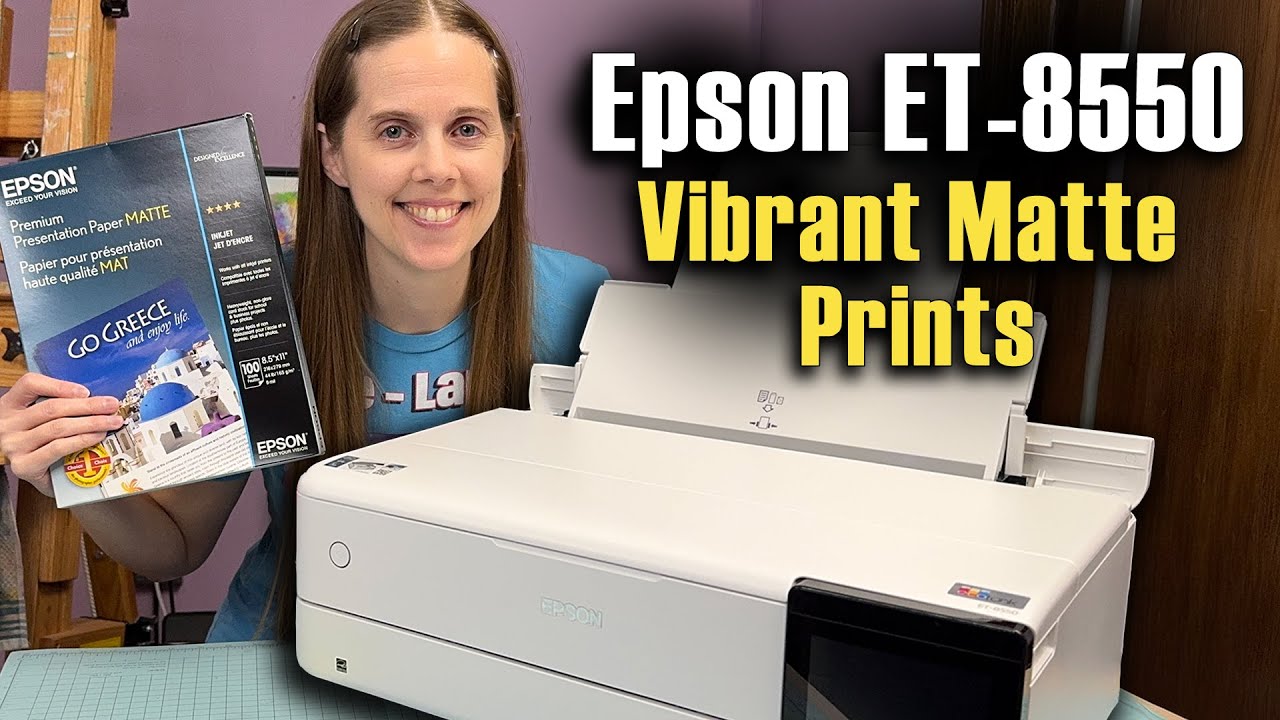
Epson EcoTank ET-8550 Matte Paper Settings Hack
Автор: Krystle Cole Art
Загружено: 2026-01-14
Просмотров: 304
I share a simple matte paper settings hack for the Epson ET-8550 that makes dye prints look more vibrant with deeper blacks. I test this using Epson Premium Presentation Paper Matte on the Epson EcoTank ET-8550, and I show side-by-side comparisons so you can clearly see the difference. If you are searching for Epson ET 8550 matte prints, Epson ET 8550 matte paper, Epson EcoTank 8550 matte prints, or Epson Eco Tank 8550 art prints, watch this video to see how this setting hack affects color depth, blacks, and overall print quality.
This video is for artists searching how to make matte prints look better on the Epson ET 8550. I walk through what setting I changed, why it works on this paper, and when this hack makes sense if you are printing at home are making art prints on matte paper.
**Some product links are affiliate links which means if you buy something I'll receive a small commission.
==========================
Printers mentioned in the video
==========================
Epson ET-8550 (Dye Ink Printer) https://amzn.to/4peXghF
Epson P900 (Pigment Ink printer) https://amzn.to/4cjbXtN
=====================
Print Paper Tested in Video
=====================
Epson premium presentation paper matte https://amzn.to/4jk2aI1
Доступные форматы для скачивания:
Скачать видео mp4
-
Информация по загрузке: