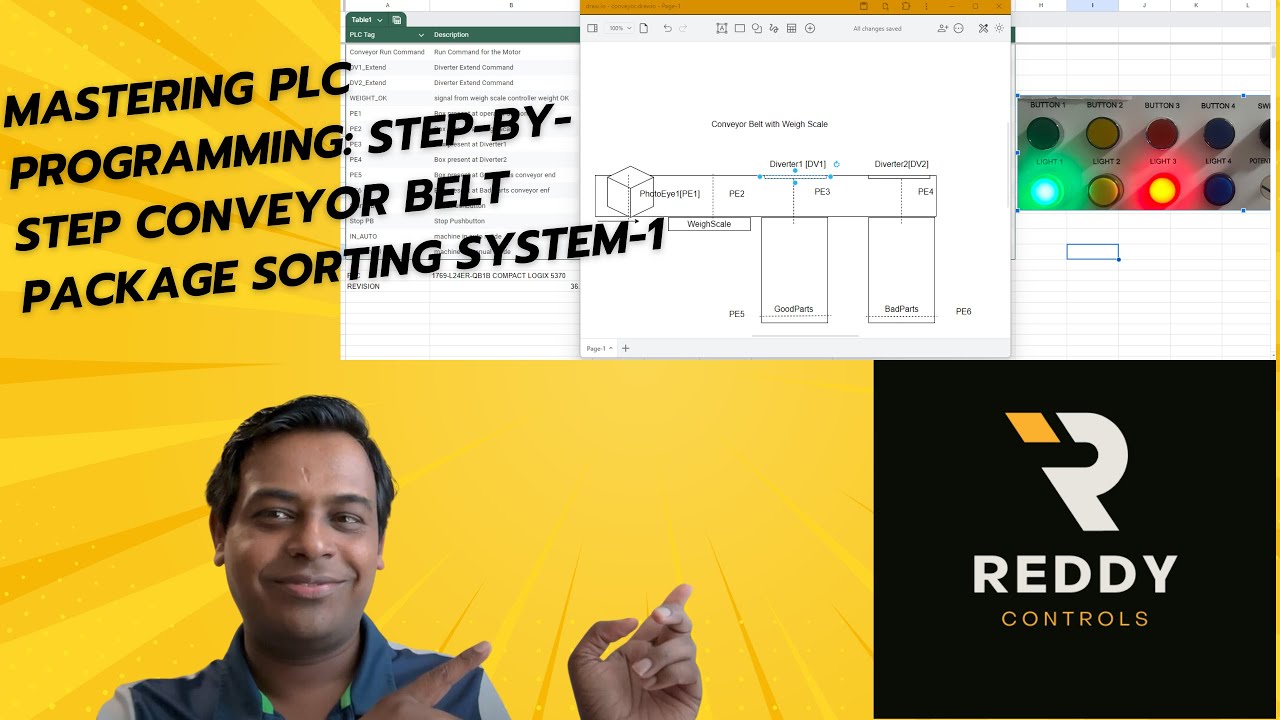
Mastering PLC Programming: Step-by-Step Conveyor Belt Package Sorting System
Автор: ReddyControls
Загружено: 2024-07-08
Просмотров: 258
"Ever wondered how factories efficiently sort and count thousands of packages every day? Today, we'll show you how to program a PLC to automate a conveyor belt sorting system, ensuring precision and efficiency in your industrial processes!"
Objective:
Create a PLC program using ladder logic to automate a conveyor belt system that sorts packages into two bins based on their weight and counts the number of packages in each bin.
Components:
Conveyor Belt: Motorized belt to transport packages.
Weight Sensor: Measures weight of packages.
Diverters: Direct packages to bins based on weight.
Counters: Count the number of packages in each bin.
Lights and Buzzer: Indicate the system status and diverter activity.
Sequence Logic
Assumptions:
Motor starter for the motor M1 will start the motor.
Weigh scale sends a signal when weight is OK; signal will be low for all other conditions.
When weight is not OK, Diverter 2 will kick the box to the bad parts lane.
When weight is OK, Diverter 1 will kick the box to the good parts lane.
Both diverters are pneumatic cylinders; for simplicity, we are ignoring reed switches, type of solenoid valve, etc.
Sequence Steps:
Step 0: In auto and Cycle Start
Inputs to check: Cycle Start button
Outputs to be turned on: Start Light and Buzzer ON for start signal
Step 10: No Boxes on the Conveyor
Inputs to check: Check all PE's are unblocked
Outputs to be turned on: None
Step 20: Both Diverters are Retracted
Inputs to check: Check for Diverters to be retracted (future use for reed switches)
Outputs to be turned on: Turn Diverter Extend Outputs low
Step 30: Wait for box at PE1
Inputs to check: PE1 Blocked
Outputs to be turned on: Turn on Motor M1
Step 40: Wait for box at PE2
Inputs to check: PE2 Blocked
Outputs to be turned on: Check for Weight OK Signal
Step 50: Wait for Signal from Weigh Scale
Inputs to check: Weight_OK High or Low
Outputs to be turned on: If Weight_OK high go to Step 60; if Weight_OK is low go to Step 80
Step 60: Wait for Box at PE3
Inputs to check: PE3 Blocked
Outputs to be turned on: DV1 Extend
Step 70: Wait for Box at PE5
Inputs to check: PE5 Blocked
Outputs to be turned on: Turn OFF DV1_Extend and go to Step 0
Step 80: Wait for Box at PE4
Inputs to check: PE4 Blocked
Outputs to be turned on: DV2 Extend
Step 90: Wait for Box at PE6
Inputs to check: PE6 Blocked
Outputs to be turned on: Turn OFF DV2_Extend and go to Step 0
End of Part 1
Доступные форматы для скачивания:
Скачать видео mp4
-
Информация по загрузке: