Auto Count Blocks in AutoCAD LISP
Автор: ARTIST DESIGN
Загружено: 2021-01-02
Просмотров: 29131
Auto-Count Blocks in AutoCAD [.LISP]
LISP Description
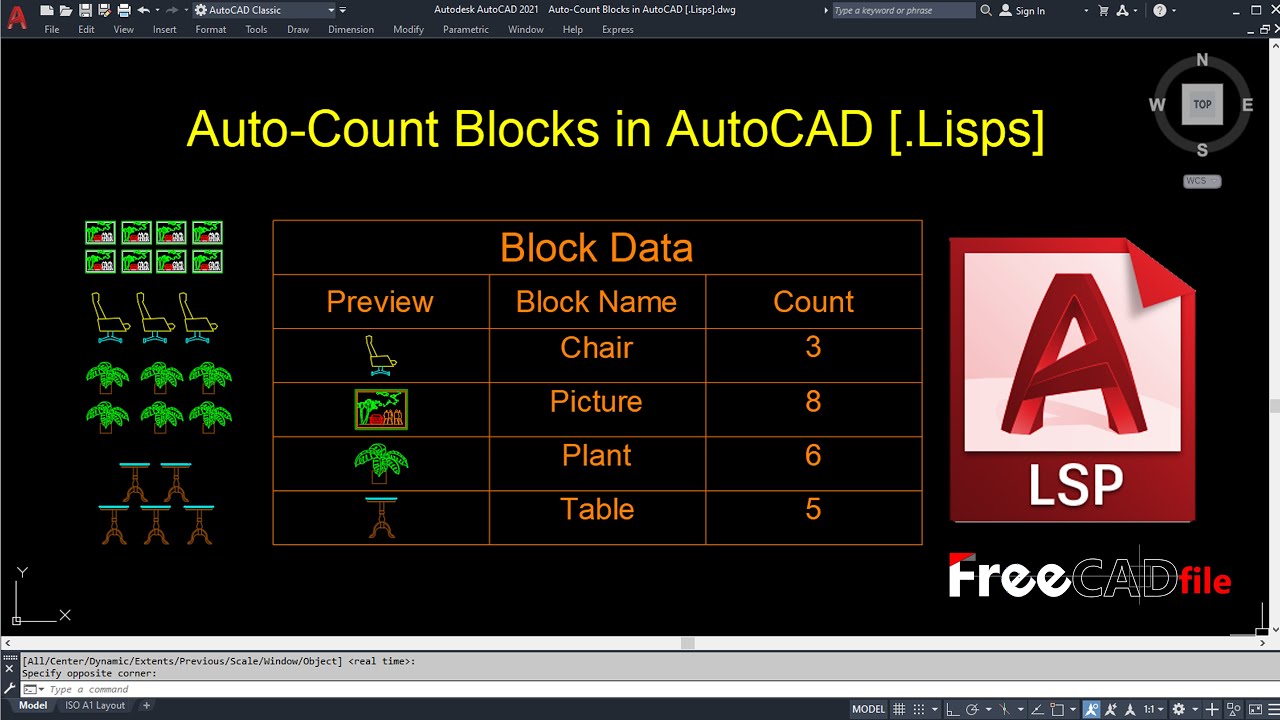
This program enables the user to record the quantities of a selection or all standard or dynamic blocks in the working drawing. The results of the block count may be displayed at the AutoCAD command-line, written to a Text or CSV file, or displayed in an AutoCAD Table, where available.
Upon issuing the command syntax count at the AutoCAD command-line, the user is prompted to make a selection of standard or dynamic blocks to be counted by the program. At this prompt, the user may right-click or press Enter to automatically count all blocks in the drawing.
Depending on the output setting, the results may then be printed to the AutoCAD command-line and displayed in the Text Window, or the user will be prompted to specify an insertion point for the table or a filename & location for the Text or CSV output file.
The program settings may be configured using the countsettings command; this command will present the user with a dialog interface through which the data output, table & file headings, displayed columns, sorting field & sort order may each be altered.
--------------
Download LISP
https://www.freecadfiles.com/2021/01/...
Доступные форматы для скачивания:
Скачать видео mp4
-
Информация по загрузке:



