ViaBecs 10.2" Android 6G 128G Apple Carplay Honda CRV 2015-2016 With Lane Departure Camera
Автор: Tim McLain
Загружено: 2025-04-05
Просмотров: 3846
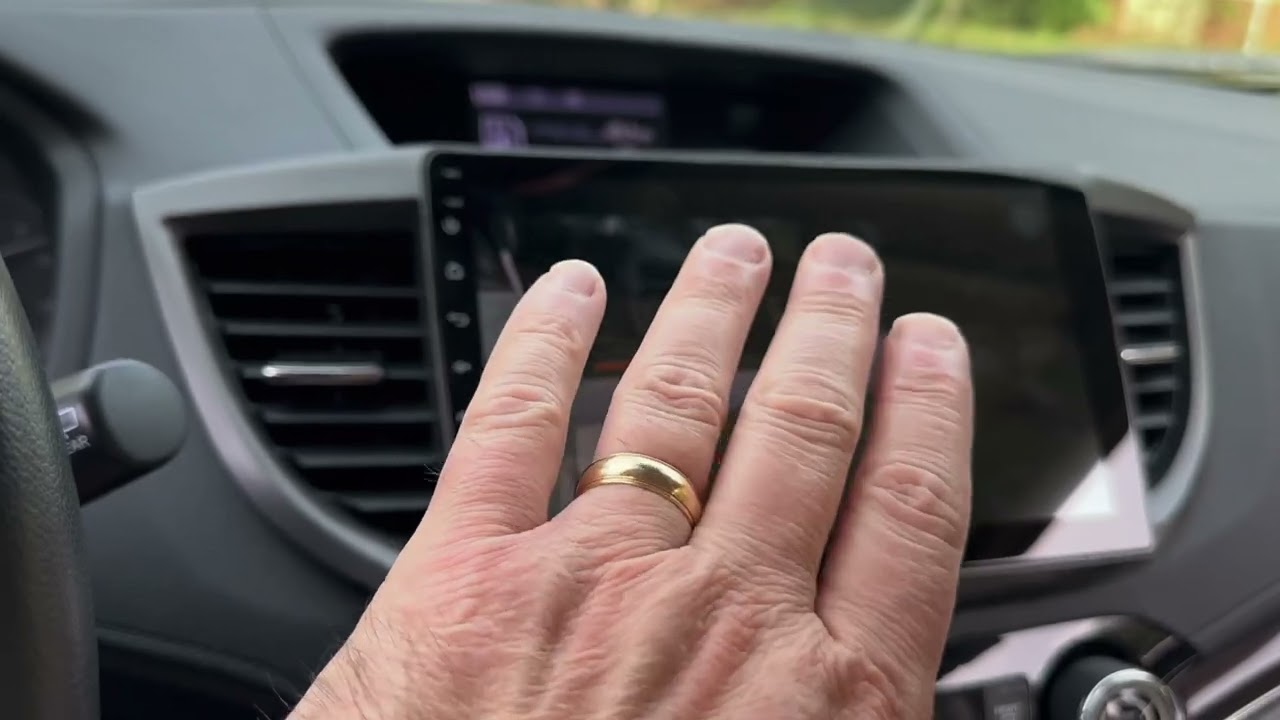
If you own a Honda CRV 2015 or 2016 with a right lane departure camera or a touring edition with navigation and want to upgrade to Apple Carplay or Android Auto, this is the unit for you from Amazon.
It's easy to install, works wired or wirelessly, and with one small change makes both the backup camera and the right lane departure camera work flawlessly.
ViaBecs 10.2" Android 12 6G 128G Wireless Apple Carplay Radio
Honda CRV 2.4L 2015 to 2016
Touch Screen Car Stereo Android Auto
Mirror Link QLED Screen GPS Navigation
Product Link:
https://www.amazon.com/dp/B0CQ4KYN64?...
Compatible with Honda CRV 2.4L 2015 to 2016
Plug and play wiring harness included
General Features:
Digital media receiver with AM/FM tuner
AM/FM/RDS Radio tuner built-in
Smartphone Features:
Support Wireless Apple CarPlay
Support Wireless & Wired Android Auto
Support Wireless & Wired Mirror Link
Pandora and Spotify control with iPhone and Android
Audio video Features:
Plays MP3, ACC, FLAC, WAV, M4A, MP2, ARM, and OGG music files
Plays MP4, 3GP, AVI, DVIX, FLV, and MKV video files
Front and Rear Bass filters
Plug and Play Harness:
Comes with CAN021-R Plug and Play Harness with Raise Canbus Box
Keep Original Car Features:
Support original Steering wheel control
Support original backup camera
Support original lane watch camera
Support original usb
Support original amplifier
Don't support original sub
Wireless Apple Carplay + Wired & Wireless Android Auto + Mirror Link
How to enable Apple Wireless CarPlay for iPhone
1) Connect radio and iPhone via Bluetooth. And then auto-connect iPhone to the radio's hotspot.
2) Turn on Tlink APP on Radio.
3) Enable CarPlay for the radio on the iPhone. Settings - Swipe down search for CarPlay.
4) CarPlay will connect automatically.
How to Use Android Auto Wired
Step 1: Please download Android Auto app on your phone.
Step 2: Open Tlink App. and then connect your phone to the radio with a USB charge cable.
Bluetooth Hands-Free Calling and Audio Streaming
Easy Bluetooth pairing on your car's stereo
Enter BT PIN 0000
Sync and access the phone book
Play Bluetooth Music
Enjoy Bluetooth hands-free calling and audio streaming
Доступные форматы для скачивания:
Скачать видео mp4
-
Информация по загрузке:


![Best Car Stereos 2025 [Don't Buy Before Watching]](https://image.4k-video.ru/id-video/xx-cGXqAd_4)


