How To Install FlexDMD (UltraDMD, Freezy)
Автор: NewLeaf88
Загружено: 2022-04-16
Просмотров: 10839
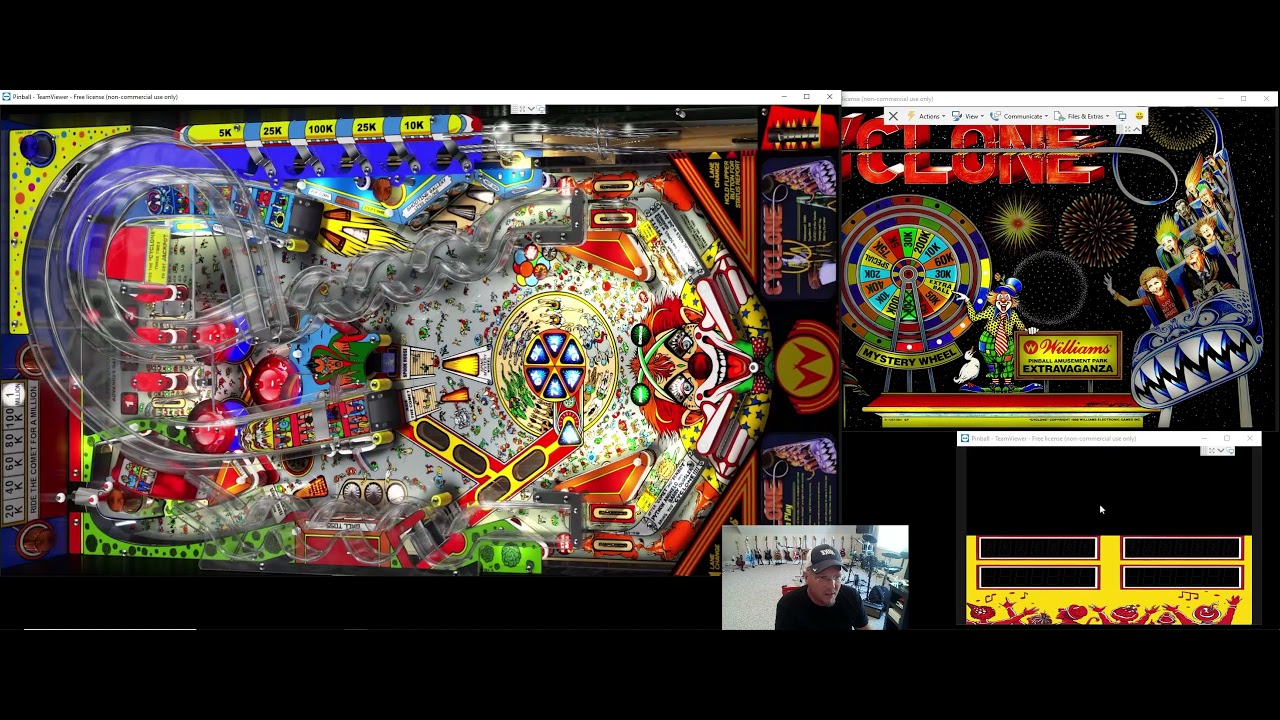
In this video, I will go over how to install the FlexDMD application along with the Freezy/DMD extension. Some VPX tables require FlexDMD or UltraDMD and will not work unless you get these programs running correctly.
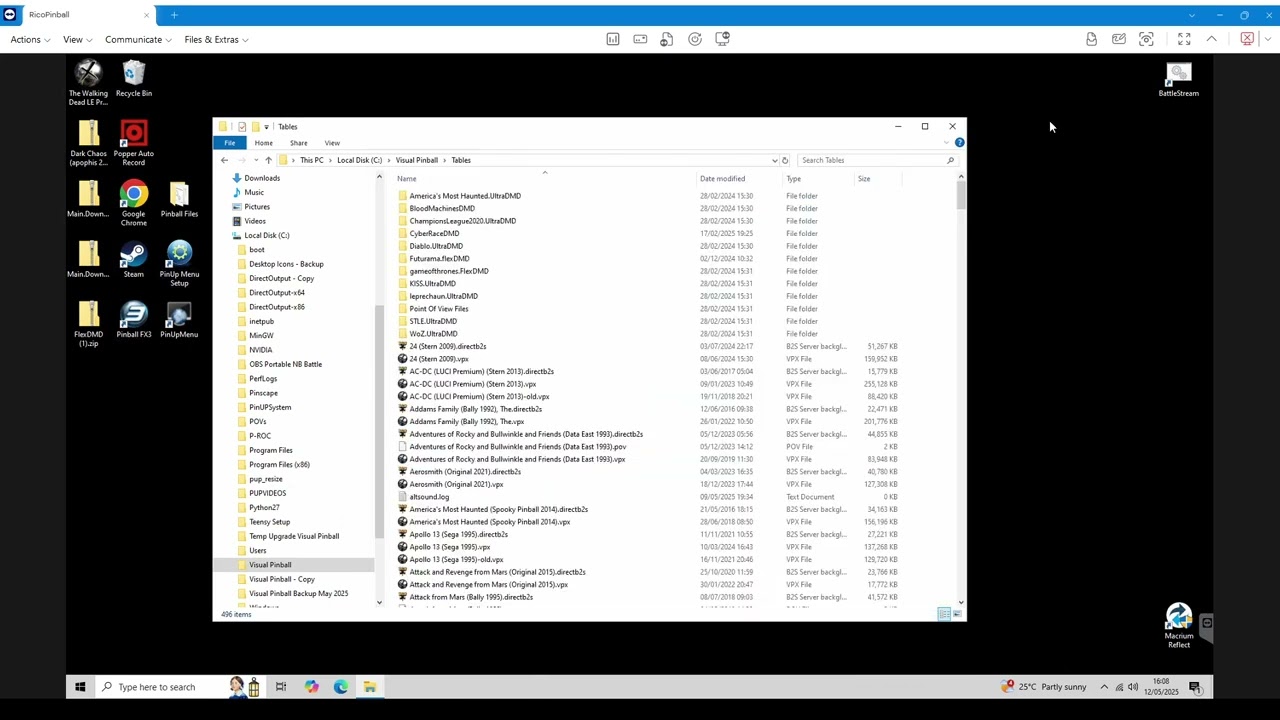
In order to do so, you must first download the FlexDMD folder, extract it and put it in your VPINMAMEs folder.
You can download the latest version here:
https://github.com/vbousquet/flexdmd/...
After that, you want to download the Freezy/DMD extensions x64 and x86, extract them and copy the dmddevice.dll and the dmddevice64.dll and place them in the same folder where your FlexDMD is, in your VPINMAME folder.
Finally, you will just want to click on the FlexDMD application and as long as everything is in the same folder and the versions match, you just have to click register.
You can download latest FreezyDMD/Extension here:
https://github.com/freezy/dmd-extensi...

Доступные форматы для скачивания:
Скачать видео mp4
-
Информация по загрузке: