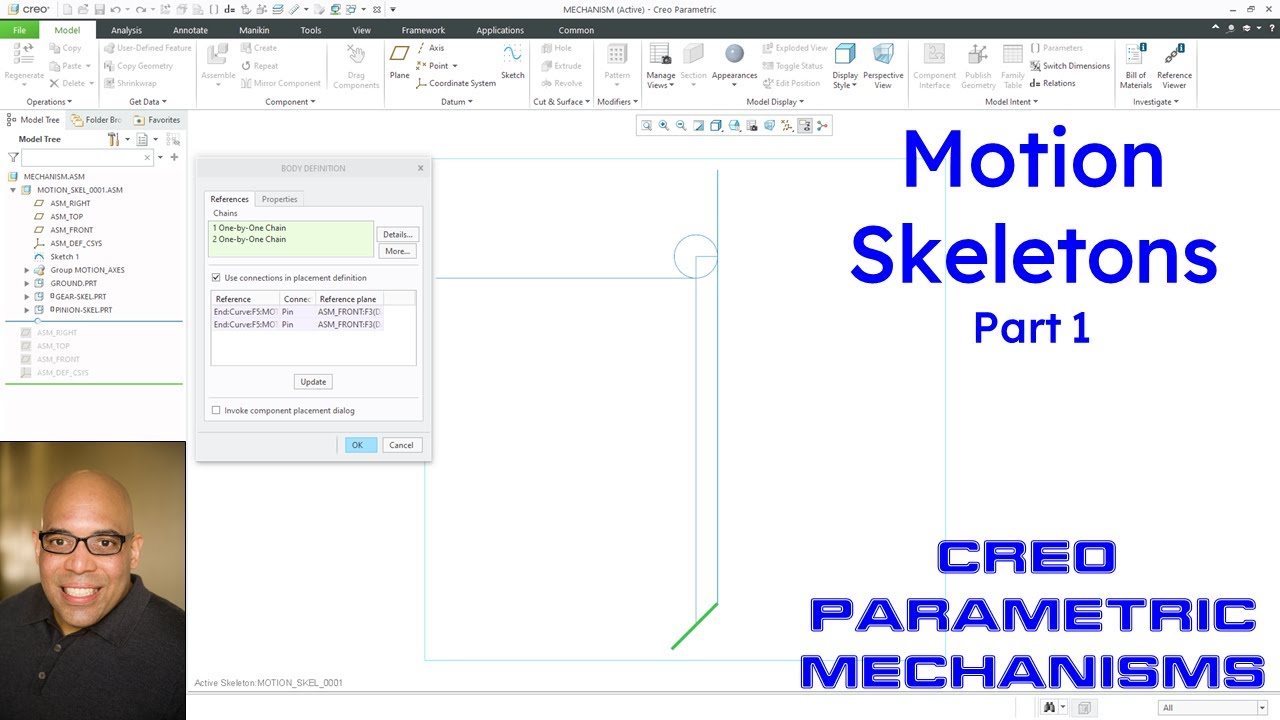
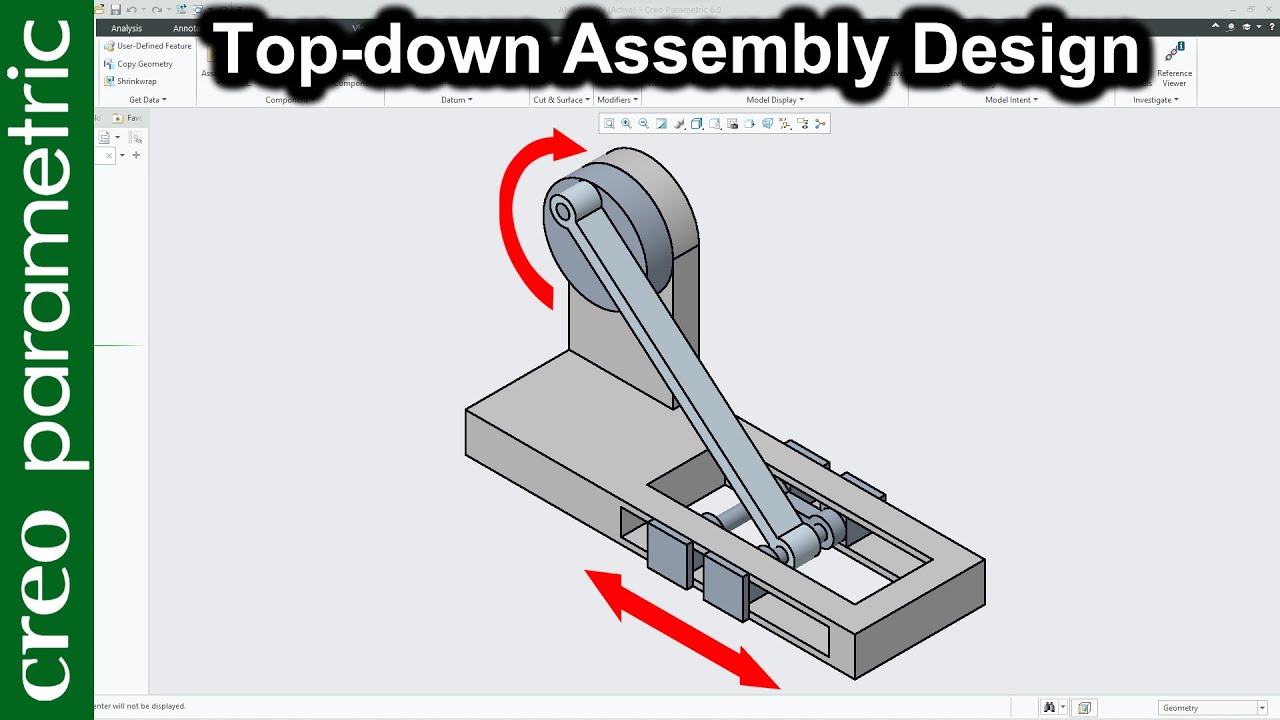
part 1 How to create skeleton based model in creo 3 0
Автор: J DESIGN SOLUTIONS
Загружено: 2017-04-02
Просмотров: 4001
This videos in explain how to create top down assembly create using the skeleton model.
Fast will you decide your parameter use in drawing then make empty part and assembly and save it. This part and assembly will use in further process.
Create new assembly. Then create new part as a skeleton model. In this model fast make 2d sketch as per mechanism. Create new part using then old part as a reference part unit then select all fixed part in fast part. Create second new part same as an old process then select as per requirement.
Any have required this assembly part file and full note then subscribe my channel and send mail on creo.cad.cam.cae@gmail.com
Any Query then contact on my mail id “ creo.cad.cam.cae@gmail.com”
Subscribe my channel.

Доступные форматы для скачивания:
Скачать видео mp4
-
Информация по загрузке:

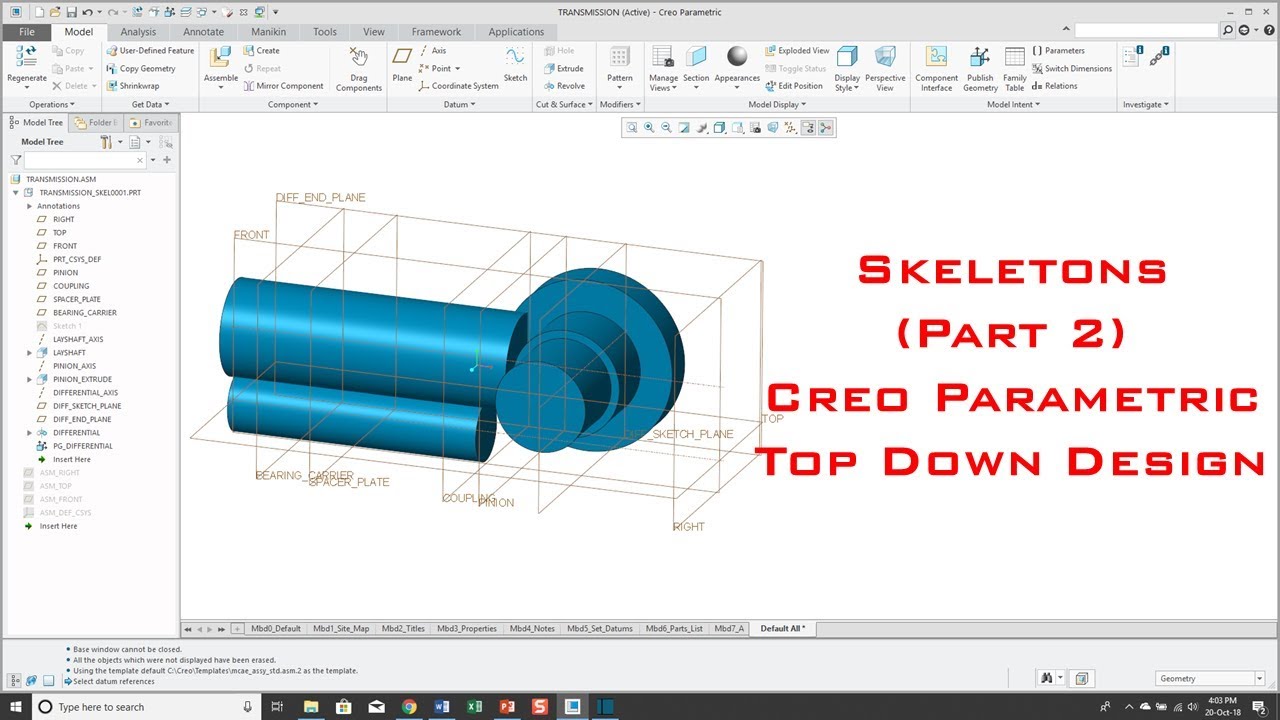


![Creo Parametric - Skeletons - Top Down Design - Part 1 [Russian Subtitles]](https://imager.clipsaver.ru/rQvUFFqxhDE/max.jpg)