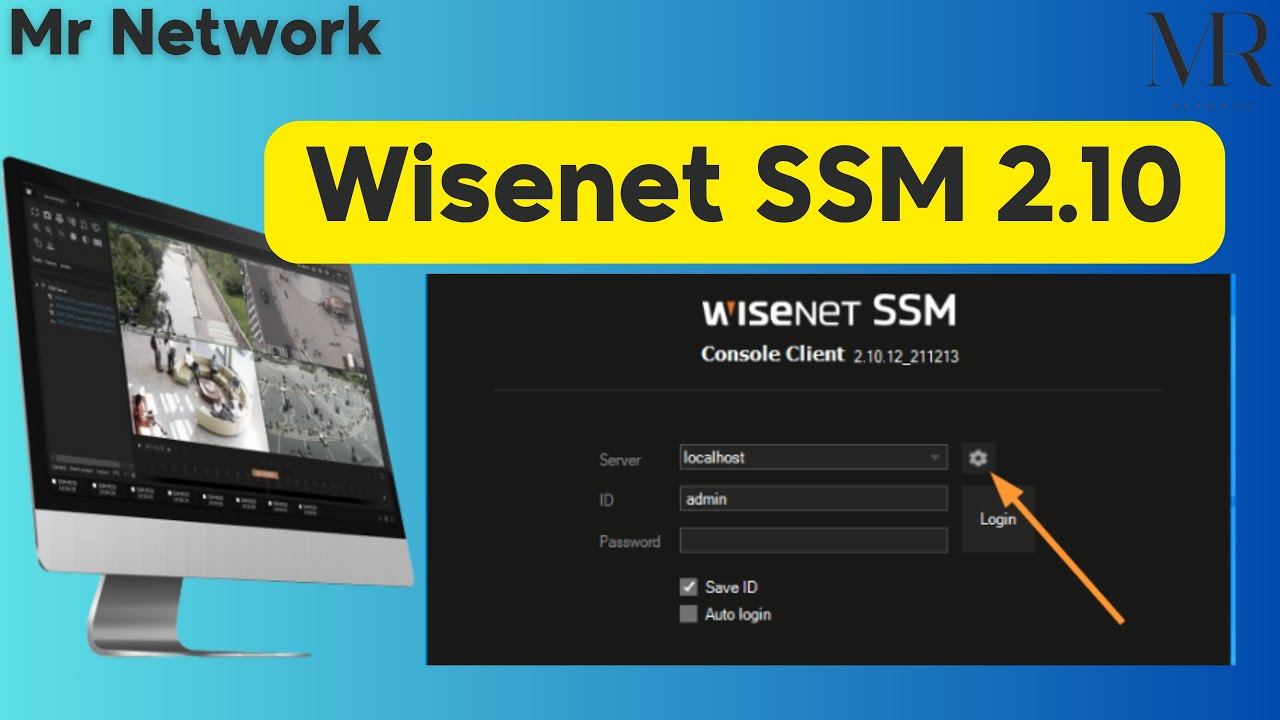
Wisenet Device Manager Hanwha شرح
Автор: Mr Network
Загружено: 2024-01-06
Просмотров: 1133
Are you struggling to configure your Wisenet device manager from Hanwha? In this video, we'll provide a step-by-step tutorial in Arabic to help you successfully set up your device and optimize its performance. Watch now to learn more about Wisenet Device Manager from Hanwha!
Configure Wisenet Camera Video Profile شرح بالعربى
Upgrade Wisenet Camera Firmware شرح بالعربى
Restart all Wisenet Camera شرح بالعربى
Upgrade All Wisenet NVRs Firmware شرح بالعربى
Configure All Wisenet Camera Time شرح بالعربى
Learn the eight steps to set up your camera for any project using Wisenet Device Manager.
Notes below
we will follow 8 Steps to Prepare the Camera
Go to Hanwha-security.com-online tools- download wisenet device Mgr.
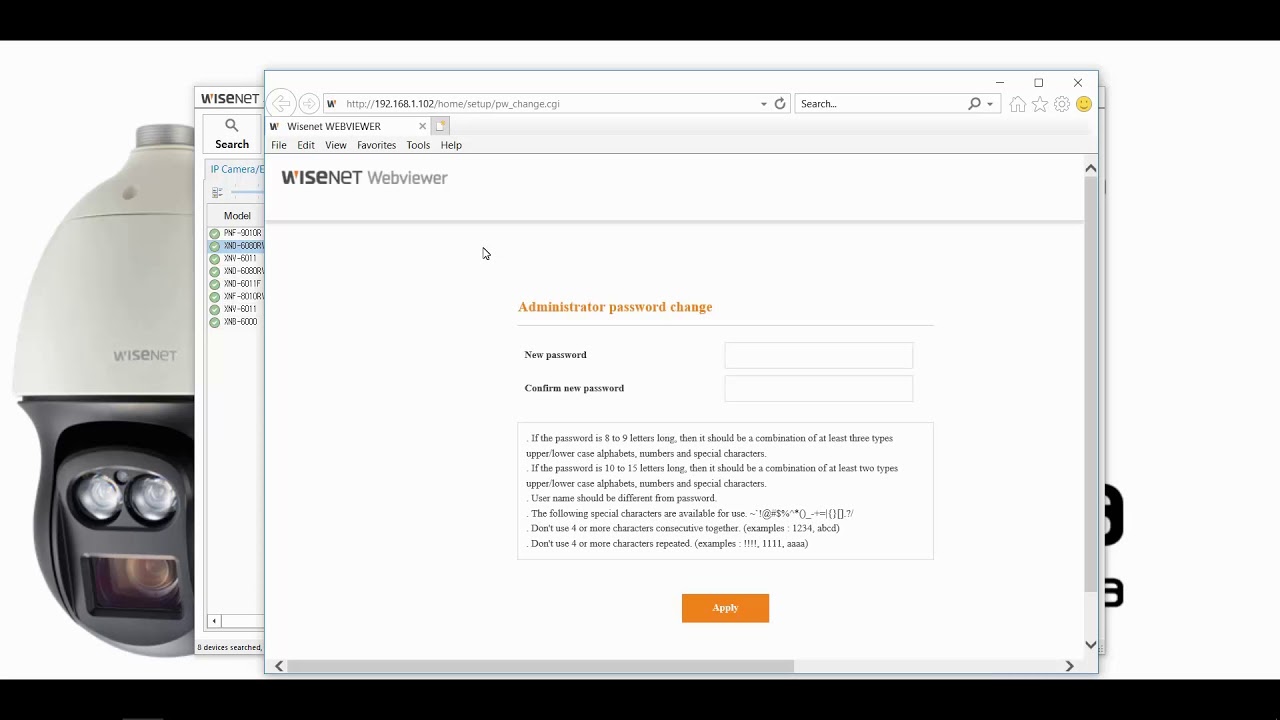
1) Setting the Password | Camera has no default password and should be set
Capital/Small letter,Number & symbol - 8 characters
2) Setting the IP address
In order to set up Bulk IP address, select all cameras and check IP address.
3) Date/Time & NTP
Sync all cameras to an NVR or SSM Server or NTP Server IP address.
4) Upgrade Firmware
Ensure your firmware is updated at the time of initial setup.
Usually the most recently launched models are shipped to you so ensure you have the recent FW on camera
Use CTRL keyboard button to select multiple cameras.
Alternate option is to download the firmware from the website using the camera model and then
manually updating to the camera.
All F/W is now latest.
5) Video Profile Setting
This is the setting for adjusting the Resolution/FPS as per your project or regulation requirement.
Example Live View = 2MP or 5MP-25FPS BUT recording at 2MP-10FPS.
There are two profiles.
H.264 and H.265 created by camera as default.
Adjust H.264 for your Live view
Adjust H.265 for your recording.
Alternatively you can create a new profile.( optional)
Mostly or usually H.264 and H.265 default profiles are sufficient for most projects.
Double click to get the current version.
6) View/Focus Adjustment
Adjust the camera view to ensure it is focussing on your scene correctly and is in Focus.
Right click - live viewer

Доступные форматы для скачивания:
Скачать видео mp4
-
Информация по загрузке: