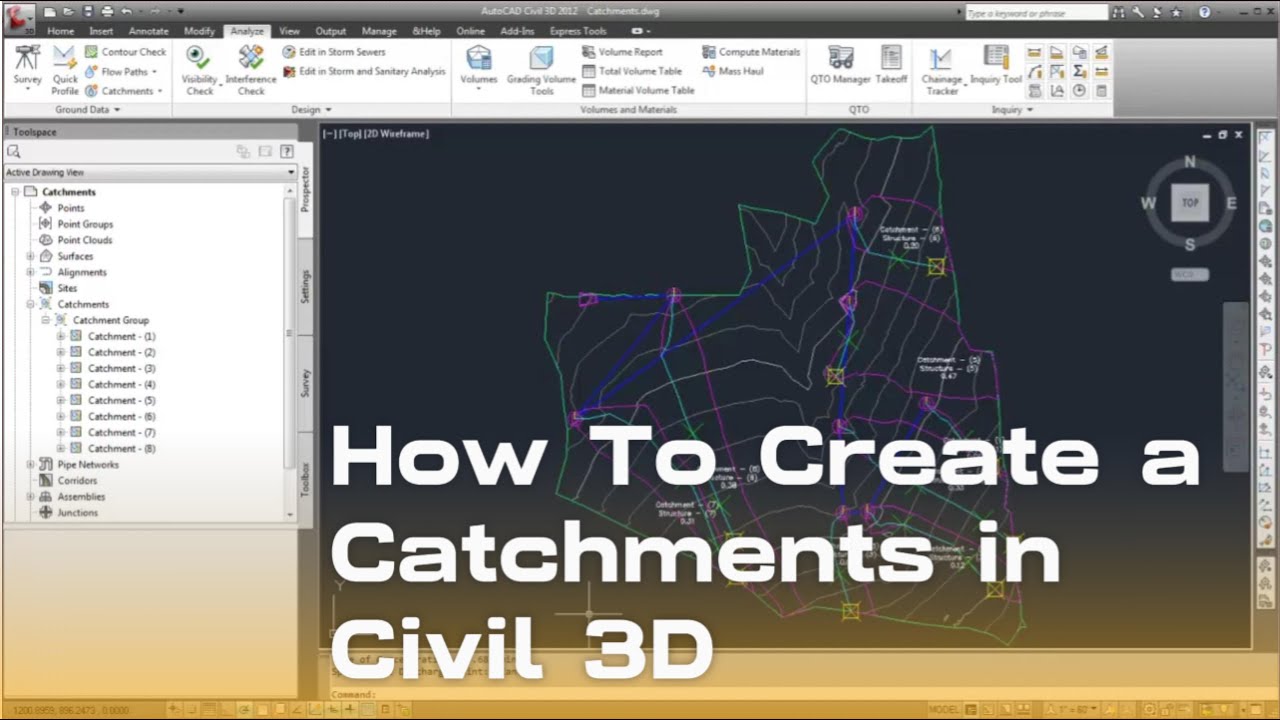
How to Create a Catchments in civil 3d
Автор: Autodesk 786
Загружено: 2025-01-14
Просмотров: 793
Creating catchments in Civil 3D involves defining areas that contribute runoff to a specific location, such as a drainage structure or pond. Here's a step-by-step guide:
Steps to Create Catchments in Civil 3D
1. Set Up the Drawing
Open a drawing that contains a surface or create a new surface for your project.
Ensure the drainage structures or target locations (like inlets) are defined in your drawing.
2. Open the Catchment Creation Tools
Navigate to the Home tab.
In the Create Design panel, select Catchments Create Catchment.
3. Select a Target Structure
In the Create Catchment dialog box:
Choose the Target Structure from the dropdown menu. This is the structure where runoff will flow.
If no structure exists, you can create one in the Pipe Network first.
4. Define the Catchment Method
Choose the method for defining the catchment:
By Surface: Automatically creates catchments using the surface drainage pattern.
By Polyline: Converts a manually drawn polyline into a catchment.
5. Set Catchment Parameters
Specify the Name and Style for the catchment.
Define key parameters:
Runoff Coefficient (C): Reflects the land cover's runoff characteristics.
Time of Concentration (Tc): Time it takes for water to travel from the farthest point in the catchment to the outlet.
Rainfall Intensity: Define the storm event for the catchment.
6. Create the Catchment
If using the By Surface method:
Click on the surface in the drawing. Civil 3D calculates flow paths and delineates the catchment.
If using the By Polyline method:
Draw or select a closed polyline that outlines the desired catchment area.
7. Review the Catchment
The catchment will appear in the drawing, connected to the target structure.
Civil 3D automatically calculates catchment area, flow paths, and related parameters.
8. Edit Catchment Properties
Select the catchment and open the Properties palette to modify:
Runoff Parameters (C value, Tc, etc.).
Area (can be manually overridden if needed).
Connection to different structures.
9. Generate Reports (Optional)
Use the Analyze tab to run hydrology reports for the catchments.
Export the data to spreadsheets or integrate it into hydrologic models.
Tips
Use the Surface Flow Analysis tools before creating catchments to understand the drainage patterns.
Ensure the surface has proper contouring and elevation data for accurate results.
Assign appropriate styles to distinguish between different catchment areas in your drawings.
Доступные форматы для скачивания:
Скачать видео mp4
-
Информация по загрузке:


![[ COMPLETE ] AutoCAD 3D Modeling in 2D Hours | COMPLETE 3D RENDERING civil3d #autocad #drafting](https://image.4k-video.ru/id-video/S7DrQ0PRTto)