Популярное

Музыка Кино и Анимация Автомобили Животные Спорт Путешествия Игры Юмор

Интересные видео

2025 Сериалы Трейлеры Новости Как сделать Видеоуроки Diy своими руками

Топ запросов

смотреть а4 schoolboy runaway турецкий сериал смотреть мультфильмы эдисон
dTub
Скачать

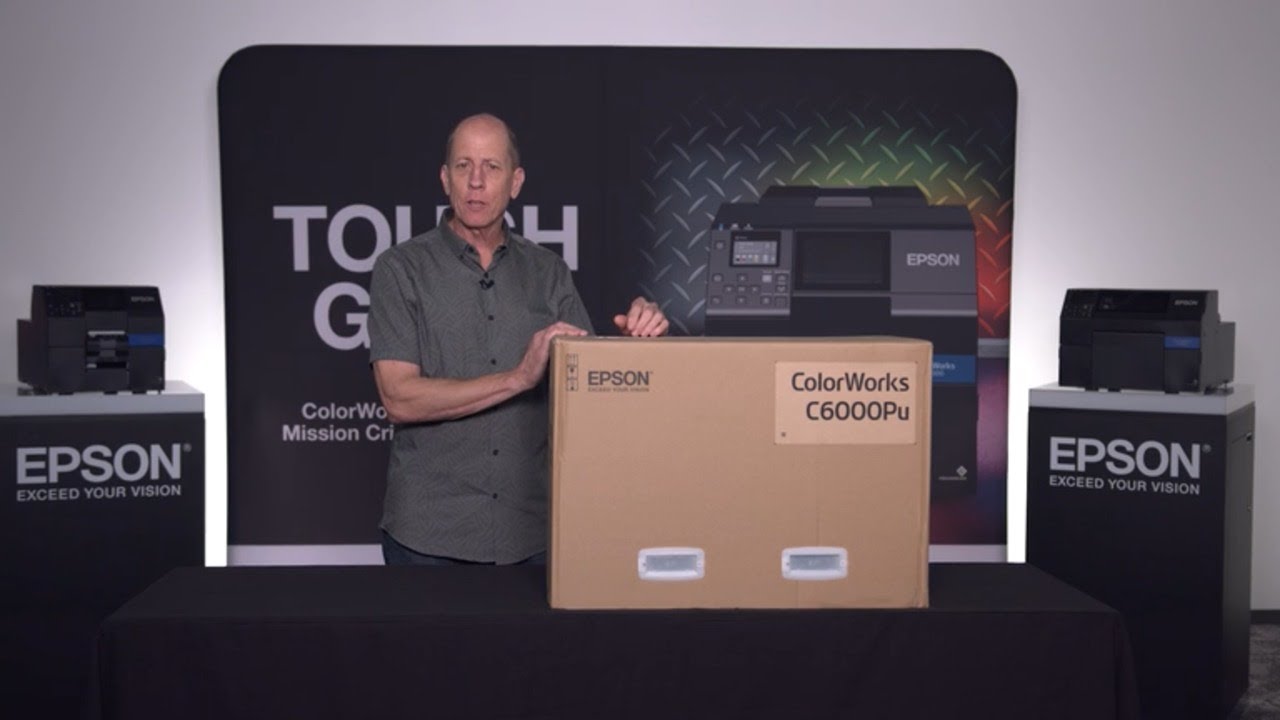
ColorWorks Label Printers | CW-C6000 Series Unboxing and Setting Up

Автор: Epson America

Загружено: 2021-08-10

Просмотров: 19512

Описание:

Learn how to unbox and set up an Epson ColorWorks C6000 desktop color label printer in this step-by-step video tutorial. Engineered for mission-critical digital printing, the C6000 delivers on-demand, quality 4" and 8" color labels. https://epson.com/colorworks-color-la...

A C6000 label printer is quick, reliable and useful in a wide variety of applications, from printing barcode, identification and shipping labels to full-color packaging labels for food, drink and medicines.

#labelprinting #labelprinter #digitalprint #ColorWorks

In this video, Andy Scherz, a product manager for the Epson ColorWorks line of digital printers, will unbox a new C6000 series label printer and set it up, offering tips on how to make sure the installation run smoothly. You will learn how to set up your own CW-C6000 for optimal label printing performance and efficiency, from loading the media to downloading and setting up the print driver for various types of job.

Contents of the video

00:18 Confirming the model: gloss or matte
There’s a punchout door on the end of the box above the “ColorWorks C6000” name. Open that to see whether you have a matte or gloss cartridge in the box.

01:02 Unboxing the printer
How to open the box properly to be able to reuse it: You’ll be able to lift the top off the box and easily remove the printer. Next look for the blue pieces of tape to remove the various pieces of plastic and foam. Finally remove the ink from the packing material in the top, and the power cord, USB cable and safety instructions.

04:55 Starting up the label printer
Plug in the printer, then open up the bays at the front of the printer to install the ink.

06:43 Select matte or gloss media
A crucial step, because it can’t be undone. On the LCD touch screen, choose “matte” or “gloss” once more.

07:22 Initialize the ink
Once you start this process, don’t disturb the printer. It will take some time, loading ink throughout the system and removing all of the air bubbles.

10:03 Loading label media
How to load fanfold and roll labels, and how to make sure the gap sensor is aligned.

14:51 A common mistake
What to do if the screen shows the error: “The paper is not loaded correctly.”

16:53 Installing drivers
How to download and install the latest ColorWorks software drivers for your computer.

19:07 Defining a print job
How to define your first print job, save it, then create additional print jobs for different types of labels.

22:44 Printing a label
Now open your labeling software, go to File, Print, choose the printer and one of the print jobs you’ve just created. Your new printer is unboxed, set up and working.

Contact Epson about ColorWorks: https://epson.com/colorworks-color-la...
ColorWorks Label Printers | CW-C6000 Series Unboxing and Setting Up

Поделиться в:

Доступные форматы для скачивания:

Скачать видео mp4

  • Информация по загрузке:

Скачать аудио mp3

Похожие видео

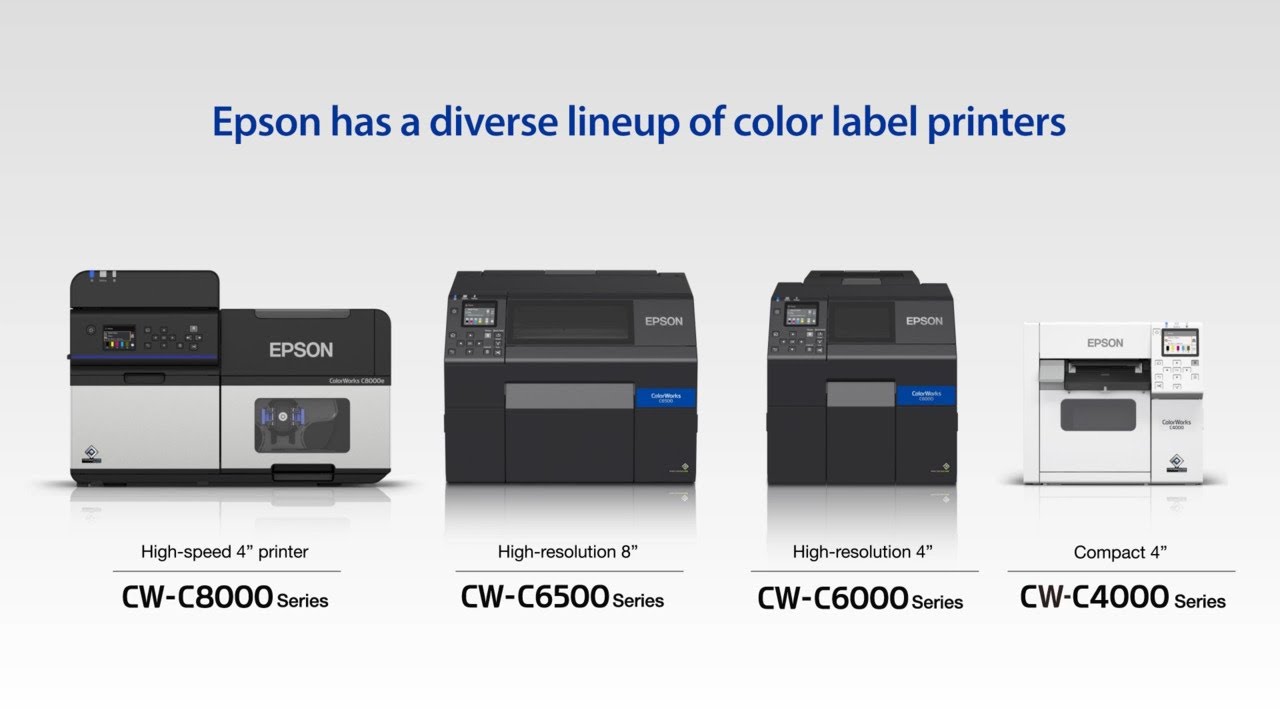
ColorWorks Label Printers | Epson’s Choice for Productive Label Printing

ColorWorks Label Printers | Epson’s Choice for Productive Label Printing

Epson | ColorWorks C4000: On-Demand Color Label Printers

Epson | ColorWorks C4000: On-Demand Color Label Printers

ColorWorks® CW-C8000 Color Inkjet Label Printer | Product Tour

ColorWorks® CW-C8000 Color Inkjet Label Printer | Product Tour

ColorWorks C6000 Series: On-Demand Color Label Printers | Take the Tour

ColorWorks C6000 Series: On-Demand Color Label Printers | Take the Tour

Epson VT6L 6-Axis Robot and ColorWorks C6000 | Print-and-apply label solution

Epson VT6L 6-Axis Robot and ColorWorks C6000 | Print-and-apply label solution

Epson C6000 Series| Improved Media Loading

Epson C6000 Series| Improved Media Loading

Epson Commercial Label | Dish-n-Dash Testimonial

Epson Commercial Label | Dish-n-Dash Testimonial

Epson ColorWorks Label Printers | Make Every Label Stand Out

Epson ColorWorks Label Printers | Make Every Label Stand Out

Epson ColorWorks C7500 | Take the Tour of the Industrial Color Label Printer

Epson ColorWorks C7500 | Take the Tour of the Industrial Color Label Printer

Expression Photo XP-980 | Bring Creativity to Life

Expression Photo XP-980 | Bring Creativity to Life

ColorWorks ID Badge Printing | Elevate Your Visitor Management

ColorWorks ID Badge Printing | Elevate Your Visitor Management

Epson ColorWorks C3500 | Borderless Printing

Epson ColorWorks C3500 | Borderless Printing

Epson SureColor S8170 Printer Overview | Maximize productivity with our fastest 64

Epson SureColor S8170 Printer Overview | Maximize productivity with our fastest 64" solvent printer

True Partnership - iD Partner Portal, Epson and 3M

True Partnership - iD Partner Portal, Epson and 3M

Epson EcoTank ET-2750 / ET-2850 | How to Clear Jammed Paper

Epson EcoTank ET-2750 / ET-2850 | How to Clear Jammed Paper

Epson EcoTank ET-2985 | Connecting Your Printer to a Wireless Network

Epson EcoTank ET-2985 | Connecting Your Printer to a Wireless Network

Epson EcoTank ET-4955 | Connecting Your Printer to a Wireless Network

Epson EcoTank ET-4955 | Connecting Your Printer to a Wireless Network

Epson EcoTank ET-2985 | Cleaning the Printhead

Epson EcoTank ET-2985 | Cleaning the Printhead

Epson EcoTank ET-3950U | Cleaning the Printhead

Epson EcoTank ET-3950U | Cleaning the Printhead

© 2025 dtub. Все права защищены.


  • Контакты
  • О нас
  • Политика конфиденциальности


Контакты для правообладателей: infodtube@gmail.com