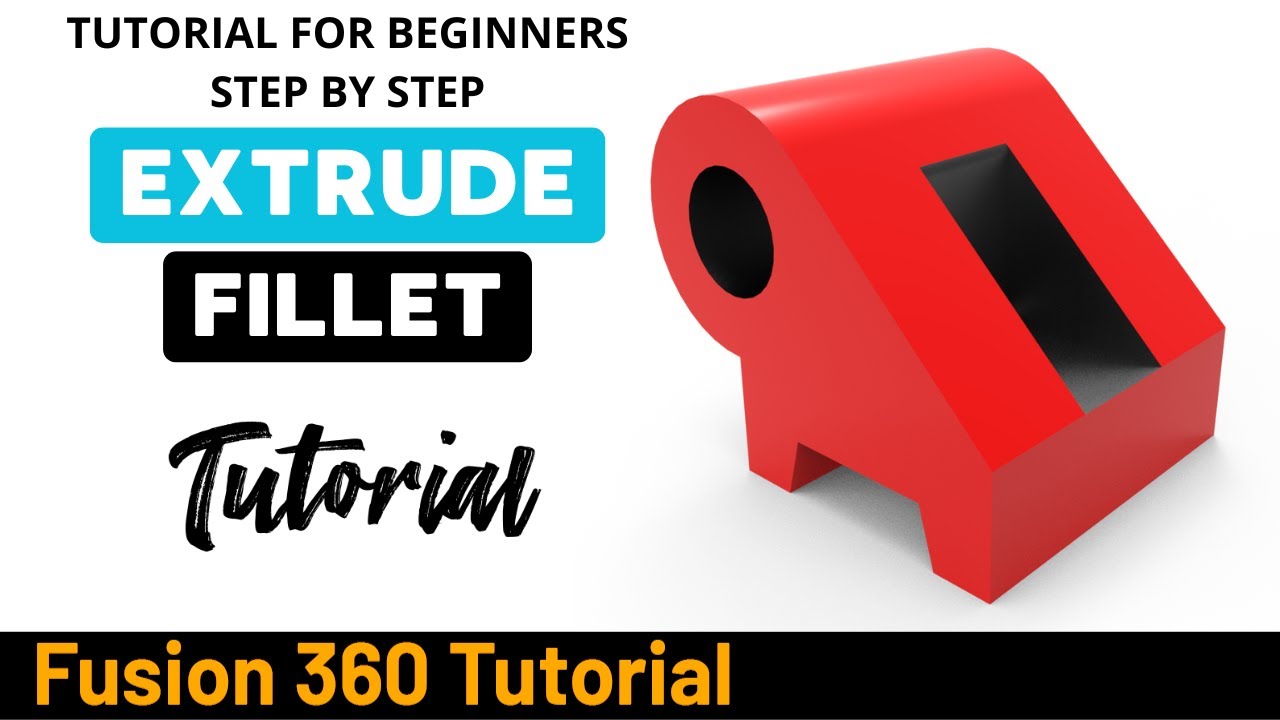
Autodesk Fusion 360 Tutorial - Exercise 9
Автор: Fusion 360 Tutorial
Загружено: 2025-09-12
Просмотров: 670
2D Sketch : https://www.3dmechanism.com/post/3d-e...
In this tutorial we'll use the features:
In Fusion 360, Extrude and Fillet are two of the most fundamental commands for creating and refining 3D models.
Extrude: This is the most common command used to turn a 2D sketch into a 3D solid. It works by taking a sketch profile and pushing or pulling it in a straight line, either to add material (a "join" operation) or to remove it (a "cut" operation).
Fillet: This command creates a smooth, rounded edge between two or more faces of a model. It is used to add or remove material to form a convex or concave edge. Unlike the "Full Round Fillet" which automatically creates a fillet between three faces, the standard Fillet command requires you to specify a radius for the rounded edge. Fillets are essential for both aesthetics and to prevent stress concentrations on sharp edges.
---------------------------------------------------------------------------------------------
Rating, commenting, subscribing and sharing are always appreciated!!
----------------------------------------------------------------------------------------------
▬▬▬▬▬▬▬▬▬▬▬▬▬▬▬▬▬▬▬▬▬▬▬▬▬▬▬▬▬▬
Follow Us On:
Instagram : / engbcruz
YouTube: / @fusion360tutorial
#Education
#Fusion360
#Fusion360tutorial
#cad
Доступные форматы для скачивания:
Скачать видео mp4
-
Информация по загрузке:




