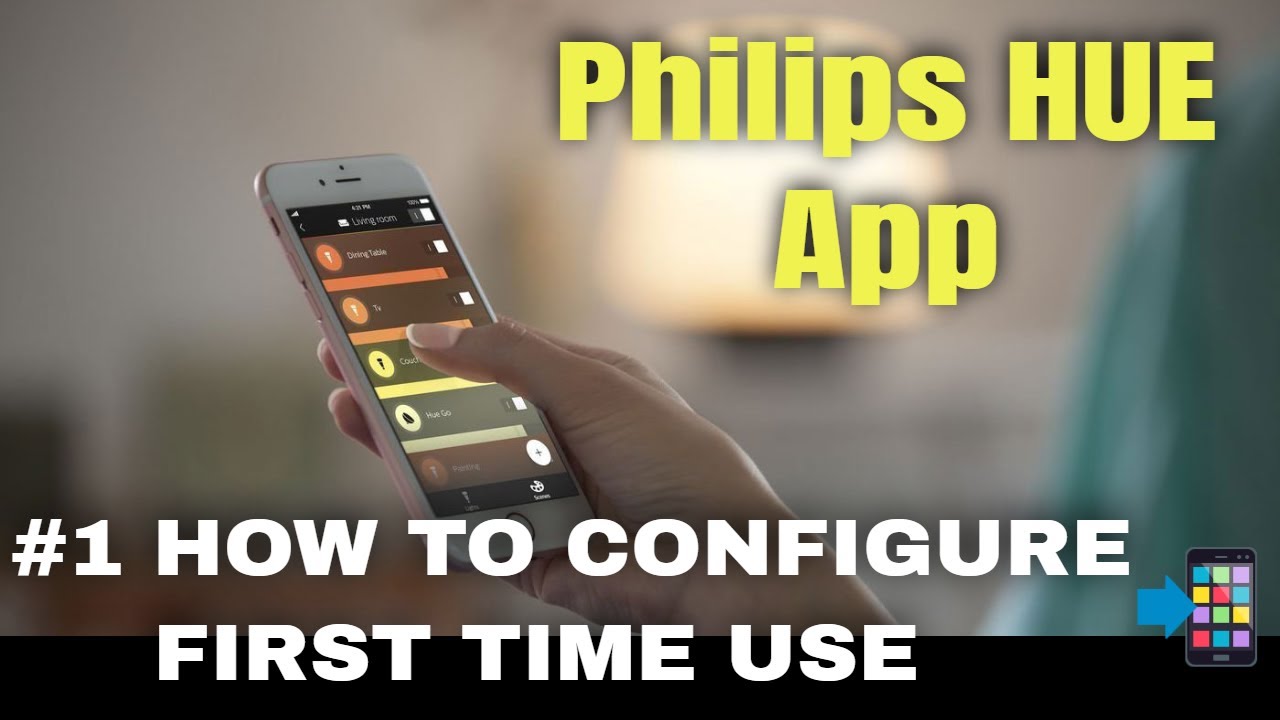
HOW TO Configure the Philips HUE App - Basic First Time Use settings
Автор: SmarQT - Technology and Smart Home
Загружено: 2019-10-07
Просмотров: 13313
If you want to control your newly installed Philips hue lights (and bridge) with a smartphone or tablet, then the HUE app must be downloaded and configured.
|| SUBSCRIBE || = / @smarqt
Technical details and prices Philips HUE smart lighting system: https://amzn.to/2NDjRFm
In this video, we will take you along the first basic settings that need to be made in the Philips HUE app after installation of the HUE lights and HUE bridge.
If not done already, first watch the video on how to install and configure the Philips HUE bridge: • HOW TO Set Up the Philips HUE Bridge and C...
After downloading the Philips HUE app from the Google "Play" Store or the Apple "App Store", you can start with the basic settings to control the first Philips HUE smart lights in your home.
In this video we will guide you through these steps:
Search the HUE smart lights
Create a room and give it a name with the corresponding icon
Add the HUE smart lights to the room
Control the room as a group or the HUE smart light individually
These steps can be repeated to create more rooms for your smart home or building.
Technical details and prices Philips HUE smart lighting system: https://amzn.to/2NDjRFm
Technical details and prices (Coolblue Belgium): https://prf.hn/l/62MEVjr
Changing room names, changing the name of the smart lights, creating zones, fine-tuning the settings, etc... are explained in other videos available on our channel.
___
Technische details en prijzen kunnen teruggevonden worden via deze link (Coolblue): https://prf.hn/l/rw9qnbK
__
Доступные форматы для скачивания:
Скачать видео mp4
-
Информация по загрузке: